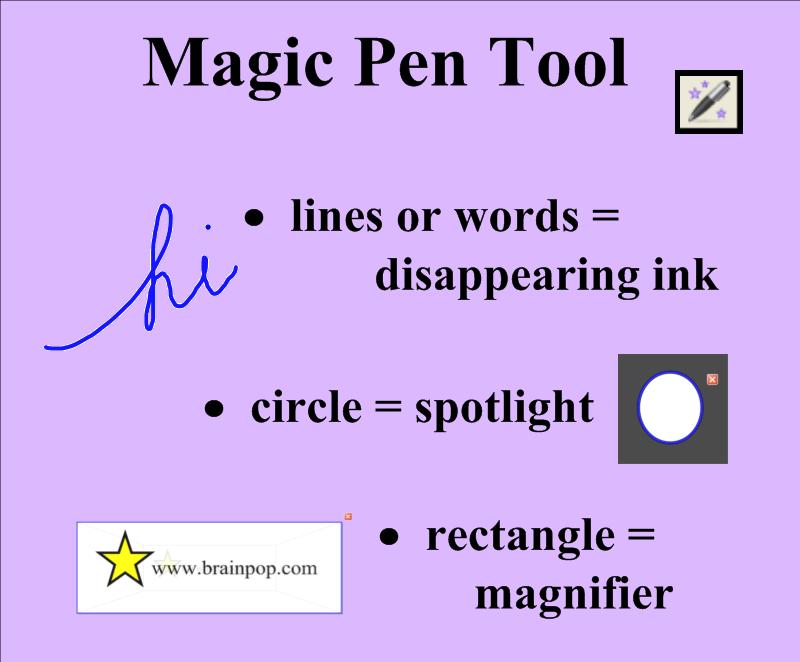
The Magic Pen tool is an additional gadget in the latest version of SMART Notebook™. It allows users to spotlight, to magnify, and use disappearing ink. Simply click on the Magic Pen icon on the top toolbar with your finger (or mouse cursor) to select this function. Then use your finger to write a word or draw a line. After a few seconds, the magical blue ink vanishes! Draw a complete circle and a spotlight will appear. The size and location can be altered by dragging up/down, left/right in the center of the circle. Draw a complete rectangle, and you’ll get a magnifying tool. Play around with this amazing feature, and you’ll find many ways to use it in your teaching.
 Kristen Foley