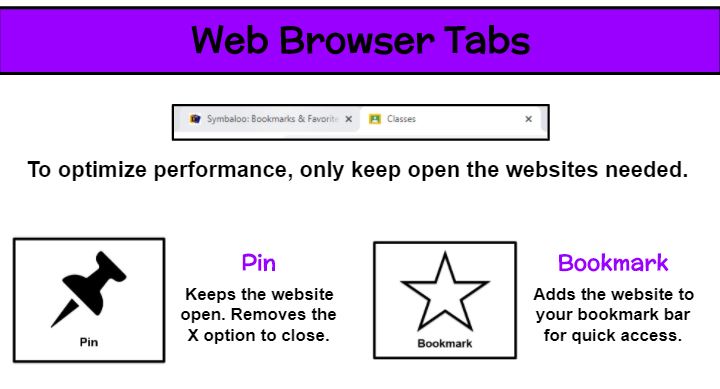
A technology device works its best when the fewest amount of applications are running. So students who have a dozen websites open (some of which may be games or videos that strain the computer and pose possible distractions during instruction) could experience issues with their video call. Explain the importance of minimizing open applications. In my remote classroom, we use Google Chrome and students start the day with just our district Symbaloo and Google Classroom tabs. They are reminded to X out of any others such as the tab that launched our Zoom meeting. As our morning progresses, additional pages may be needed. But as we finish with those websites, students are instructed to close them.
To avoid the accidental closure of a needed tab, I teach students how to pin and bookmark sites as well as the difference in their uses. By right clicking on a website tab, the Pin option (push pin icon) keeps the site open. In fact, it removes the X completely. In order to close it now, the user must right click on the tab again and select Unpin to view the X. I highly encourage pinning a website when students are taking an assessment. Although some tasks may be autosaved and allow the student to pick up where they left off, pinning will help you avoid those scares. The Bookmark option (star icon) is used to collect often used sites in a list. Those appear in a bar along the top of your browser and additional ones can be located by clicking on the >> at the end of the row. Users can rename bookmarked sites by right clicking and editing or rearrange them by clicking the title and dragging it to a new spot on the bar.
 Kristen Foley