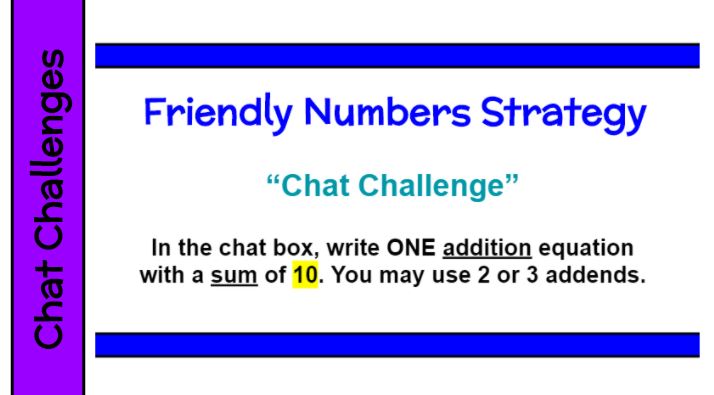
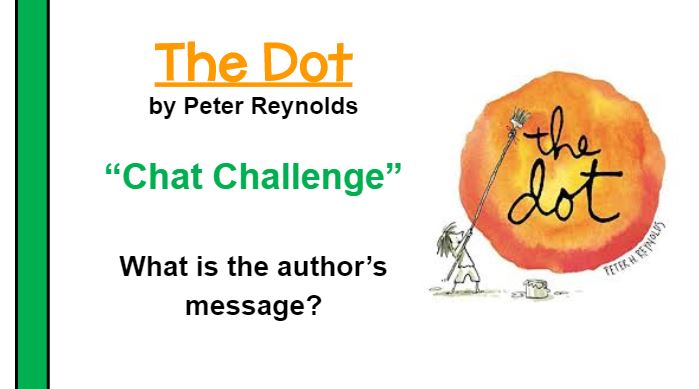
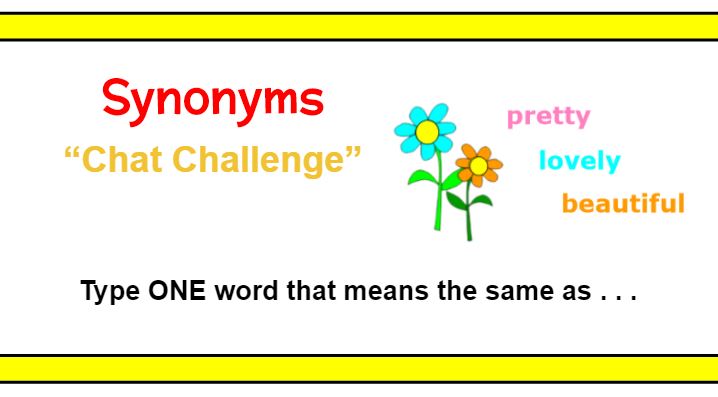
Posing a “Chat Challenge” allows all students to participate at the same time. The questions/tasks are often open ended and can accommodate different academic abilities. Here are examples for math, reading, and language. You will get so much more student engagement and can do a much better job of checking for understanding in the remote setting. I try to include at least 1 chat challenge every hour we are synchronous. It is one of the activities my students enjoyed the most.
Author: Kristen Foley
Remote Learning – Morning Messages
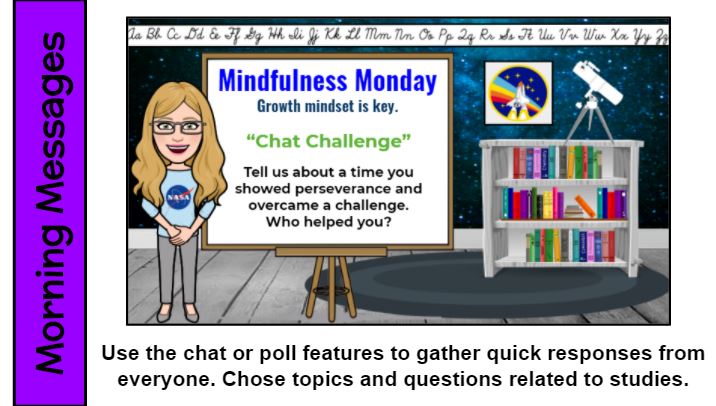

During morning messages, teachers want every student to think/reflect and share out. Try a “Chat Challenge,” Zoom poll, or breakout room to encourage participation. Then open the door for deeper class conversations. Check out these daily morning message themes that cover a variety of topics and include alliteration. Consider prompts related to studies or a recent book.
Remote Learning – Slidesmania!
Don’t be limited to the templates that your presentation software provides. Check out http://SlidesMania.com for FREE and awesome starters – presentations, games, choice boards. They are available as PowerPoint or Google Slides. There are many to choose from, so you are bound to find a winner that you can customize to fit your purpose.
Remote Learning – Step-by-Step Guides

Create step-by-step guides to walk students through getting onto and using the features of a new program for the first time. Post it to Google Classroom in a “Resources” section for absent or new students to reference. While it does take time to make these resources, it will save you time repeatly going over the process with students (as well as their special grown-ups) and it is such a wonderful gift to share with colleages!
Remote Learning – Class Chants
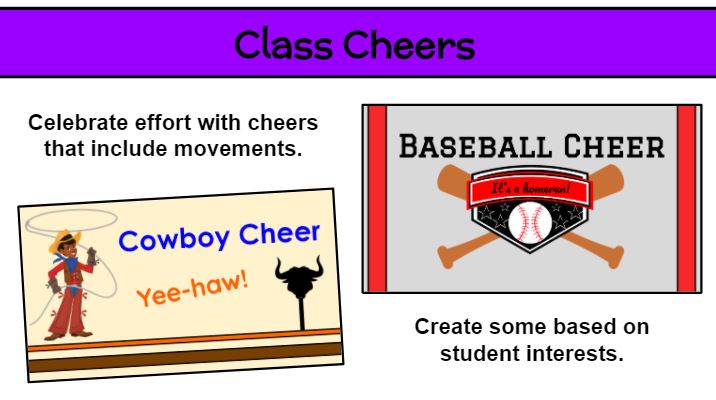
You can use call and response the same as when we are in person, except the kids stay muted. I like to create Google Slides for visuals. Remember to include movements. Take out your imaginary magic wand and give it a wave! The kids will appreciate your enthusiam and the break in traditional school work gives them an opportunity to speak, move, and re-energize.
Remote Learning – Timer

Link the site http://online-stopwatch.com to your presentation pages (or bookmark) for quick access to timers. If you want students to focus on work or step away from the screen to take a break, use the less exciting ones. I have used this resources for many, many years. What a great visual for students to manage their work time. Be sure to check your volume level in advance so you don’t scare the pants off of the kids!
Remote Learning – Breakout Rooms as a Quiet Space
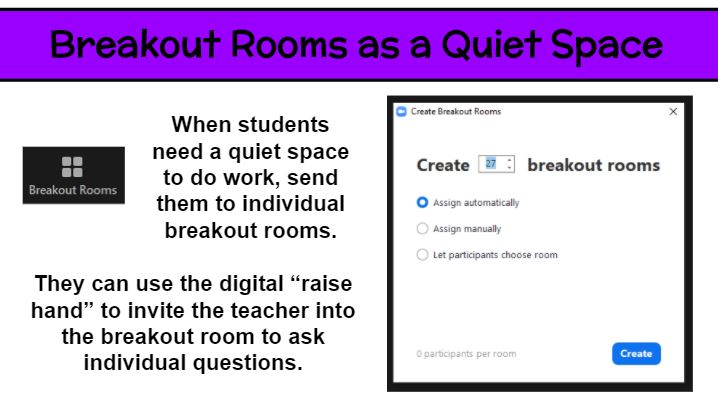
Breakout rooms are great for small group discussions. But what about using them for individual students. A large whole-class virutal meeting is never truly silent and free from distraction. So how can students spend time reading or thinking in that setting? Why not put each student in an individual breakout room for that 5-20 minutes of time? Then everyone can read to self, practice fact fluency, watch a video (hopefully without streaming issues), and the like. Of course, it is important for for students to be supervised at home or generally responsible. As the teacher, you can pop into each breakout room to check in on kids and have individual conferences. Keep them on their toes by not saying ahead of time which kids you will meet with. If a student needs help or has a question while in the solo setting, he/she can use the digital “raise hand” feature to summon the teacher.
Remote Learning – Checklists
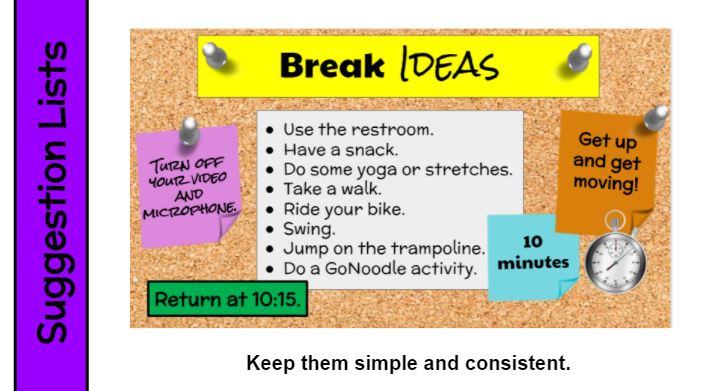
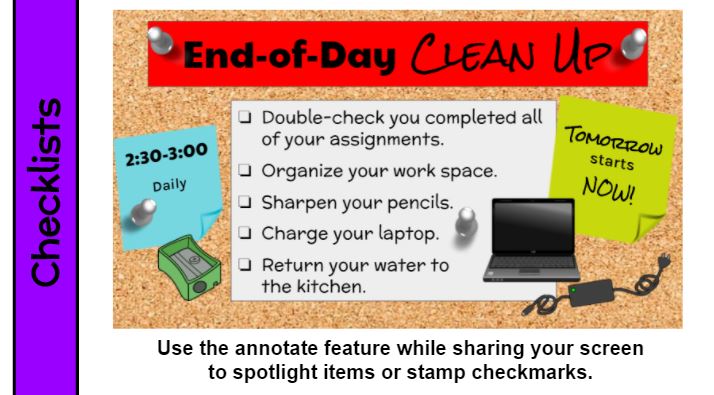
What to do before/after class or during breaks must be directly taught and reinforced daily. If there are options, include a list with the most important at the top. You can also divide a checklist into MUST DO and MAY DO categories. Whether your list is a bulleted (options) or consists of check boxes (required tasks), be sure to include the time frame (10 minutes, 2:30-3:00, return at 10:15) as well as other expectations. Keep it simple. Keep it consistent. Review often if not daily.
Remote Learning – Preview the Day
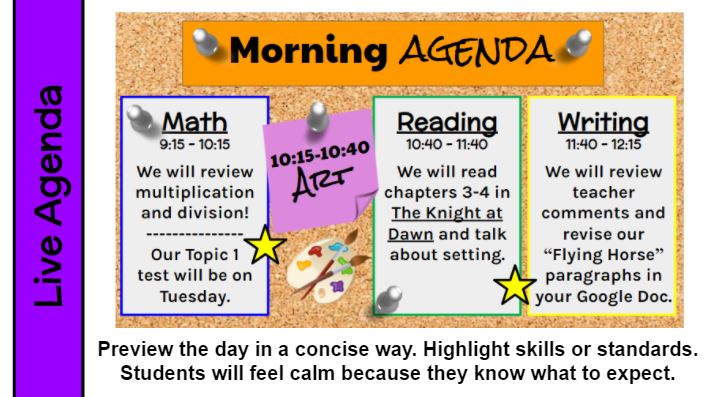
If you preview your plan for the synchronous day, students will have fewer questions and feel more comfortable. But keep it simple. Kids just want to know the gist. This is the Google Slide I present during our morning meeting. From 9:00-9:15 I greet the students, share reminders, do check-ins, integrate digital citizenship, and present our social-emotional curriculum. As you know, I color code everything, so on this agenda page math is outlined in blue, reading is green, and writing is yellow just like their physical materials and my lesson slides. I think the colors help student categorize and organize. The stars represent our 10-minute breaks. Our schedule is consistent every day, though there is an occassional special event that requires some adjustments. Simple and consistent is key, but flexibility is definiitely present.
Remote Learning – Daily Agenda
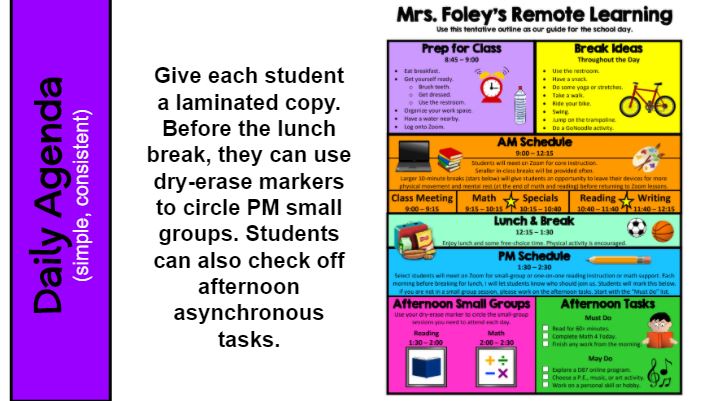
Keep your daily agenda simple and consistent, if possible. Having regular start and end times will be essential as many remote students will be independent in remembering and returning for sessions. Suggest they set an alarm or reminder on a phone, kitchen timer, or virtual assistant (Alexa, Siri) to be on time for afternoon sessions.
For my students, I laminated this chart, which is a general outline of our consistent daily schedule. Just before we ended our morning learning session, I would remind students if they needed to return for afternoon groups. They would use a dry-erase marker to circle reading 1:30-2:00 or math 2:00-2:30. It also had a short list of indepdent work with checkboxes. I liked that this allowed students to be independent and that it wasn’t digital so special grown-ups would be able to take a quick look at it to be informed about PM groups and work completion. At end end of the day, students could wipe it clean with a microfiber cloth I provided (or a tissue) and be ready for the next school day.
 Kristen Foley