Gif Imitation Games

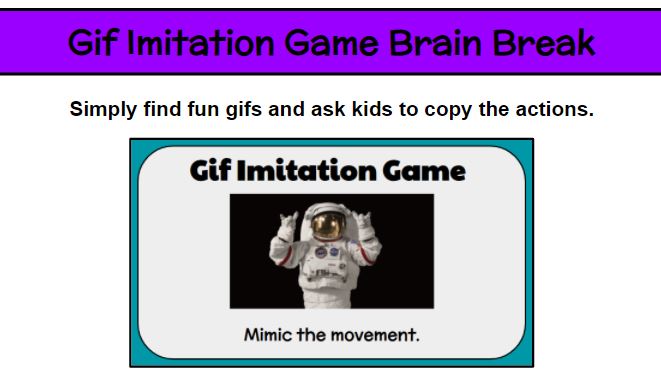
Kids love gifs. (Not gifts . . . this time. GIFS.) Who doesn’t love gifs? So, let’s give everyone what they want. During a brain break, kids are looking to have a good time, be silly, move around. Find some inspiration at www.giphy.com and create your own mime game. Some of my themes included cats, dogs, penguins, Super Mario, Toy Story movies, Disney movies, Lego movies, and this stellar astronaut doing various far out moves.
EmojiCopy

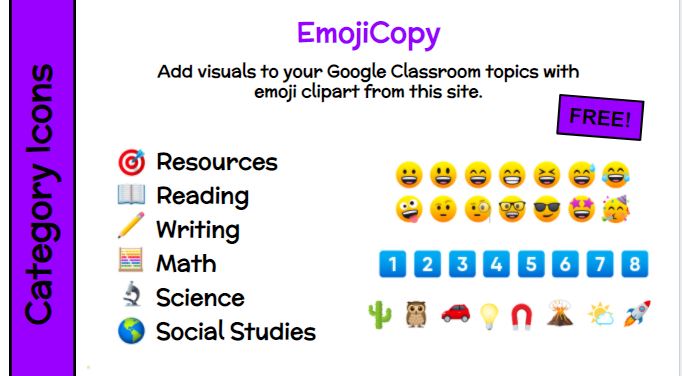
Organization and visuals. Two of my favorite things! Hello, EmojiCopy! While topics help organize Google Classroom, free clipart from EmojiCopy add even more clarity. Simply copy and paste. Categorize your GC topics by subjects, units, or weeks. The students will love them not only becuase they are emojis, but becuase your classroom management system will be easier to navigate. Looking for “Resources” . . . find the target icon. Looking for that unit on space . . . find the rocket.

EmojiCopy Website Link: https://www.emojicopy.com/

Remote Learning – Zoom Screen Share

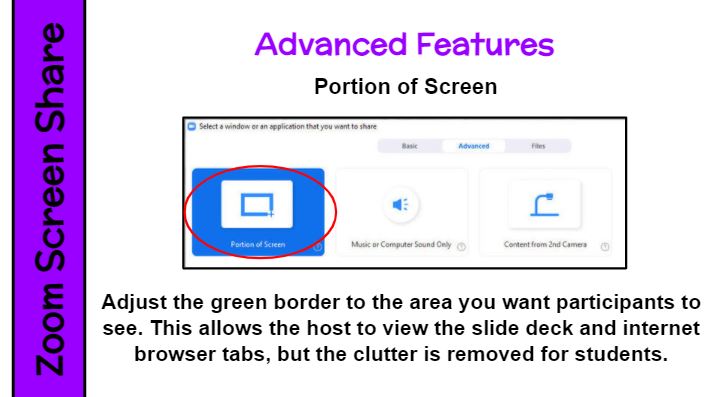
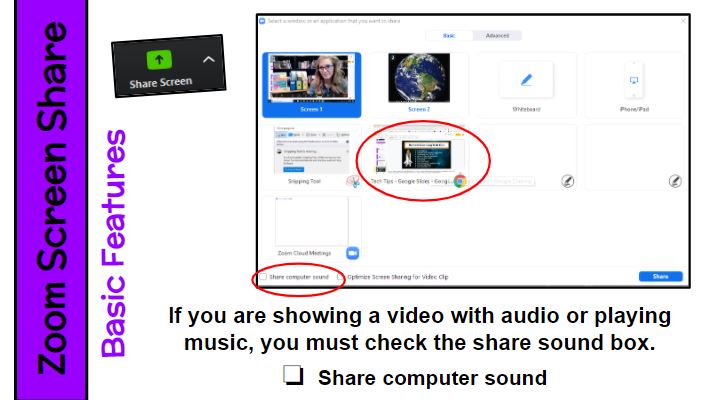
There are a couple of great tips for using screen share in Zoom. First, if you are showing a video with audio or playing music, you must check the “Share Computer Sound” box. Second, check out the “Advanced Features” tab. Click on the “Portion of Screen” option. An adjustable green box will appear. Resize it to include just the area you want participants to see. This allows the host to view the slide deck and internet browser tabs, but the clutter is removed for students. I use this feature every time I share my screen. Every. Time.

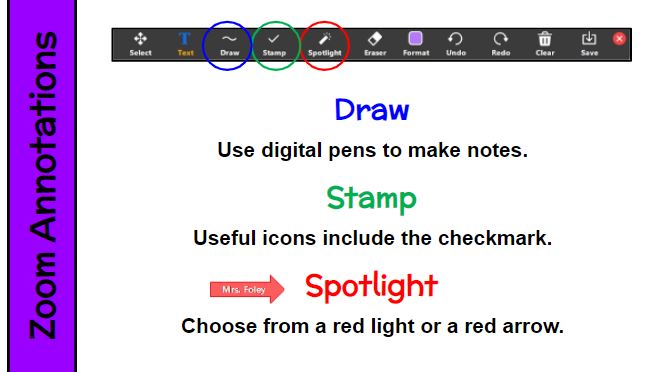
Zoom video conferencing has so many wonderful tools! I enjoy using the annotations, which give me capabilities that I am used to having at my fingertips on the classroom SMARTBoard. I can do real-time note-taking and drawing. The spotlight feature is amazing for helping students focus their attention on the part of the screen I want them to look at. I regularly use the spotlight arrow. The annotation options can be set to just the host (teacher) or toggled on for users as well. Start exploring!

Remote Learning – Socialization

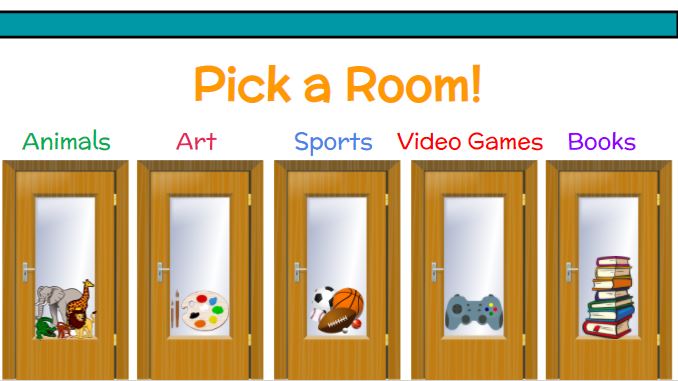
During distance learning, our students miss the daily conversations with friends. Whether it is at lunch, on the playground or bus, or during transitions, they want to talk about what they want to talk about. Remotely this can be via breakout rooms. Try creating these spaces based on likes you’ve heard the students talking, reading, or writing about. Preview the day’s choices, and let the kids pick which “room” they go into. Once in those small-group spaces, the clusters can chat about that topic (and others of course). I suggest you have another adult (program assistant, LBS1, speech-language therapist, counselor, or pre-service teacher) join so that there is some supervision.

Remote Learning – Special Guests

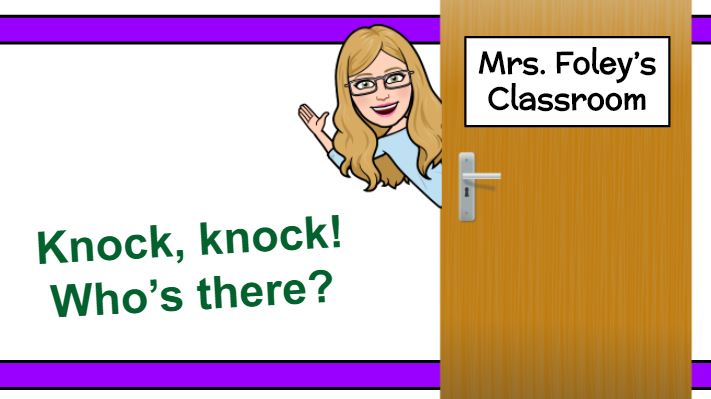
Arrange surprise visits from the school community (principal, nurse, secretary, TAs, superintendent), community members (meteorologist, zookeeper, museum curator), or family members (mom, dad, grandma, older sibling) who can read a book, share a career/culture, provide encouragement. Use a doorbell or knocking sound effect when you admit the special guest to the virtual meeting. For my students, we had a surprise guest every Monday. They knew to expect someone at sometime, but I introduced the mystery person after they entered. Remember to stop presenting and ask participants to view their screens as a gallery so they can see everyone.

Remote Learning – Special Events

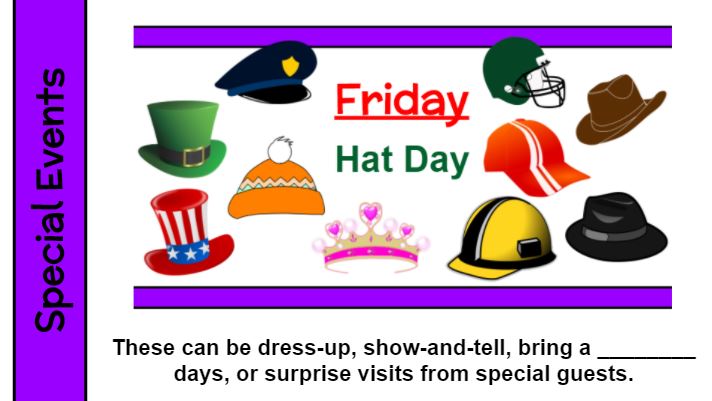
Students look forward to special events. Some tried and true examples include hat day, PJ day, sports day, gum day, costume day, crazy hair day, bring a stuffy, bring a special drink, and show and tell. Prepare a Google Slide to preview the special event and show the kids the day prior. (Don’t forget to send an email or Remind message to special grown ups as well.) And most importantly, join in on the fun with your students!

Remote Learning – Room Transformations

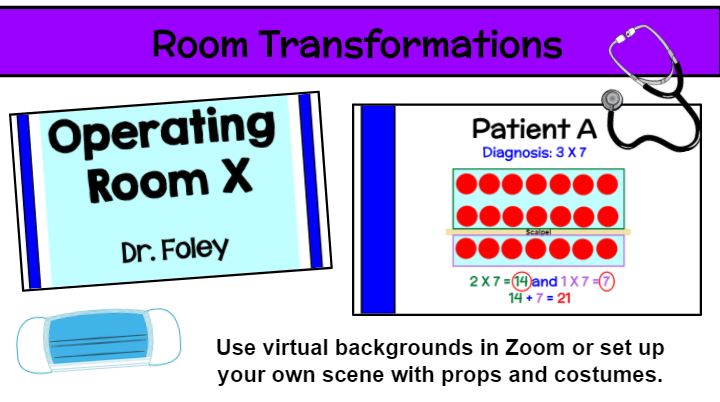
You can still do all of your favorite room transformations and more now that your “classroom” is the small space around your computer! Add a virtual background, props, or a costume. Consider mood music or change your voice. The kids just LOVE this. It works for holidays (Halloween, St. Patrick’s Day, Presidents’ Day, Cinco de Mayo), celebrations (PJ day, glow day) or academic themes (rainforest, ancient Greece, math operating room).

Remote Learning – Student-Created Norms

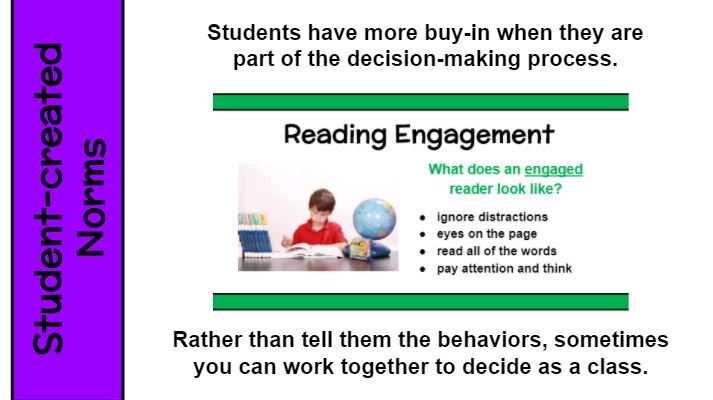
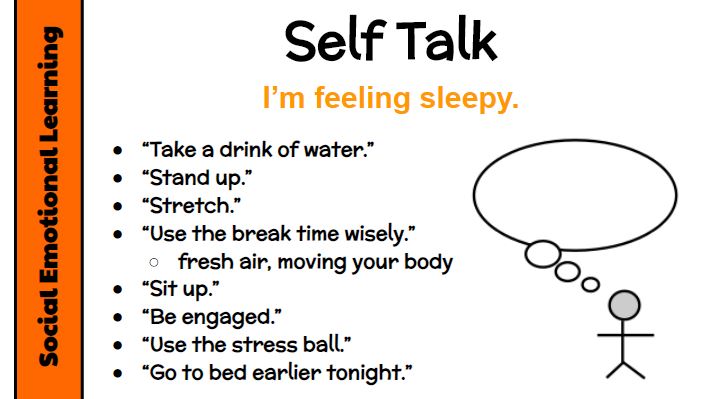
Ask students to help set class norms. Kids are willing to follow through with expectations because they participated in the creation. This allows teachers to see what kids find appropriate/doable. Check out these examples. Sometimes you will know as the instructional leader what norms need to be discussed. And other times they will emerge as a need, such as drowsy remote learners . . . what can you do if you are feeling sleepy?

Remote Learning – Whiteboard Tool

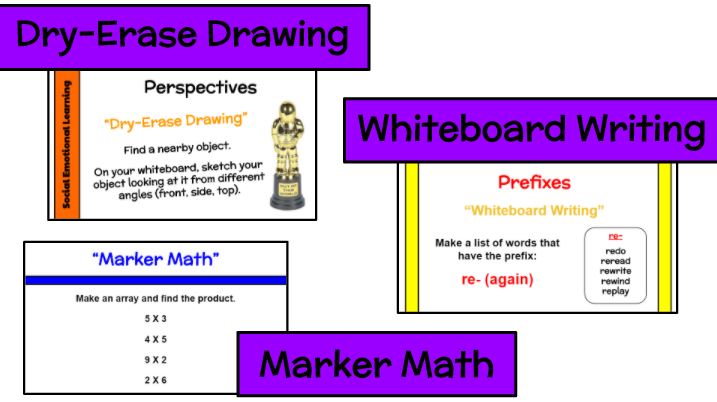
As students use whiteboards, identify the allowable actions through fancy titles. Dry-Erase Drawing (draw using shapes and colors), Whiteboard Writing (write words), or Marker Math (record math notations and pictures). I included these terms on my Google Slides and also had my own whiteboard and marker ready to hold up. Don’t have whiteboards for your remote students? A laminated piece of white cardstock is a great substitute.