WeDo 2.0

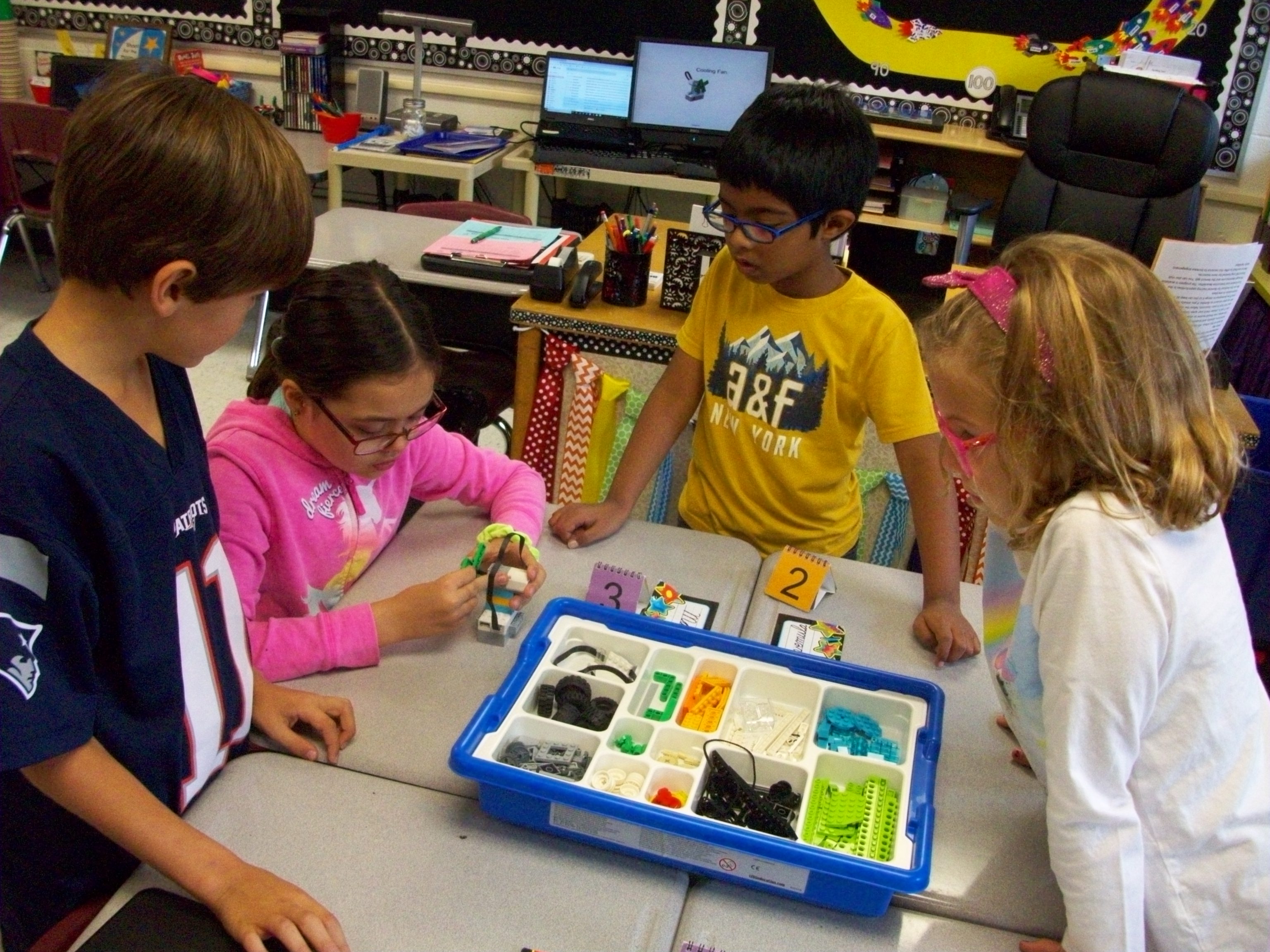
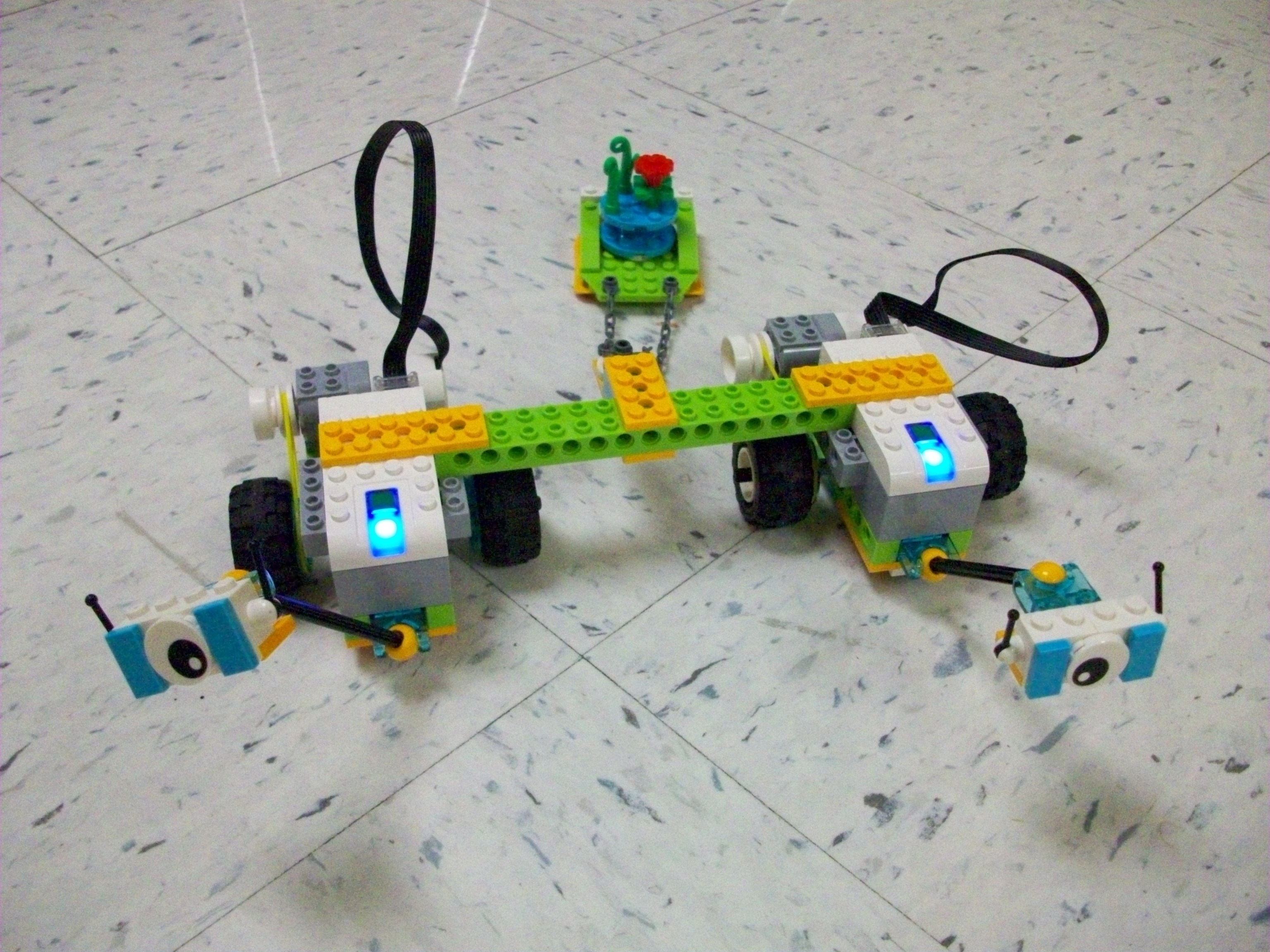
Legos in school are ok by me! Especially when they are the Lego WeDo 2.0 kits that encourage engineering, science, and collaboration. I borrowed 8 sets from our district supply for 6 weeks. Each Thursday the kids were given a task, beginning with introductory ones (fan, snail, satellite, and robot) and eventually leading to Milo and his multitude of variations. There are also more advanced challenges that align with various science learning standards. Max and Mia, two Lego characters, lead students through the steps of exploring, creating, documenting, and sharing.

When planning for the first lesson, take the time to download the Lego WeDo 2.0 software (free) on the laptops you will use (1 per group) from your app store. Or plan to walk your teams through these steps. Then be sure to use the same laptops the next time your class works with the kits. This program provides step-by-step guides and coding software.

My biggest suggestion is to space out the groups so the Bluetooth signals of the Smarthub and laptop can clearly communicate. Sometimes there can be interference between teams. Also, make sure you have a fresh set of 2 AA batteries in the Smarthub (main device with the light). To open the compartment, slide the top. (I had to look it up online because I assumed they would pop apart and wasn’t having success.)

Honestly, learning how to use the kits and deciding how to manage the groups and troubleshoot confusion or tech issues seemed overwhelming for me. However, I watched some videos online and played around with the tasks (along with some help from my school-aged daughters) before introducing them to my class. The issues of interference and weak batteries were lessons I learned in the process with my students. And though I often prefer to not have issues during instruction, I think these obstacles taught us all how to react to problems with perseverance.
Makey-Makey

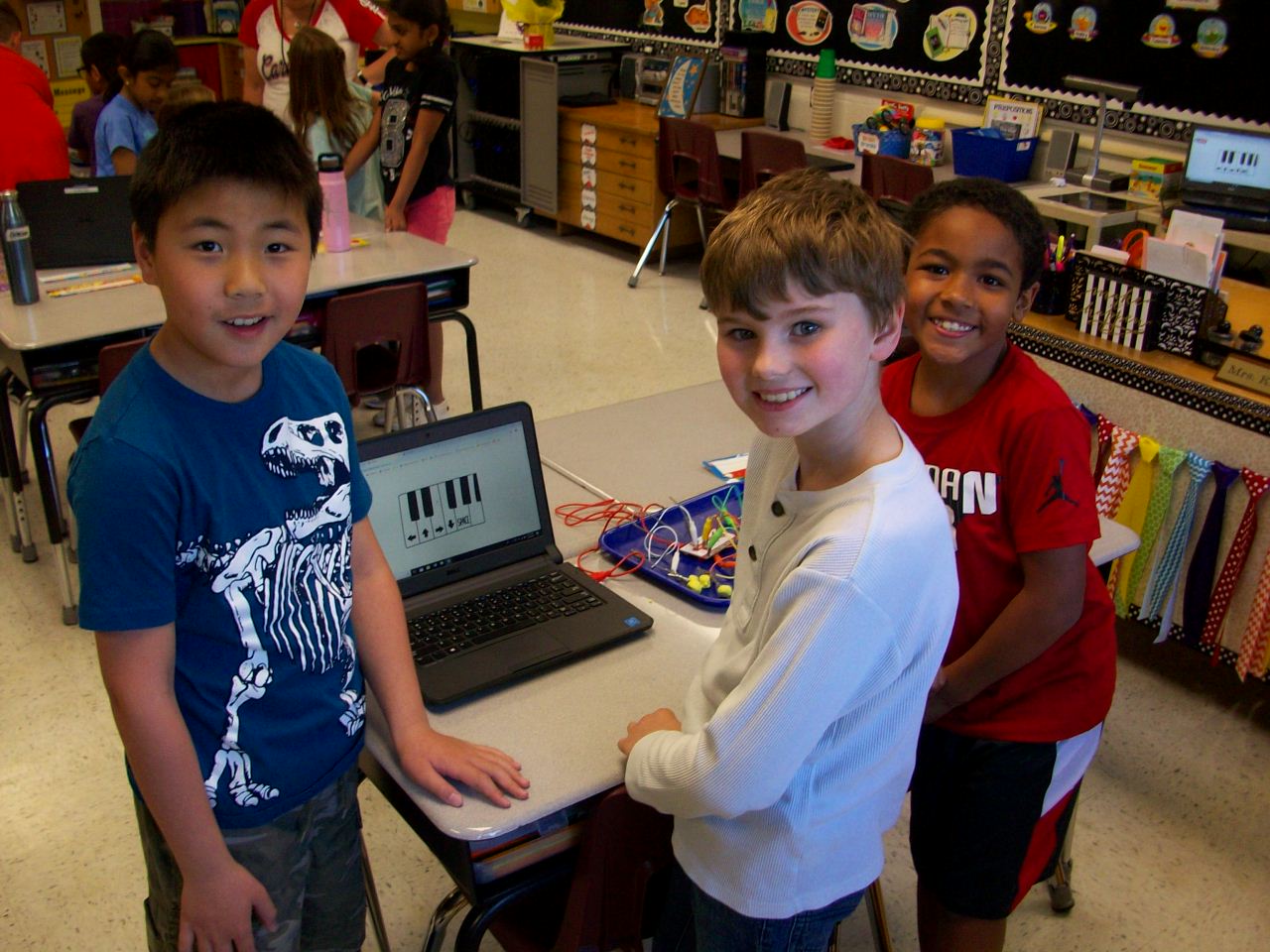
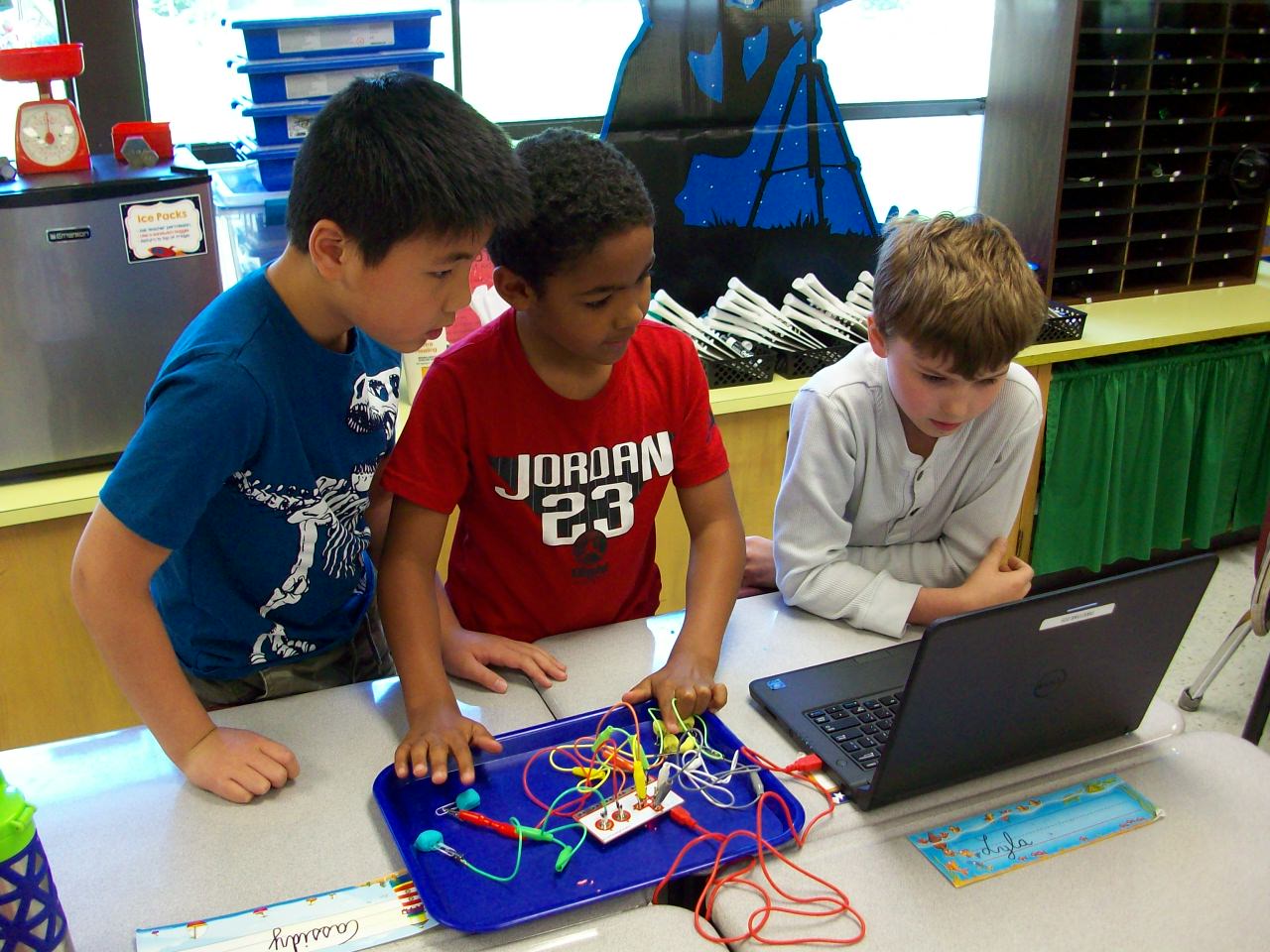
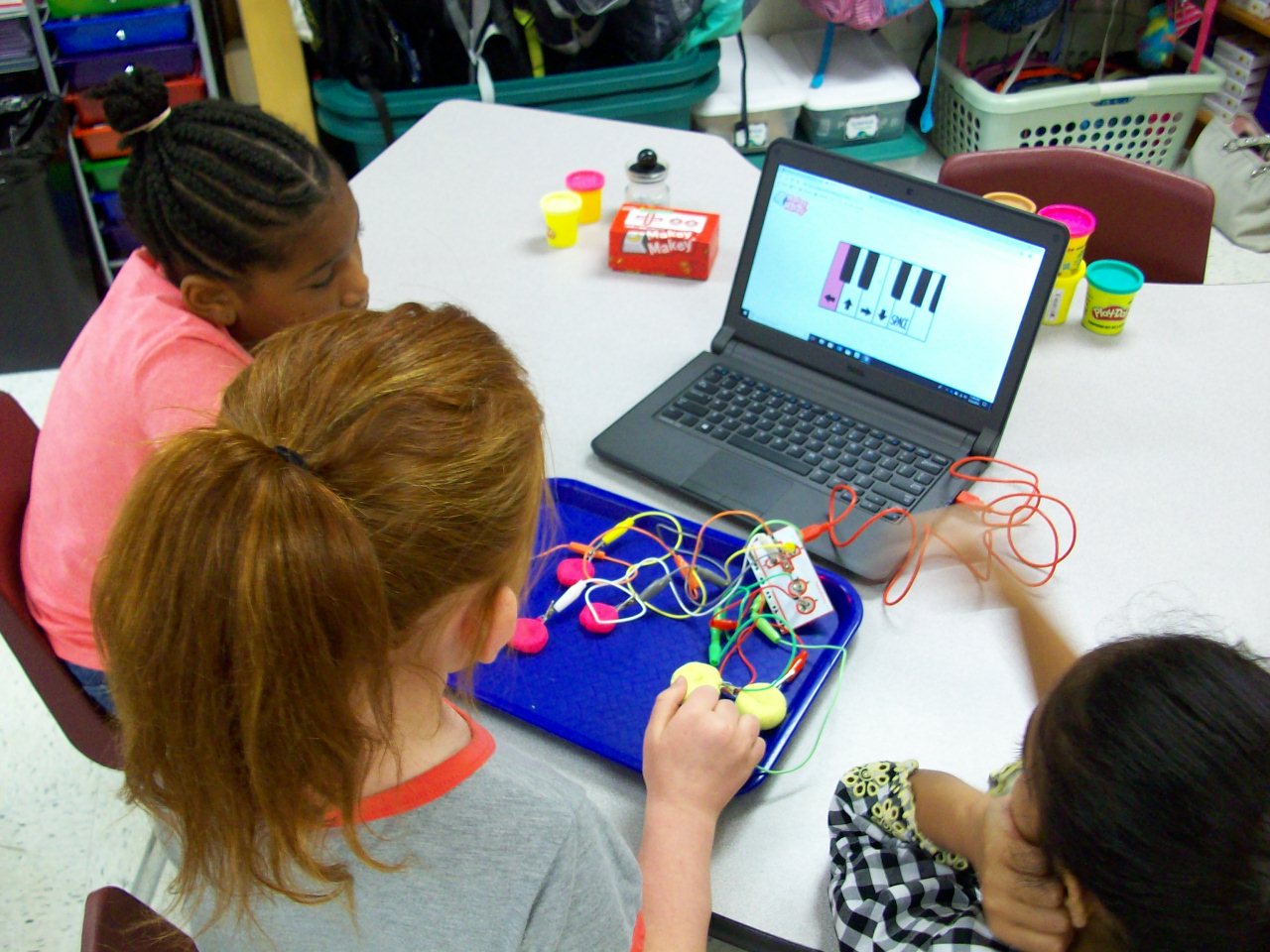
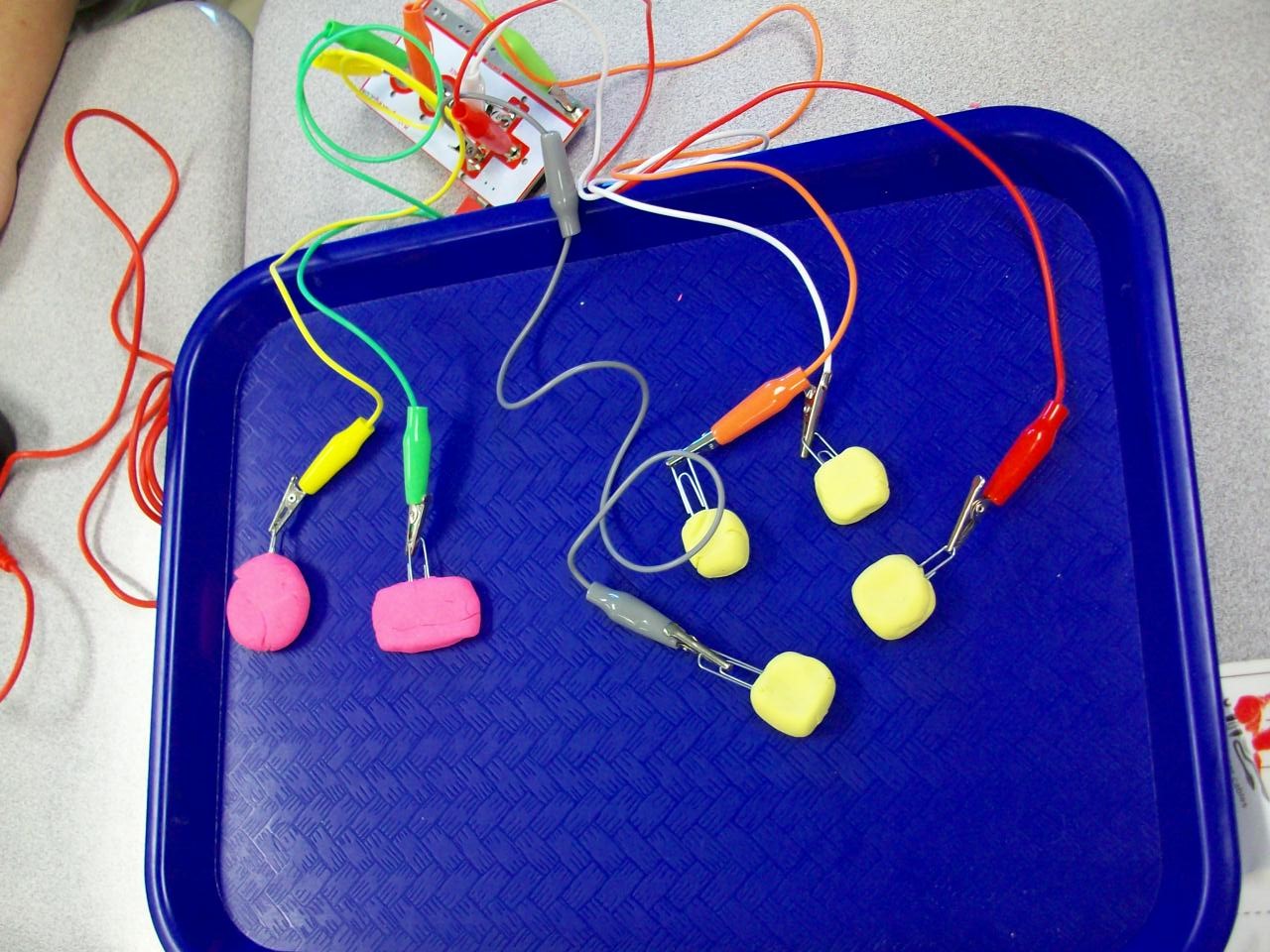
Makey Makey is the coolest! The small box contains a motherboard, wires with alligator clips on either end, and a USB cord to connect a laptop. What’s so special about these materials? In the right configuration with conductive materials (Playdoh, bananas, etc.), you can take over control of the keyboard and mouse. I introduced the Makey Makey kits with a Mrs. Foley talent show performance. Act 1: Comedy. I made a SMART Notebook file with several banana jokes. Each time I delivered the punchline, I tapped the bananas I had attached to the hidden motherboard and the bongo app I had opened played my “bu-dum-dum” rhythm. The kids saw me tap the bananas, but heard a bongo. They were confused. Seeing as how my jokes were sub par, I decided to up my game and impress the class with my classical music talents. Act 2: Piano. So I switched over to the piano app and played “Ode to Joy” on the bananas. Beautiful. Still, the kids were perplexed and I thought my performance needed to be more in line with their interests. Act 3: Video Game Master. So I pulled up the original Super Mario Bros. video game and attached a different motherboard with Playdoh chunks. Start game. Tap the Playdoh. Avoid the goombas, turtles, and ledges. Pass level 1. And soak up the cheers and laughter. This is when the class was fully on board. Because I had the motherboard and wires covered with a cloth, the kids didn’t understand what was happening. So when I revealed the devices, they were soooo curious and wanted to check it out themselves. Each team of 3 was given a box with the Makey materials, 2 containers of Playdoh, and paperclips (to keep the alligator clips from getting covered in the clay. (I opted not to give every group 5 bananas, but let them try out my set up.) They began with the bongo app and moved on to the piano app and eventually the Mario Bros. game. After the exploratory part, I asked the students to help explain how it all worked. It led into a fun discussion on electrical circuits and conductors. NOTE: The circuit only works if the “player” holds onto the “earth” alligator clip so the loop is complete. We had the best time and an hour passed in what seemed like seconds. The students were completely engaged and loved the fact that they played Super Mario Bros. at school! (I hope they explained the purpose to their parents when they boasted about their video game experience that night.)

Green Screen Puppet Shows

So, I’ve wanted to do green screen projects with my students for awhile now. But managing it seemed impossible. Until I came up with what I thought was a smaller-scale activity. As it turns out, this adventure took just as much time and effort as a full-scale human actor green screen video. But we still had a blast! Let me share what I learned along the way.

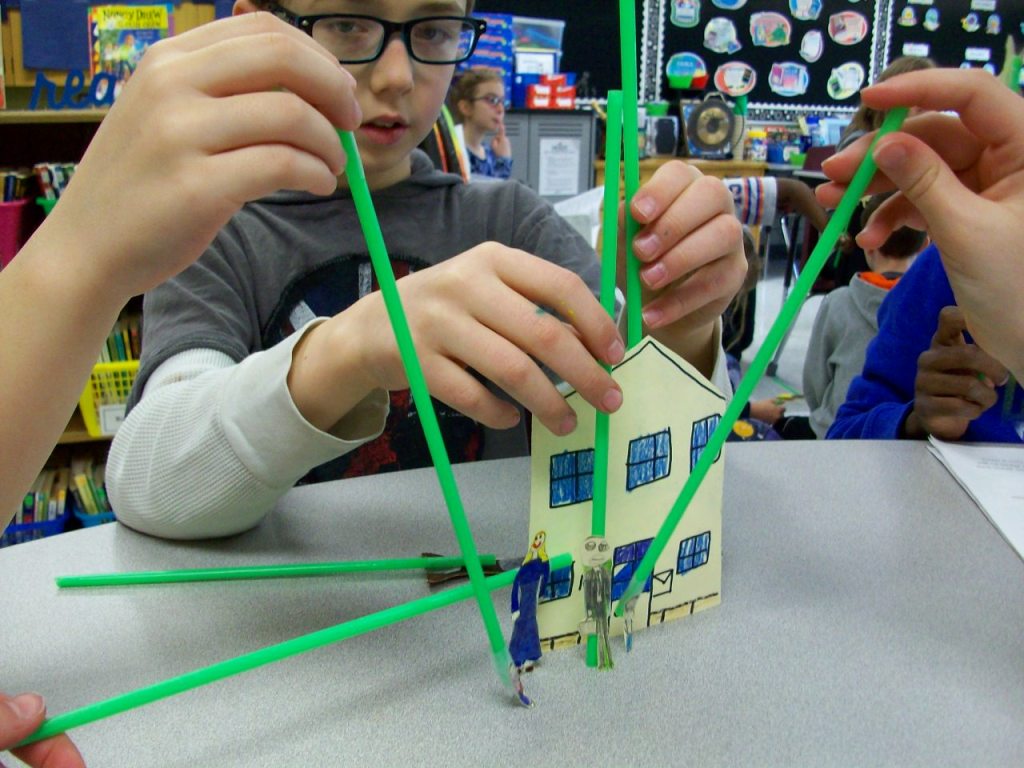
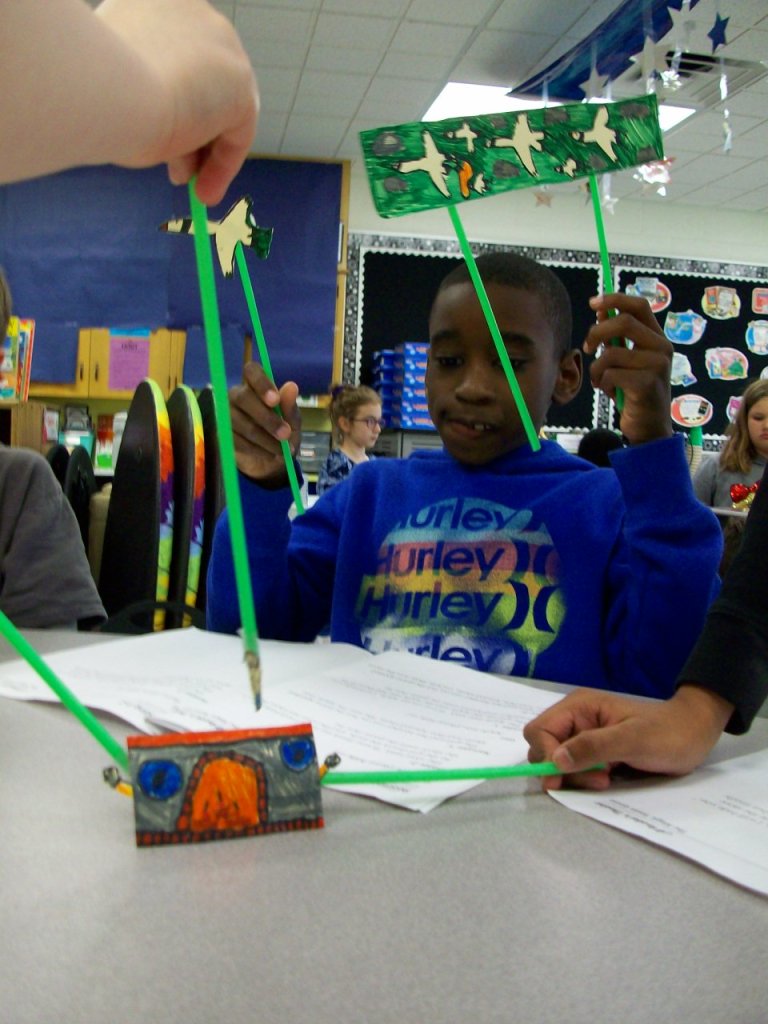
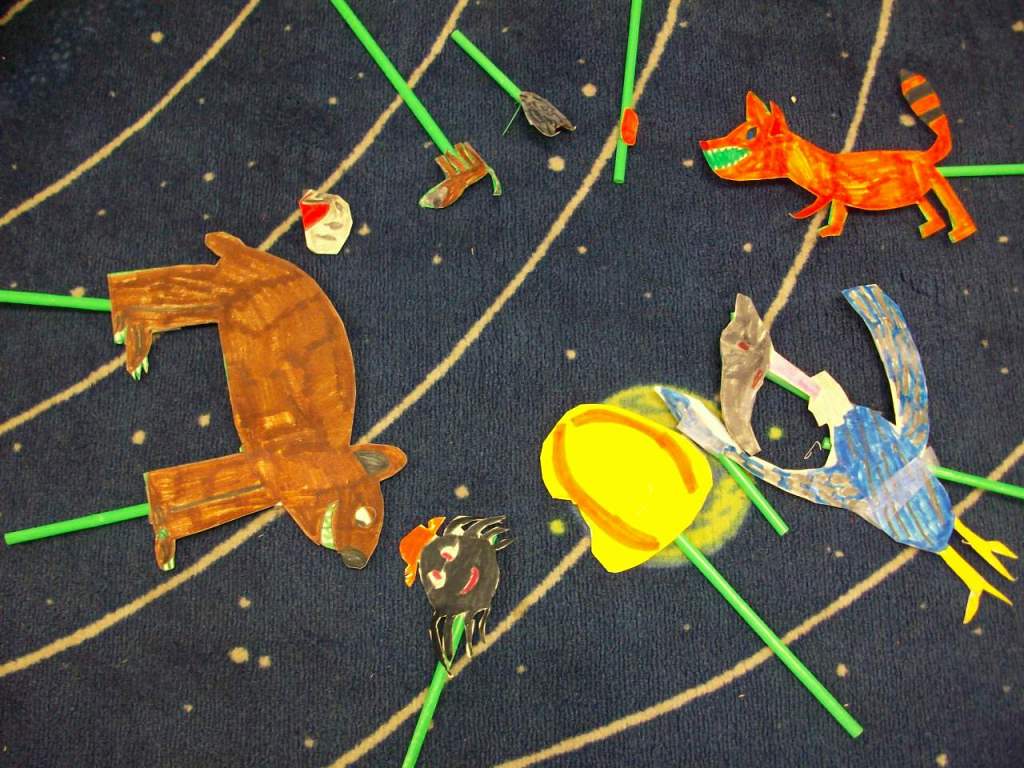
First, I do think stick puppets is the way to go over kids acting. It reduces pressure and self-consciousness. I found five folktale plays and began with groups reading independently for comprehension and then choosing parts and practicing fluency. Next, they created the puppet characters and props on a thick cardstock. TIP: Avoid green when coloring your puppets, because that part will take on the background image. If you really need green, use a different shade from your fabric. However, if you had small areas around an puppet that would be difficult to cut around, just use green and the background images should appear in that space. One of my groups were pure geniuses with this. They needed a flock of birds, but instead of making 6 individual birds, they colored green marker around the birds and cut them out as a big set. So clever! We attached green straws that matched the green background color. TIP: It’s easier to find different shades of green in fabric, so purchase your straws first, then bring one to the store and hold it up to each bolt of cloth. You’ll want them to be a very close match in order for the straws to disappear on screen.

Then the groups practiced fluency in conjunction with maneuvering the stick puppets. Since it was a small space, they had to work in close quarters. TIP: I stretched the fabric across a rolling clothes rack I typically use to hold pocket charts. Some students held puppets from either side and others reached over the top or came up from the bottom. I also let the teams pick their virtual backgrounds. We used free images from www.pixabay.com. A few groups only needed a single image for the story, but others required 2 or 3. Our district has Zoom video conferencing which has a recording option. That worked perfectly for inserting the virtual background and filming. TIP: A smooth fabric screen and good lighting is key to the virtual image looking crisp and the straws disappearing into the background. Any wrinkles in the greenscreen or an overcast day can negatively impact the quality. We often tightened the fabric and did all of our recording near our wall of classroom windows.

While one group was filming, the others had independent reading time. We had to have absolutely silence since the Zoom recording was able to pick up a lot of background sound. Some students enjoyed watching the other groups rather than reading, and I was fine with that. When all teams finished, we had a whole-class screening and shared compliments with each group. It was certainly a learning process for me, but I feel the students learned a lot about what goes into a production. For some of them, this might have been their first experience with performing arts or this kind of technology. And perhaps it opened a new door for those who most enjoyed it.

One School, One Book – Pig Podcast

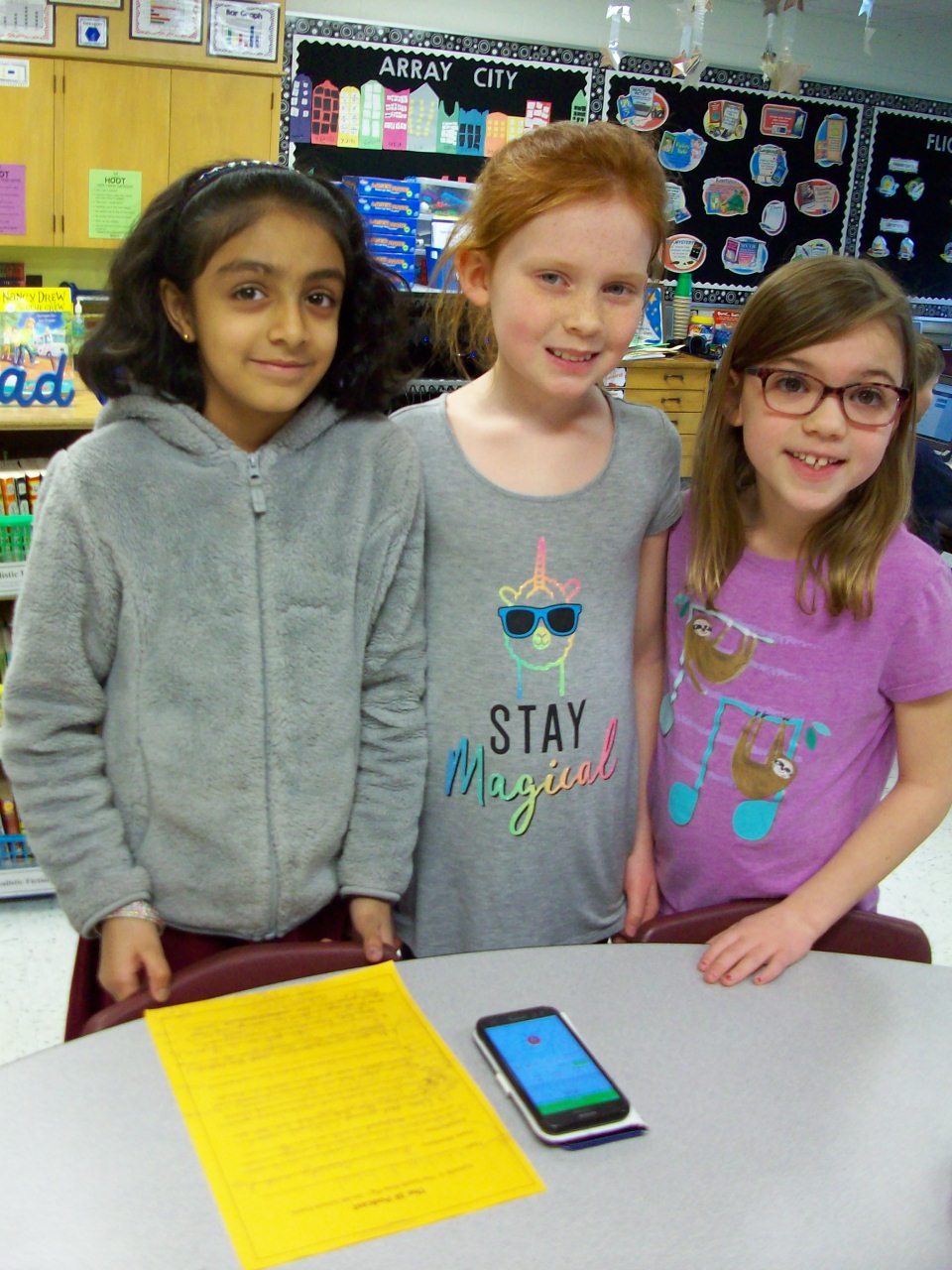
I don’t think I’ve challenged myself enough this school year. Why not try a podcast? Ok! It sounded very involved, but once I decided on using www.podbean.com (free), the rest was business as usual. As a class we brainstormed topics to highlight our all-school novel study of The Adventures of a South Pole Pig (fun characters, closing assembly play, trivia, family events, etc.) The kids chose their groups and chatted about what to include. I provided each team with a template. The worksheet had them think of a unique opening for their segment (onomatopoeia, single word, song, etc.), share 5-8 details, and wrap up with a creative closing. We used my cell phone as our recording device, and I saved each section as separate files that I later merged into one podcast on the app. I was excited to have a real audience for this project (mostly parents) and incorporate writing and speaking goals. Kids can do such grown-up things!

Readers’ Theatre – South Pole Pig

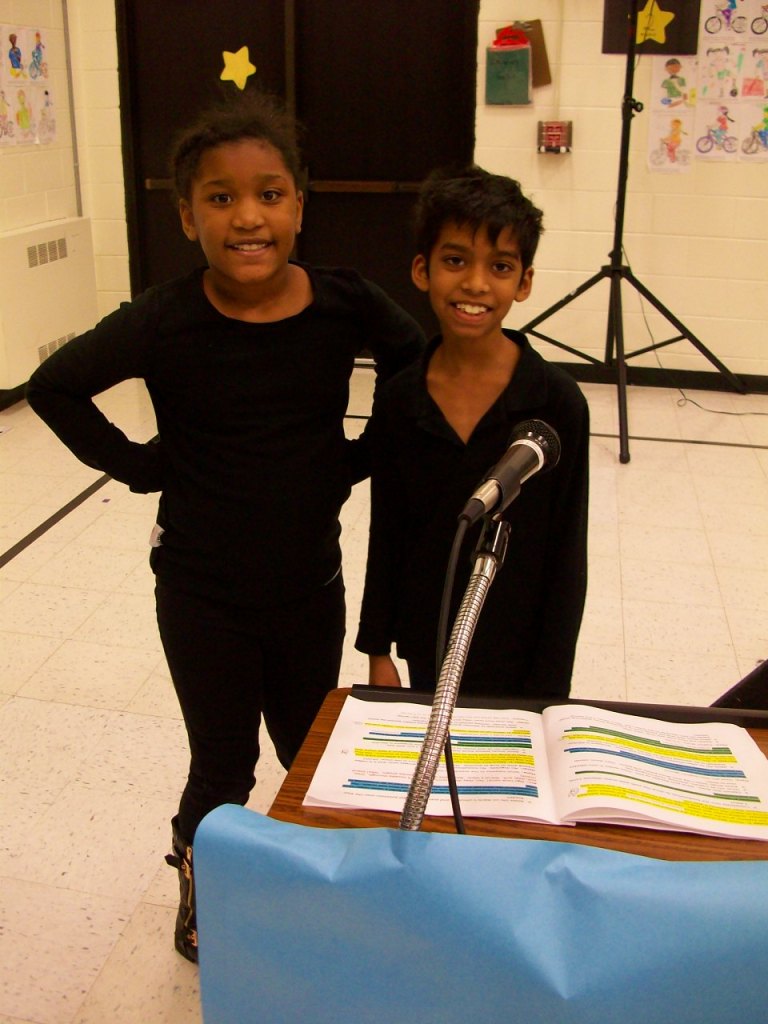
Readers’ theatre plays are my JAM! It is so much fun to take a story (in this case a 288-page novel) and turn it into a play for kids to perform. Yes, it is very time consuming–script creation, costumes, props (full-size working sled!), scenery, musical accompaniment, choral song, and choreography. Plus with the timing of it all, there is a quick turnaround for the students to learn the parts because the closing assembly is right as everyone finishes the book. (I had to read the last week’s chapters on Monday and Tuesday in order to give my students time to practice the final pages of the script prior to the performance on Friday afternoon.) Two parents volunteered to make their children’s costumes, and that helped a lot! And our wonderful music teacher took my lyrics and set them to a beautiful melody. This production was quite a feat, but so magical! Aren’t they the cutest!

One School, One Book – South Pole Pig

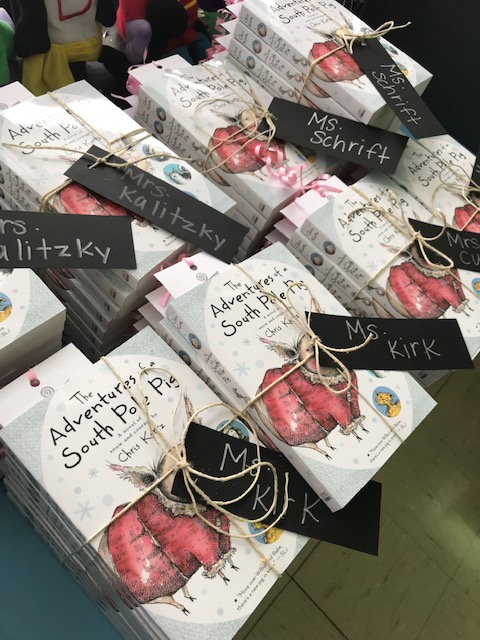
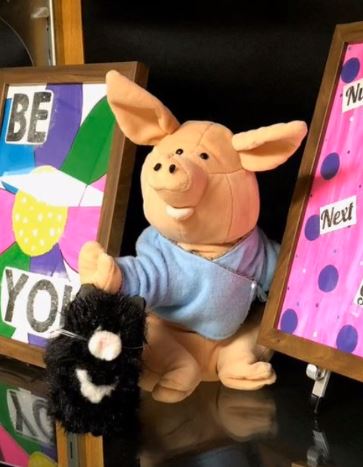
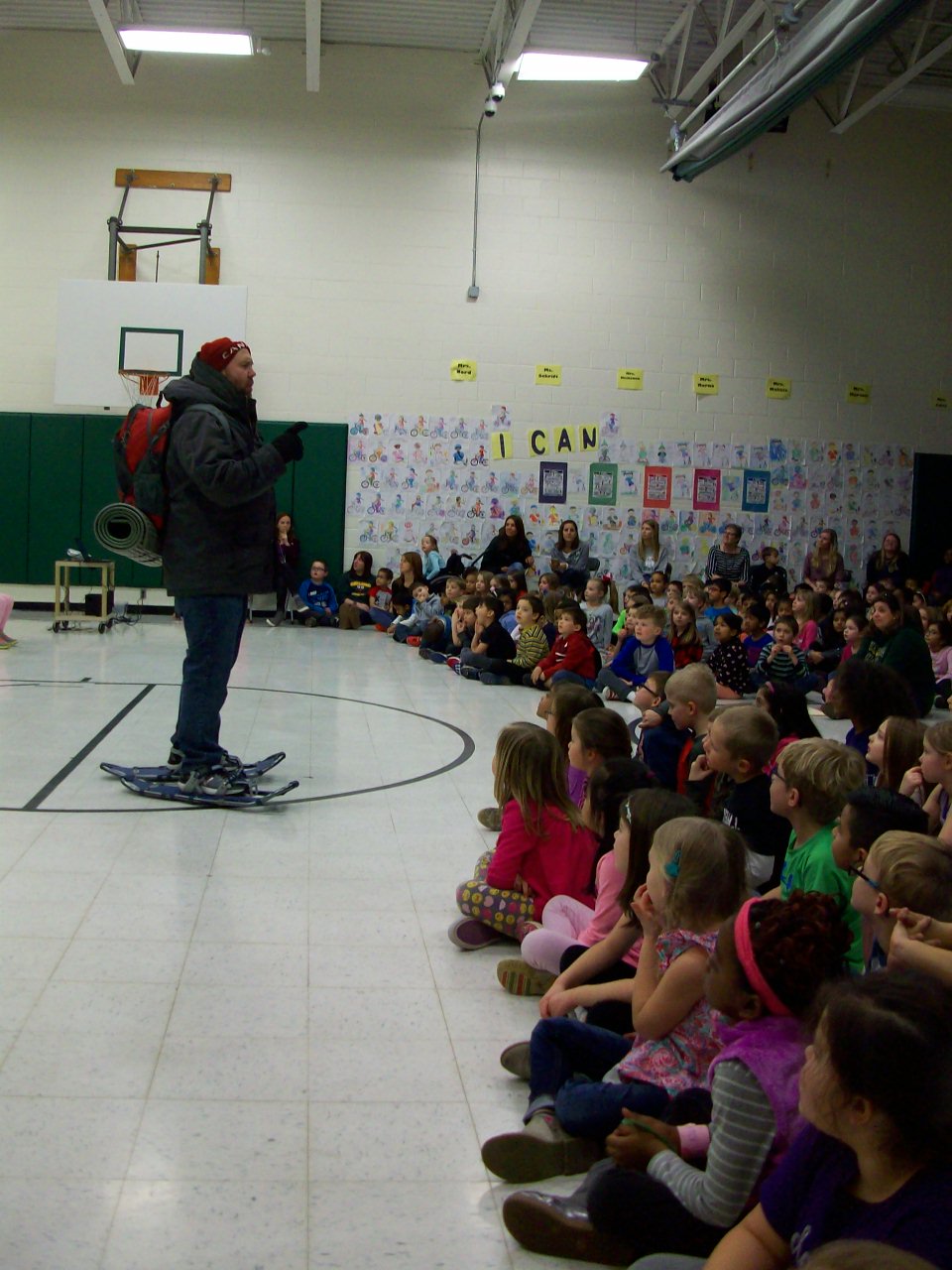
Our OSOB committee are creative rockstars! This was our second year participating in an all-school novel study. The Adventures of a South Pole Pig by Chris Kurtz is a sweet book about friendship and perseverance. With lush vocabulary, endearing characters, and an exciting locale (Antarctic), we had a winner. We kicked off the big event with a whole school assembly complete with a jumbo character puppet show of chapter 1 and a visit from Yukon Cornelius (ode to the Rudolph holiday cartoon). Once students return to their rooms, Yukon hauled the novel packages on his sled to every classroom.
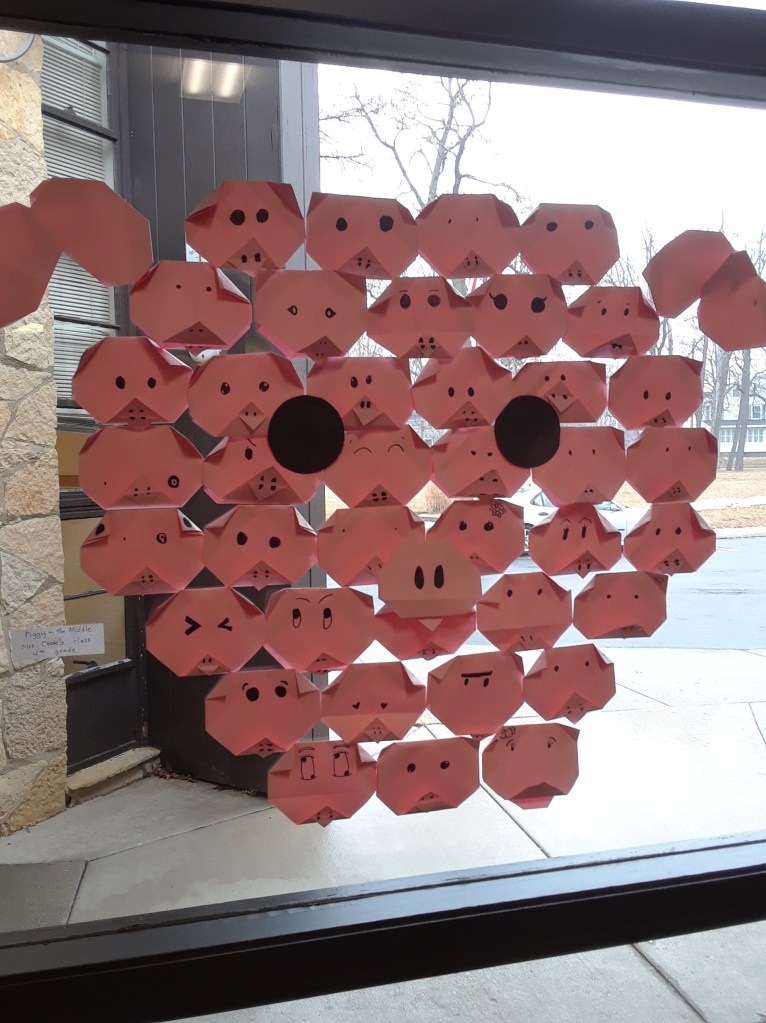
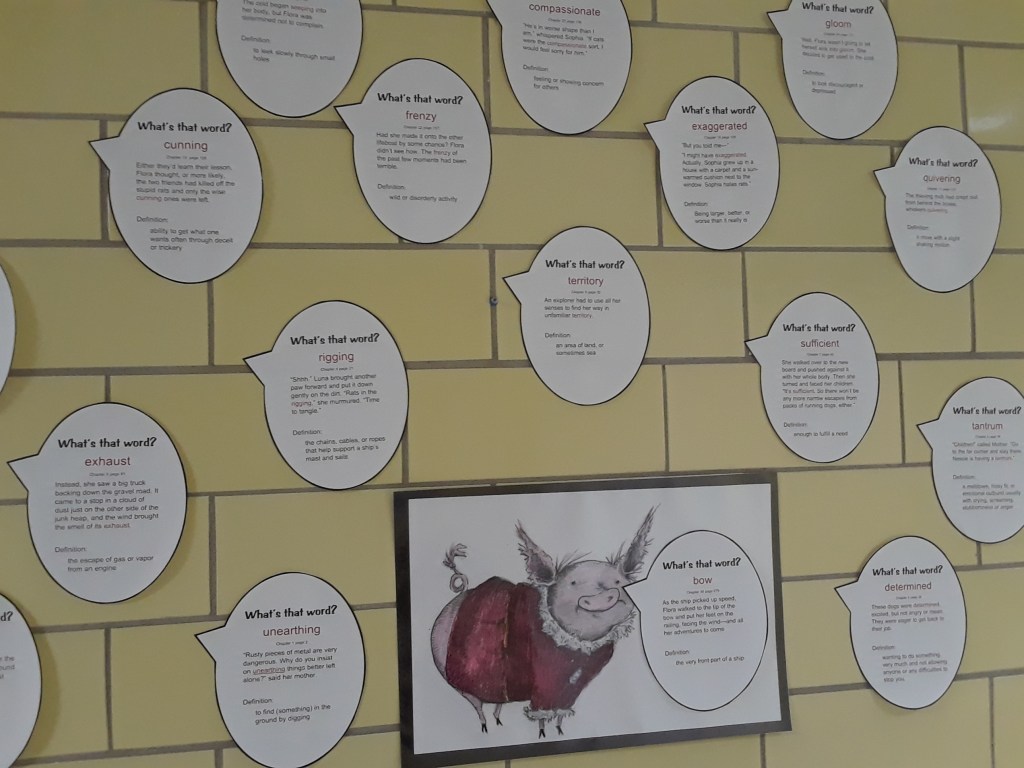
The entire school building was transformed during our five-week event. Check out the large world map that documented Flora’s travels. My co-worker marked new places each week as we read the story. As visitors came to the lobby, they could see just where we were in the journey. What a great geography connection, right? That same outstanding teacher make vocab displays in several locations throughout the building for mini-lessons on context clues. The art teacher helped students construct adorable origami pigs that collaged into this full-size window display. We also had chapter trivia questions and a weekly trivia video. Every day students hunted for our stuffed Flora hiding somewhere in the school. Check out this Adobe Spark video I created to summarize the entire experience!

Readers’ Theatre – One & Zero

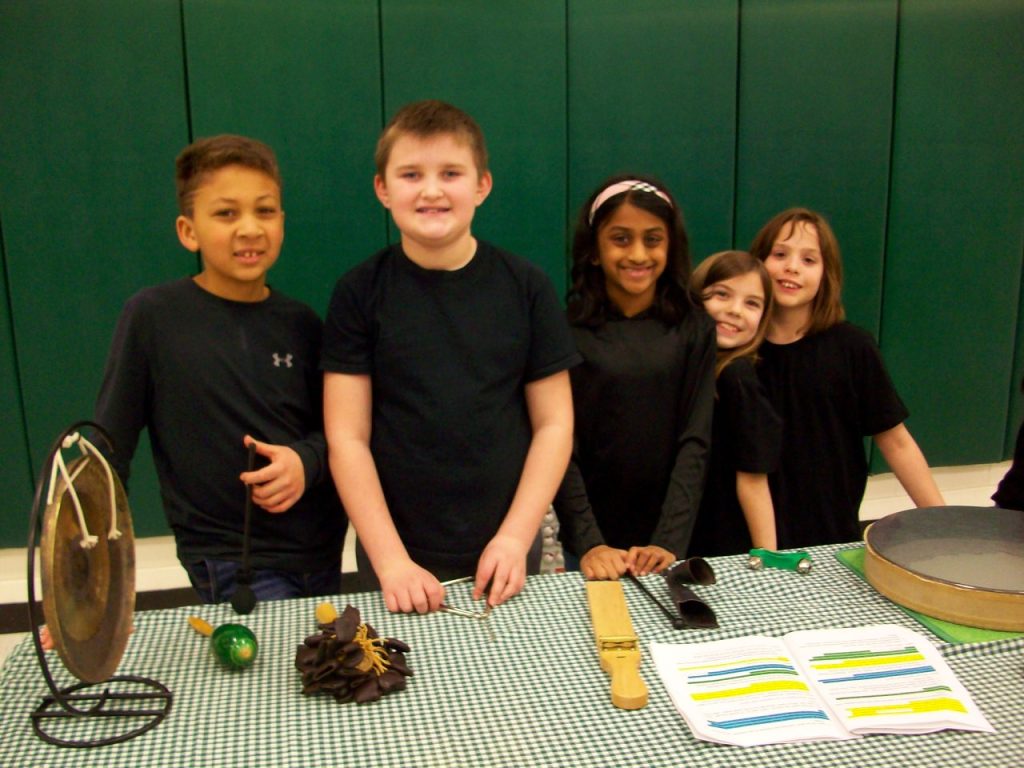
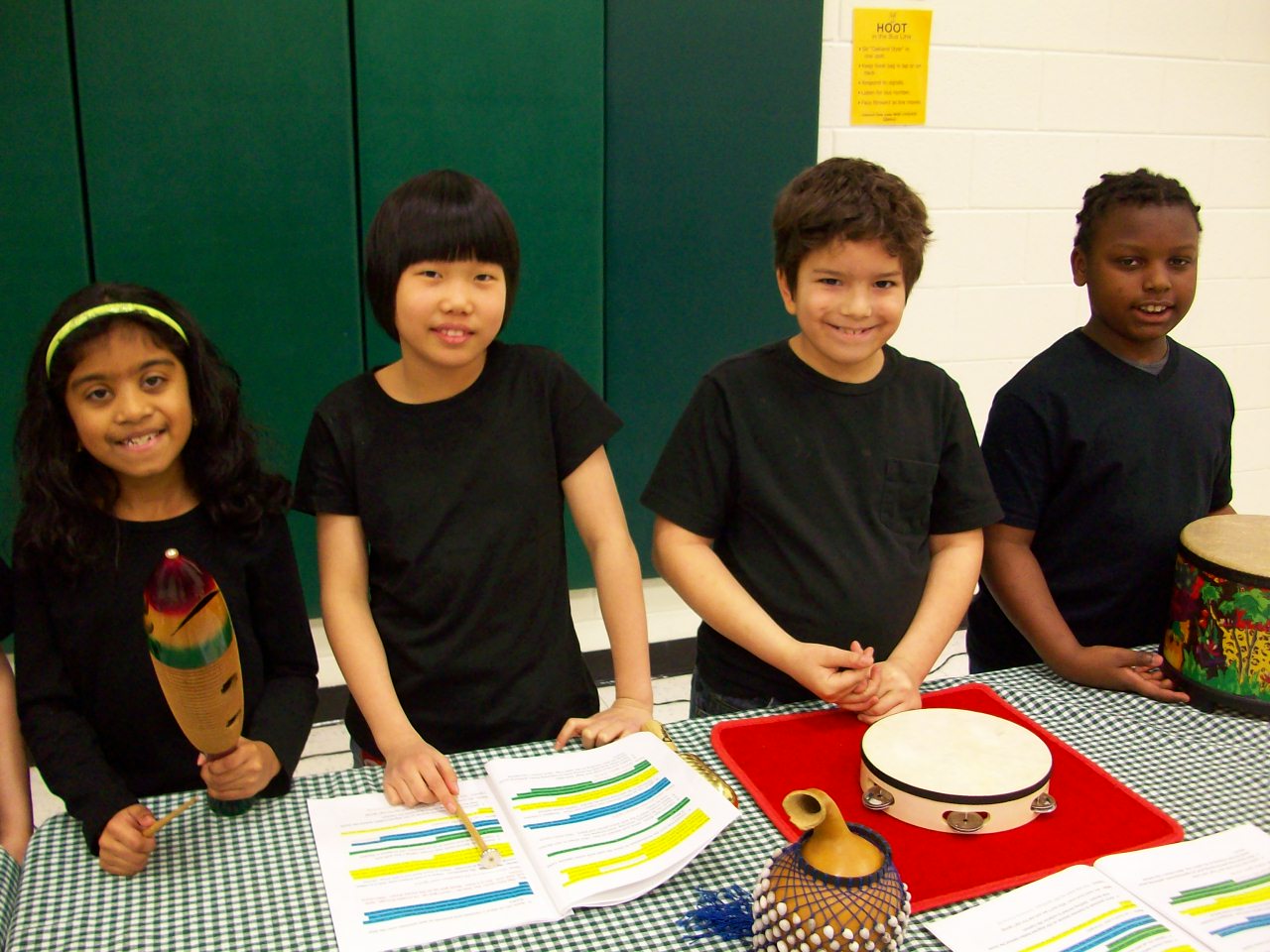
I love, love, love performing readers’ theatre plays with musical accompaniment with my third graders. Two picture books that I often use are One and Zero by Kathryn Otoshi. Not only do these stories have powerful messages, they include abstract characters–colors that become numbers. Thus, my students can wear a black shirt and jeans and hold the two-sided paddles to represent their characters. Each color/number is matched with a musical instrument and rhythm that corresponds to its personality (sunny, regal, calm). These books are mostly narration with a few memorized character lines, so I have three narrators and use Post-It notes on the back of the paddles for characters that may need a reminder. Plus, I train my narrators to “feed” the line to the actor if needed. For example, if the character doesn’t remember it’s his/her turn or just blanks on the script, the narrator will say, “One said, ‘If someone is mean and picks on me, I for one stand up and said NO.'” Then the student playing that role can repeat the line to the audience.

If you haven’t tried a readers’ theatre before, go with a pre-made script. Don’t worry about costumes, props, or adding music. You can add those extra elements when you and the kids feel ready. I’m sure that you will gain confidence as the students reveal their energy and creativity.

Writing Idea Box

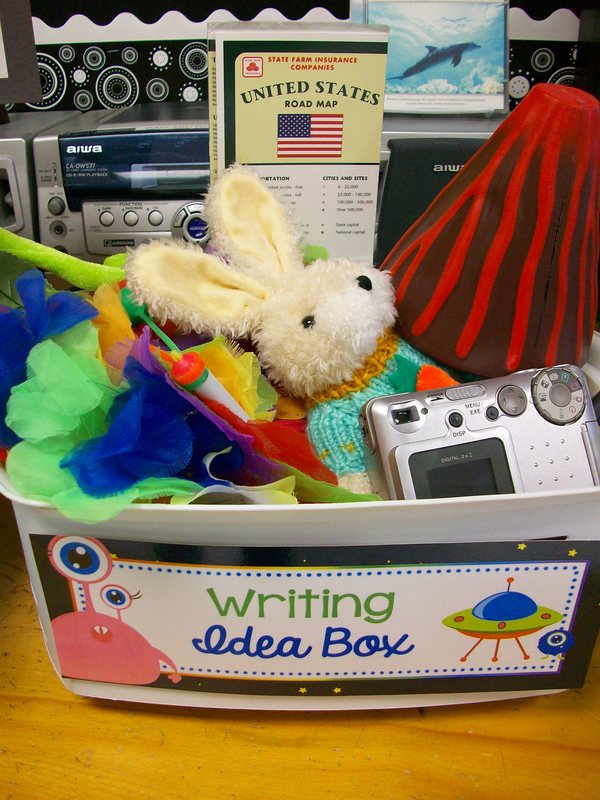
Writing is often the most dreaded tasks, according to students. So how can we make it more interesting, more inspiring, more fun? I got notion for a writing “idea box” from author Jerdine Nolen. In our basal reader, she had written a letter explaining that her story ideas came from everyday activities like washing the dishes and everyday objects like a hat. She had a box of items that she would look through to spark story ideas. Seriously? We can do this in our classroom for our students! Not only was it easy to prep, it was easy to explain and implement. I gathered some items that might lead to adventure stories (old camera, old phone, map, glasses, pirate doubloon, silk rose, stuffed animals, hourglass, etc.) I modeled how I chose the plastic gold coin and it gave me the idea for a time-traveling adventure. I read my fictional story about a boy who found this unique coin while walking to school. As he picked it up, he began to feel dizzy as if he were falling . . . into another world! If they wanted, students were encouraged to select an object from the tub and bring it to their workspace for inspiration while writing. Sometimes teams of 2-3 worked on a collaborative story. Other times, the students sat side-by-side to share an item but compose their own individual pieces. And occasionally, kids would want to incorporate more than one object from the basket. It was all ok by me! As long as they were motivated and writing, I was on board. I was pleased as punch when students finished their first stories and asked to get another object and begin a new one. Music to my ears!

Me Museum

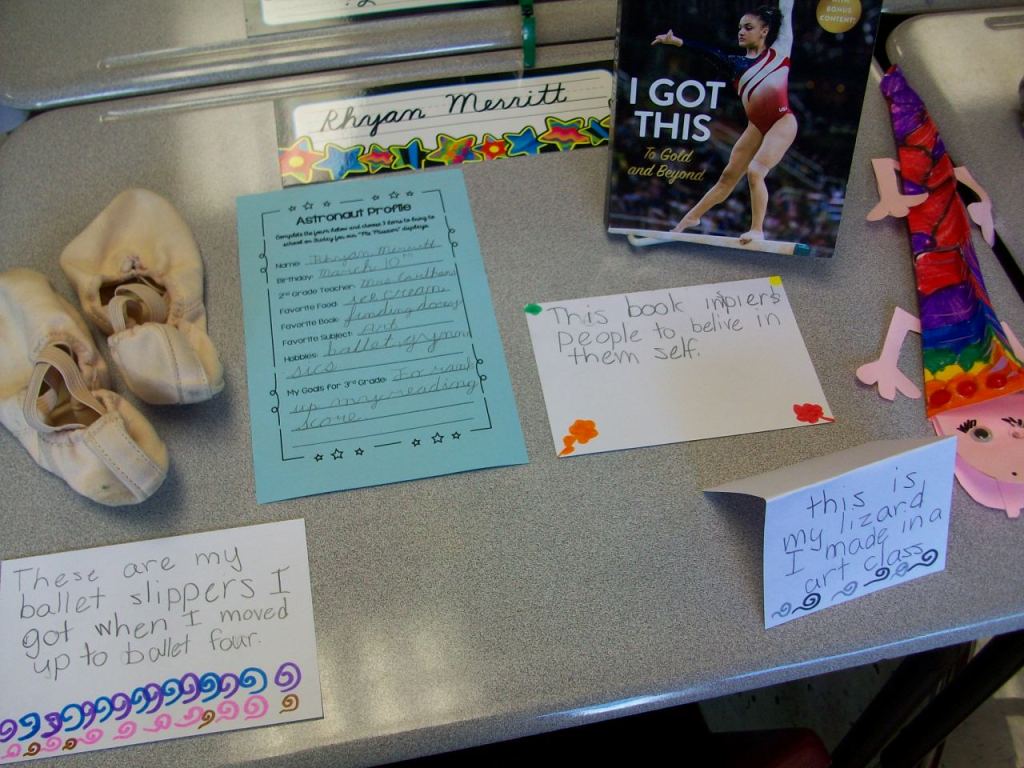
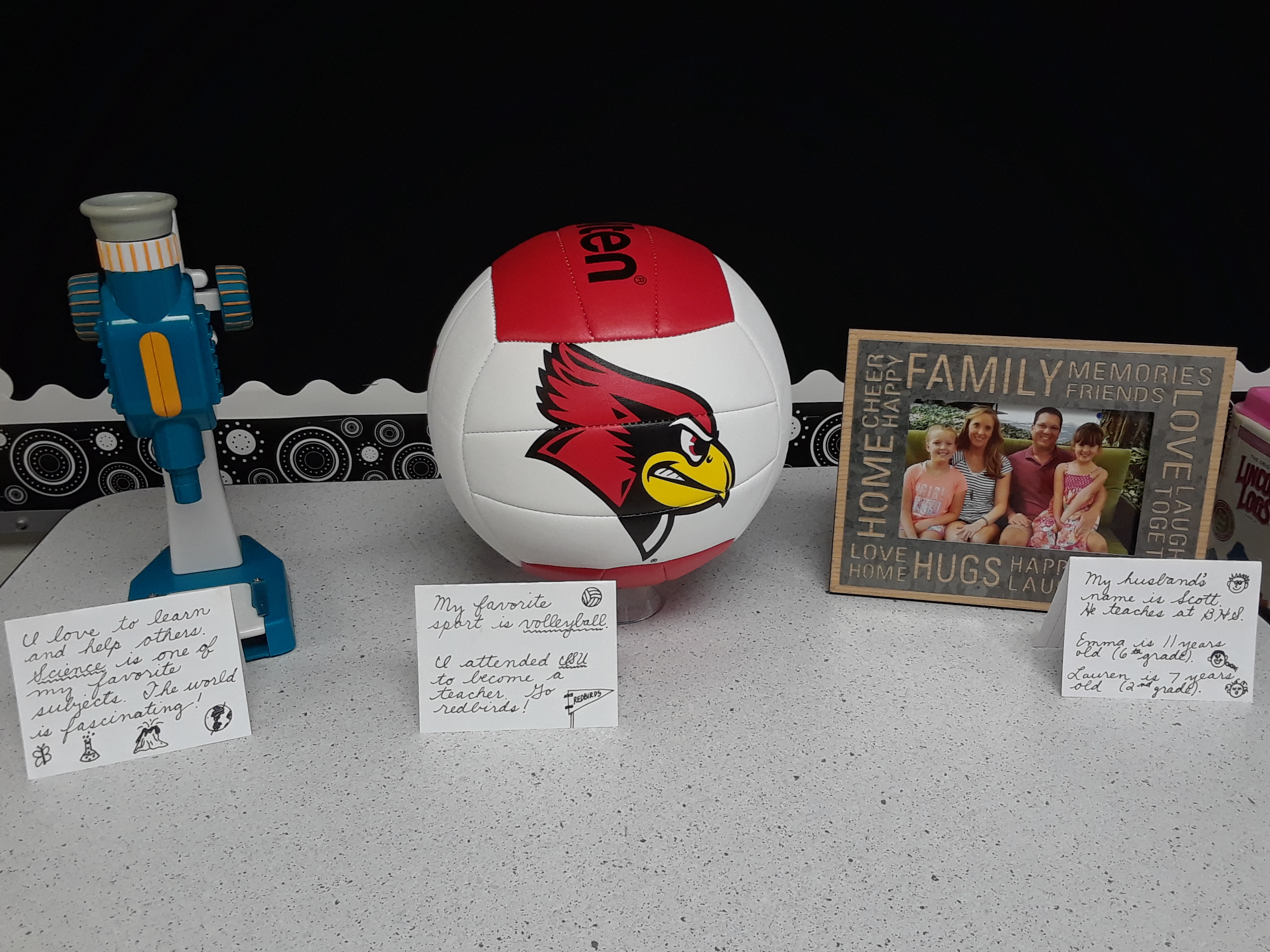
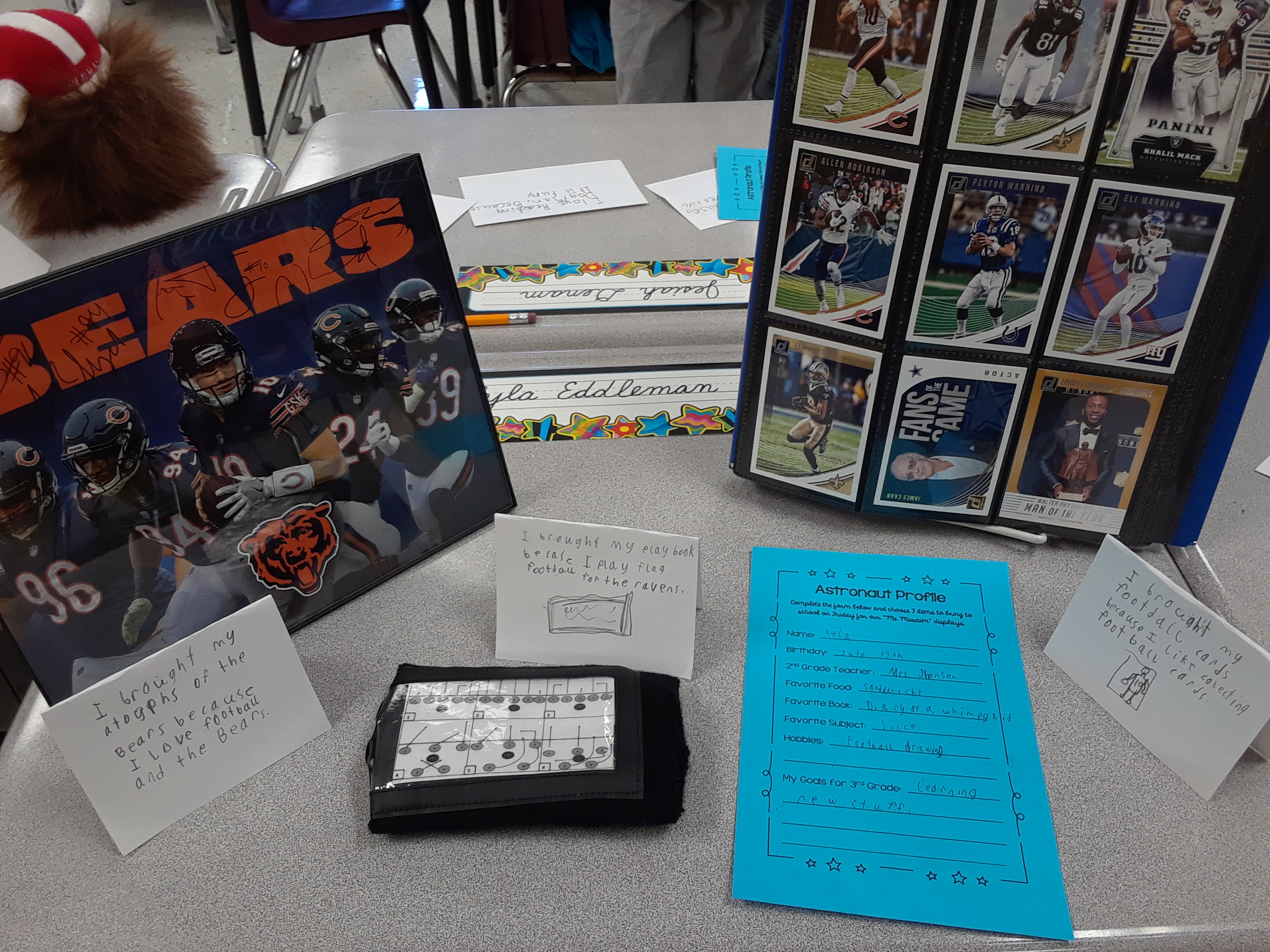
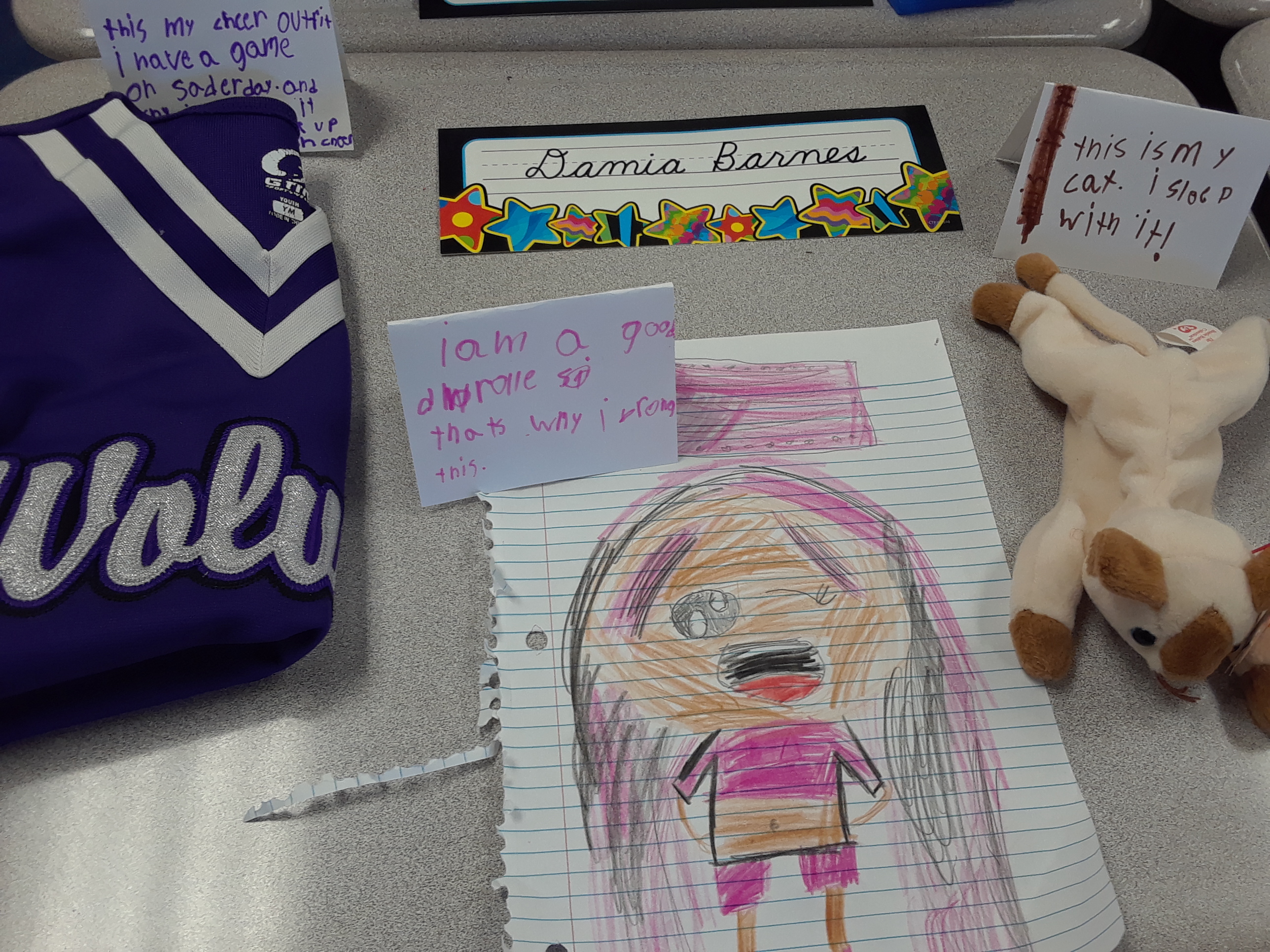
To help students learn more about each other at the beginning of the year, I hold a “Me Museum” event during the first week. Students are given a profile sheet (1/2 page) with a few questions to answer such as name, birthday, favorites, and goals. In addition, they are asked to bring in three items that represent who they are or what they like. On the sharing day, students create tent cards to explain the items and the importance. They set up their desk space with the profile sheet, objects, and tent cards. Then everyone walks around to look and read like one would in a museum. We have rules such as no touching and only positive comments. The principal and other teachers who work with my students are invited to pop in as well. I like to take a picture of every display and look back at them in more detail at a later time. Much of my focus is on managing behavior during the event, and it’s a lot of new info to absorb. I really want to recall these displays in future conversations with my students and photos is the best way for me. When it appears that the kids have had ample time to peruse, we have a whole-group conversation about similarities and eye-opening discoveries.

Classroom Norms Posters

As part of our PBIS (positive behavioral interventions and supports) program, I have my students help create instructional posters for common classroom activities. During the discussion, I have a blank template up on the board. As individuals share their ideas, I ask for thumbs up/down feedback and add any content to the document. I enjoy listening to the students reason and even adjust wording to be more precise. One year my class decided to suggest the creation of new posters to address issues that had developed–miss use of disinfectant wipes and the pencil sharpener. What a great idea!

  • Closet Area
  • Library
  • Flexible Seating
  • Pencil Sharpener
  • Laptops
  • First Aid Center
  • Lining Up
  • Disinfectant Wipes