Link the site http://online-stopwatch.com to your presentation pages (or bookmark) for quick access to timers. If you want students to focus on work or step away from the screen to take a break, use the less exciting ones. I have used this resources for many, many years. What a great visual for students to manage their work time. Be sure to check your volume level in advance so you don’t scare the pants off of the kids!
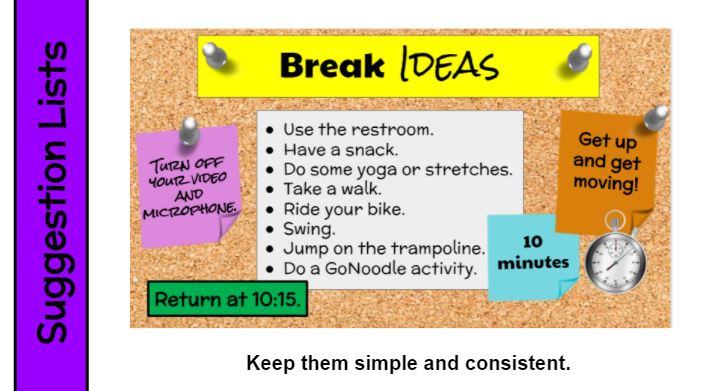
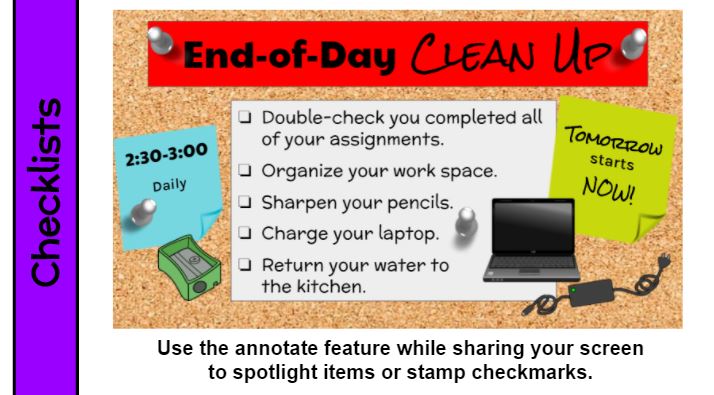
What to do before/after class or during breaks must be directly taught and reinforced daily. If there are options, include a list with the most important at the top. You can also divide a checklist into MUST DO and MAY DO categories. Whether your list is a bulleted (options) or consists of check boxes (required tasks), be sure to include the time frame (10 minutes, 2:30-3:00, return at 10:15) as well as other expectations. Keep it simple. Keep it consistent. Review often if not daily.
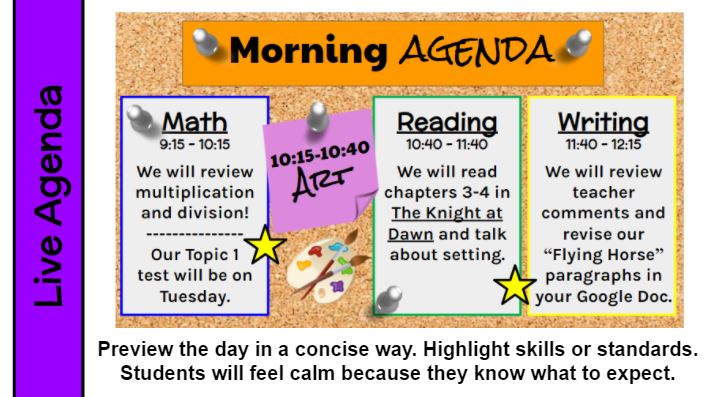
If you preview your plan for the synchronous day, students will have fewer questions and feel more comfortable. But keep it simple. Kids just want to know the gist. This is the Google Slide I present during our morning meeting. From 9:00-9:15 I greet the students, share reminders, do check-ins, integrate digital citizenship, and present our social-emotional curriculum. As you know, I color code everything, so on this agenda page math is outlined in blue, reading is green, and writing is yellow just like their physical materials and my lesson slides. I think the colors help student categorize and organize. The stars represent our 10-minute breaks. Our schedule is consistent every day, though there is an occassional special event that requires some adjustments. Simple and consistent is key, but flexibility is definiitely present.
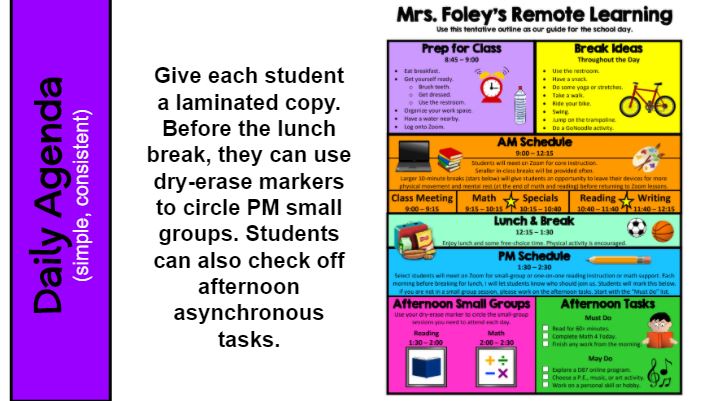
Keep your daily agenda simple and consistent, if possible. Having regular start and end times will be essential as many remote students will be independent in remembering and returning for sessions. Suggest they set an alarm or reminder on a phone, kitchen timer, or virtual assistant (Alexa, Siri) to be on time for afternoon sessions.
For my students, I laminated this chart, which is a general outline of our consistent daily schedule. Just before we ended our morning learning session, I would remind students if they needed to return for afternoon groups. They would use a dry-erase marker to circle reading 1:30-2:00 or math 2:00-2:30. It also had a short list of indepdent work with checkboxes. I liked that this allowed students to be independent and that it wasn’t digital so special grown-ups would be able to take a quick look at it to be informed about PM groups and work completion. At end end of the day, students could wipe it clean with a microfiber cloth I provided (or a tissue) and be ready for the next school day.
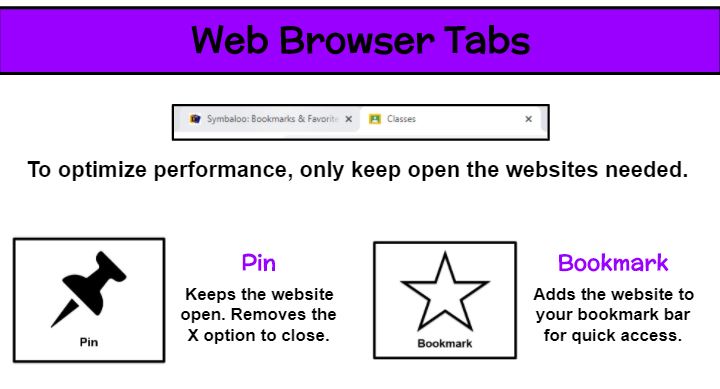
A technology device works its best when the fewest amount of applications are running. So students who have a dozen websites open (some of which may be games or videos that strain the computer and pose possible distractions during instruction) could experience issues with their video call. Explain the importance of minimizing open applications. In my remote classroom, we use Google Chrome and students start the day with just our district Symbaloo and Google Classroom tabs. They are reminded to X out of any others such as the tab that launched our Zoom meeting. As our morning progresses, additional pages may be needed. But as we finish with those websites, students are instructed to close them.
To avoid the accidental closure of a needed tab, I teach students how to pin and bookmark sites as well as the difference in their uses. By right clicking on a website tab, the Pin option (push pin icon) keeps the site open. In fact, it removes the X completely. In order to close it now, the user must right click on the tab again and select Unpin to view the X. I highly encourage pinning a website when students are taking an assessment. Although some tasks may be autosaved and allow the student to pick up where they left off, pinning will help you avoid those scares. The Bookmark option (star icon) is used to collect often used sites in a list. Those appear in a bar along the top of your browser and additional ones can be located by clicking on the >> at the end of the row. Users can rename bookmarked sites by right clicking and editing or rearrange them by clicking the title and dragging it to a new spot on the bar.
Joining a virtual meeting always gives me a little bit of jitters. It’s the unknown. The awkward silence. The repeated directions. The waiting. It can be agitating. And I want to be calm, ready to learn when I join a meeting. While attending an online summer class, one instructor gave me a few ideas that I immediately knew I was going to use with my students. First, a template page with written welcome and directions. Second, a task to reflect on current feelings. Third, music. The name of the course was “Brain-based Learning,” go figure . . . she was using brain research from the moment we joined the call.
From day one, I put up a welcome page for students to see as they entered my meeting. I also had my Amazon Music “Mrs. Foley’s Playlist” on. Part of the reason for music is to give the brain something nice to listen to, but also it gave the kids an chance to check/adjust their sound. My page gave reminders about materials needed. In the chat I asked students to share a weekend highlight, describe how they are feeling in 2 words, set a daily goal, review a skill from a previous lesson (type a multiple of 9 fact with the product), etc.
This gave me time to take silent attendance and assist students with tech issues. The others weren’t bored or annoyed (hopefully) during this time. Instead, they were preparing their work space and selves for learning. Plus, it was a daily opportunity for community building because many times the chat questions were personal. The entire “welcome and prep” time is the five minutes before the official start time, so no time is lost, but A LOT of time is gained. We begin right at 9:00 (or 9:01) and have a smooth ride!
As part of our PBIS (positive behavioral interventions and supports) program, I have my students help create instructional posters for common classroom activities. During the discussion, I have a blank template up on the board. As individuals share their ideas, I ask for thumbs up/down feedback and add any content to the document. I enjoy listening to the students reason and even adjust wording to be more precise. One year my class decided to suggest the creation of new posters to address issues that had developed–miss use of disinfectant wipes and the pencil sharpener. What a great idea!
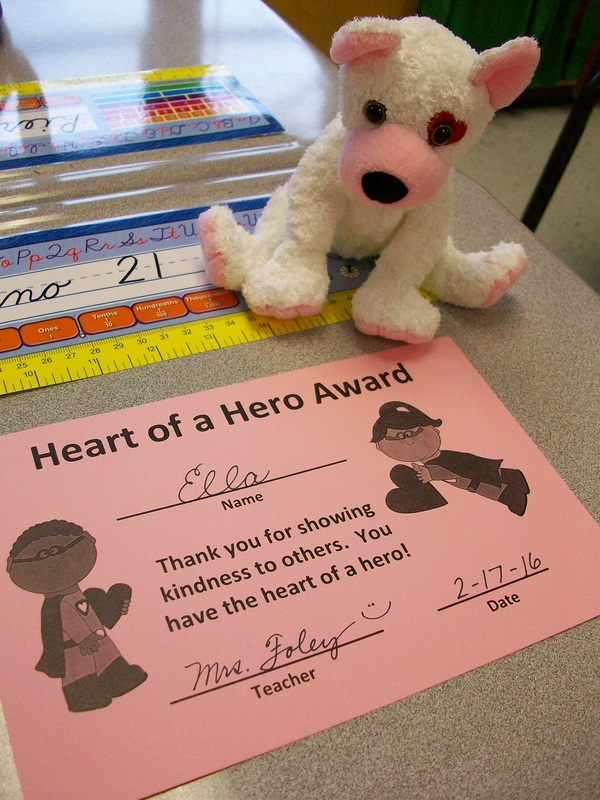
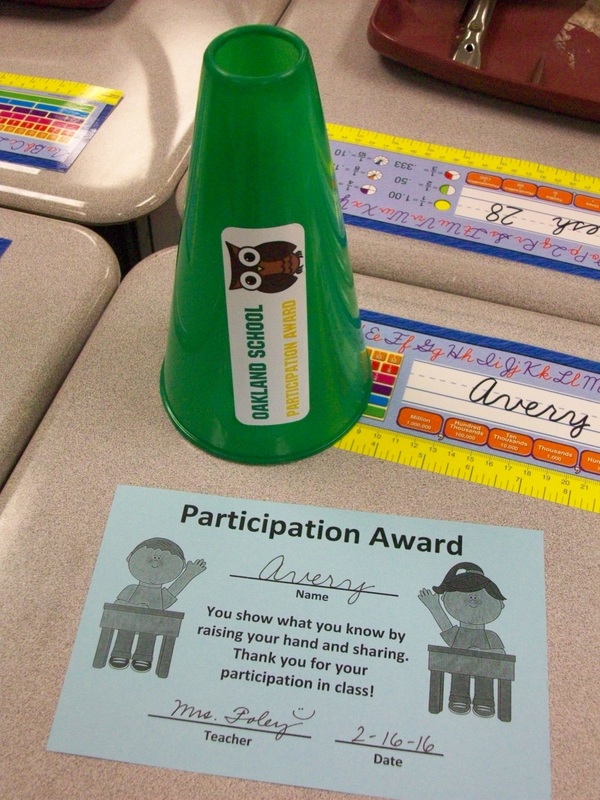
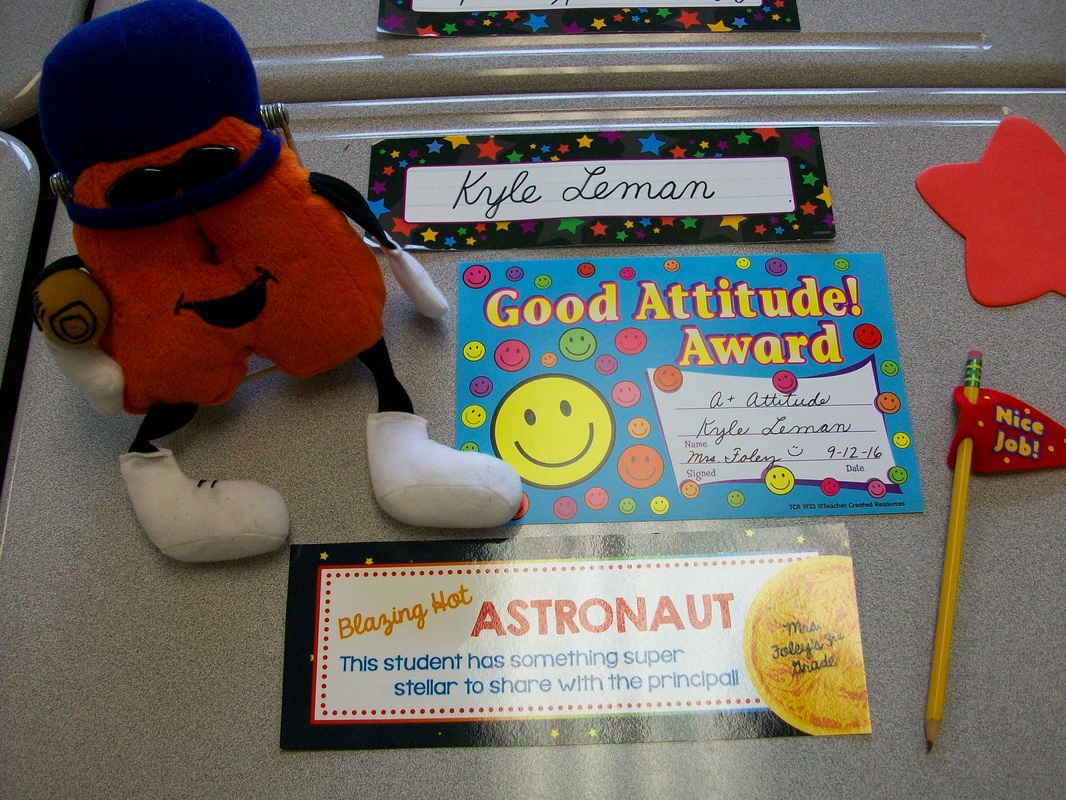
Recognition. I think that’s very important. So many students work at 100% and really go above and beyond, but don’t see many accolades, particularly for good behaviors. In my classroom, I like to celebrate students who show kindness, good participation, and a positive attitude each week. So on Friday after school, I think back on each student’s achievements in these areas and decide which kiddos will walk in on Monday morning to these goodies (certificate, pencil, and stuffy mascot) on their desks. As part of our morning meeting, I share the reasons these students were selected and everyone joins in a special “clap” or chant. Then those three kids take their awards to the office to share the good news with our principal. The recipient can keep the mascot on his/her desk all week if desired, and I take them home on the weekend to wash.
In addition to these weekly acknowledgements, I also give daily awards. As I walk around the room and notice awesome effort, I mix both verbal and nonverbal praise. So while the class is busy working quietly, I might place a plastic trophy or “caution” sign on the corner of a stellar student’s desk. These remain on their desks all day, and when were are wrapping up at 3:00, award winners return the desk awards to the top of my filing cabinet for reuse the next day. And, yes, it is possible for a student to get more than one award in a single day.
This isn’t “big” stuff. But I don’t think we need to give kids big stuff. I prefer to do it often and sincerely. It’s a bit of extra work, but goes a long way in promoting best effort in some of the character traits we most desire our students to posses–kindness, engagement, and positivity.
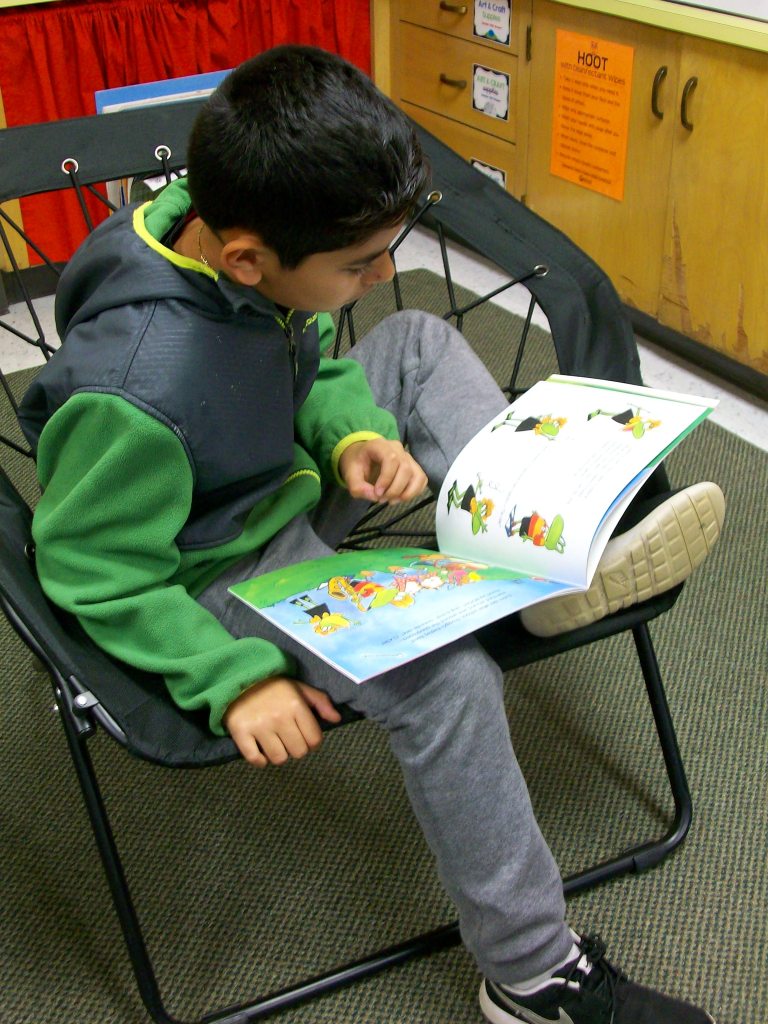
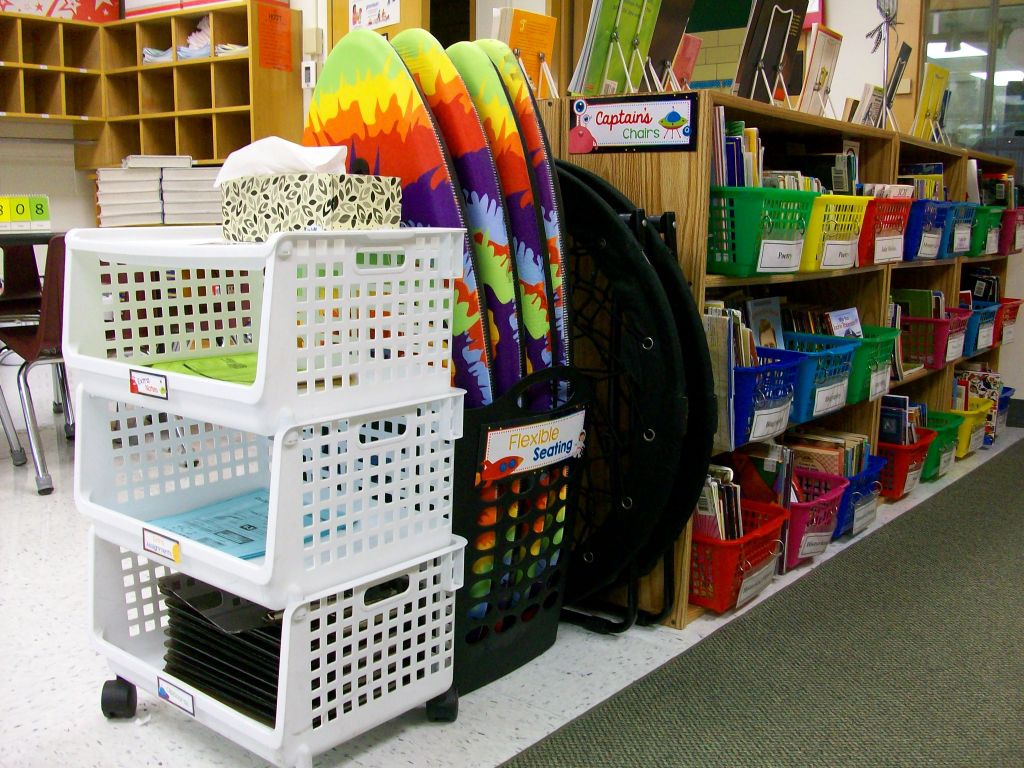
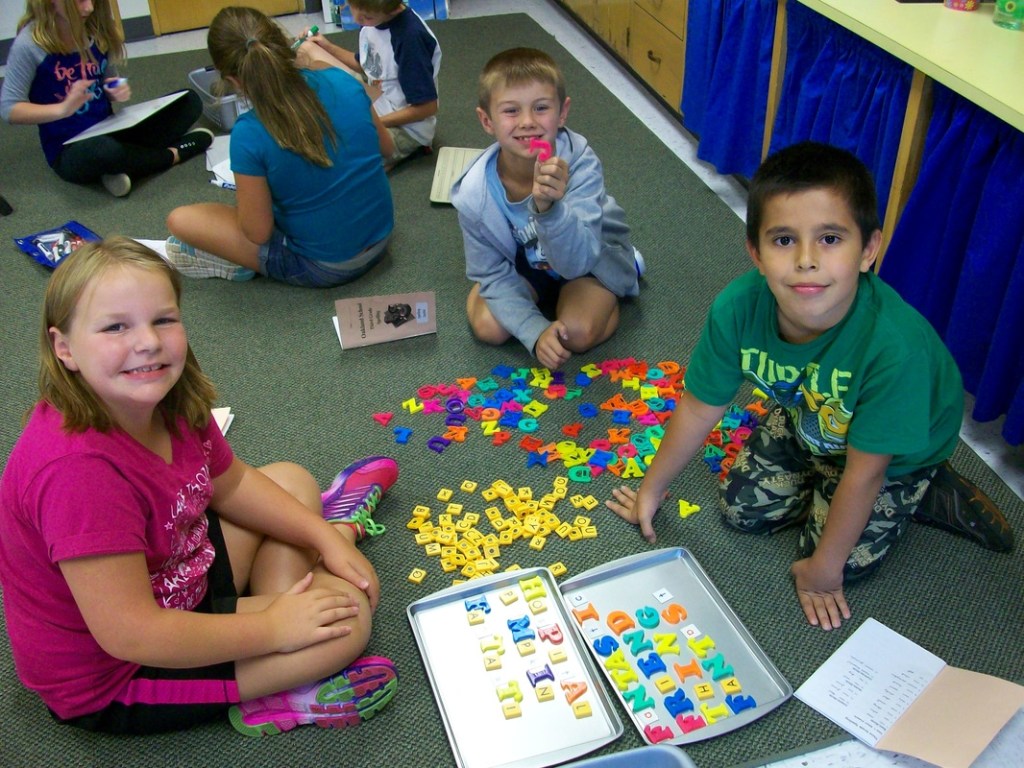
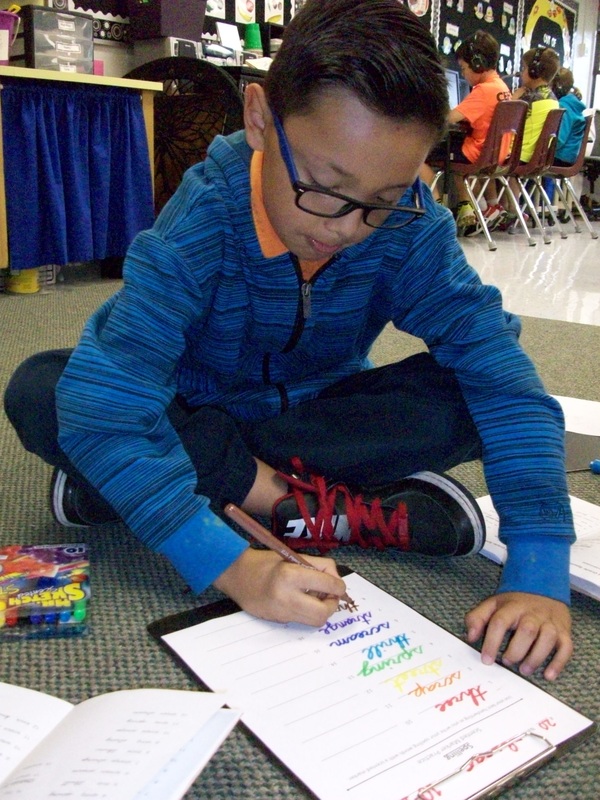
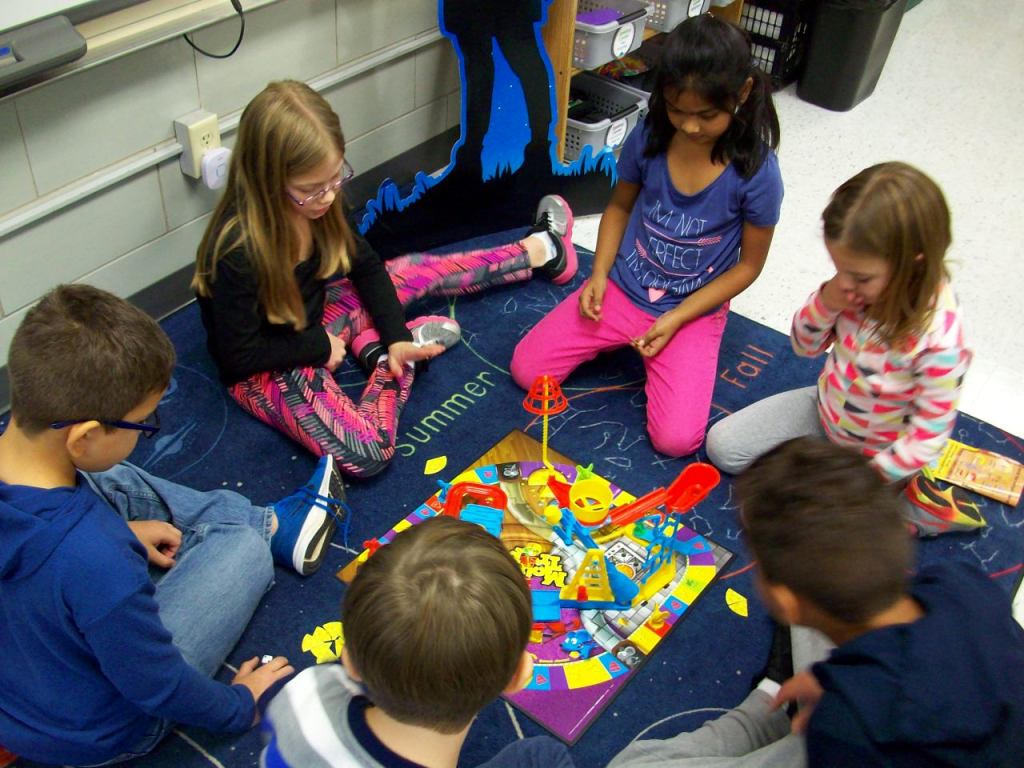
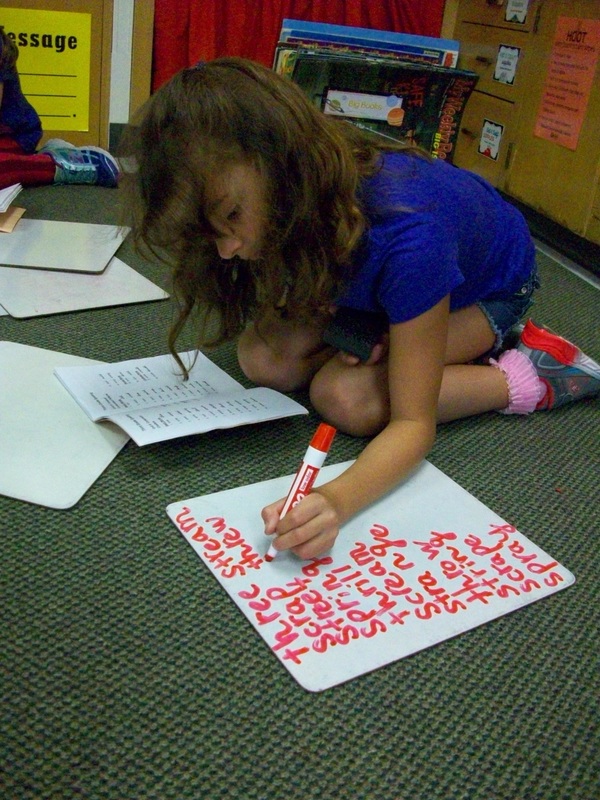
I’m not one of those teachers that removes all traditional seating from the classroom and replaces it with IKEA furniture. No offense to any who do this. However, it doesn’t work for me. I prefer to keep individual student desks, which allows kids a place of their own for their own supplies. (I only collect the basic community materials such as tissues and disinfectant wipes.) And while our room is set up in pods of four desks, there is still plenty of space for flexible seating. I have a kidney table, two large carpeted areas, six bungee chairs ($20 each on sale at Target), four surfboards ($5 each at Five Below), two ottomans, and some garden kneelers ($1 each at The Dollar Tree). All of the movable items stowaway very neatly. I use a tall laundry basket ($5 at Five Below) for the surfboards and kneelers. The foldable bungees stand up nicely between my counter and laptop cart. When I first introduce flexible seating at the beginning of the year, we work together to create an expectations poster “HOOT with Flexible Seating.” Using and returning materials is mostly a smooth process. You’ll always contend with a few students who rush, grab, or don’t put items away. These are good opportunities to review expectations and have kids reflect on their actions. I think the class enjoys the freedom of selecting where they do their work and who may be nearby just as much as adults do.
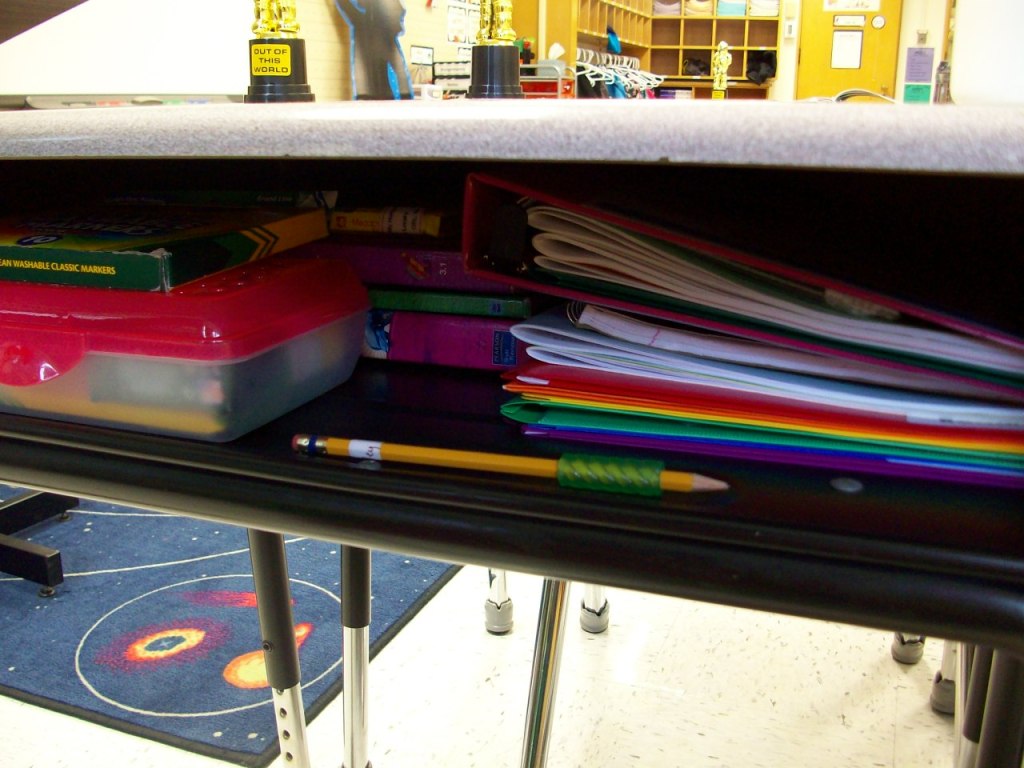
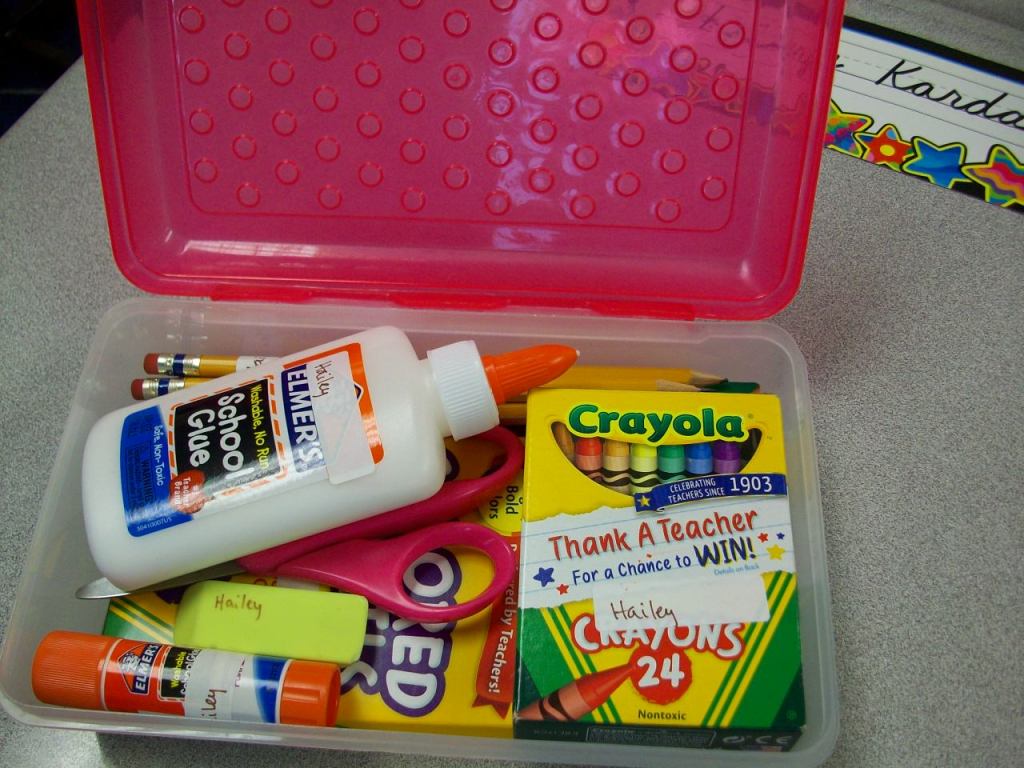
“A place for everything, and everything in its place!” From day one, my students are given ideas for staying organized at school. Books on the left with spine out (to read the titles), folders on the right in rainbow order, supplies in the box in just the right arrangement. Why? First of all, it makes for quick transitions and maximum use of our learning time. Second, it eliminates student stress and teacher frustration because items aren’t “lost” . . . and replacements aren’t needed. Yeah! And what teacher doesn’t cringe at the sight of cesspool desks bubbling over with crumpled papers and random supplies. Well, I certainly can’t ignore it! So, we altogether avoid it. Being disorganized just isn’t an option. I want students to take pride in their learning spaces and feel empowered to take charge. A little extra effort goes a long way in this case.




 Kristen Foley