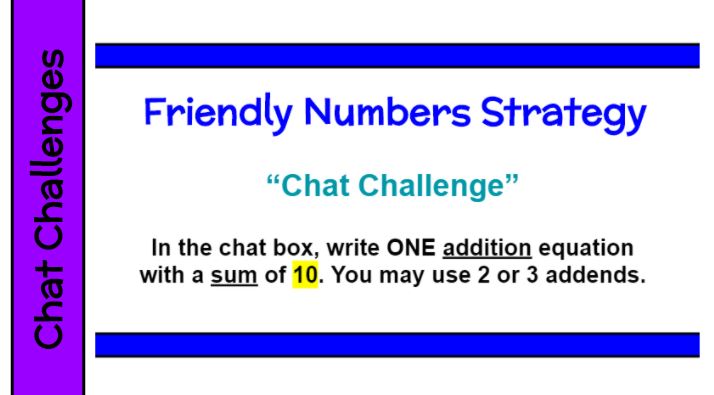
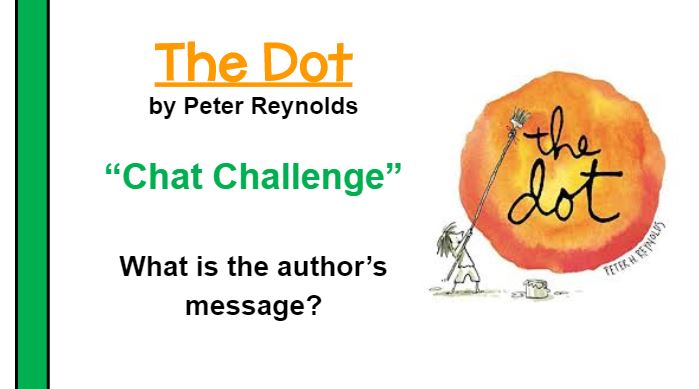
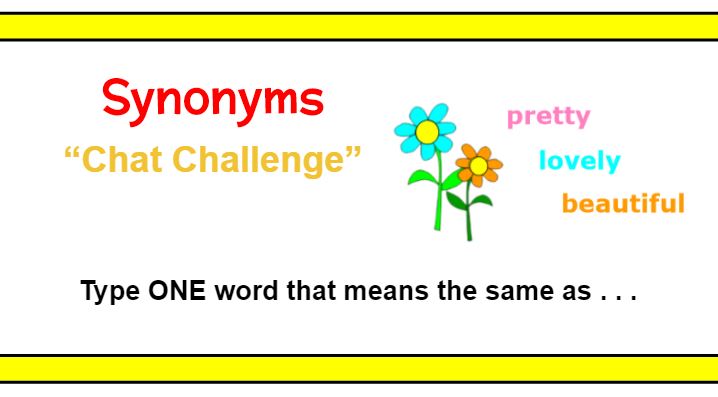
Posing a “Chat Challenge” allows all students to participate at the same time. The questions/tasks are often open ended and can accommodate different academic abilities. Here are examples for math, reading, and language. You will get so much more student engagement and can do a much better job of checking for understanding in the remote setting. I try to include at least 1 chat challenge every hour we are synchronous. It is one of the activities my students enjoyed the most.
Technology
Remote Learning – Morning Messages
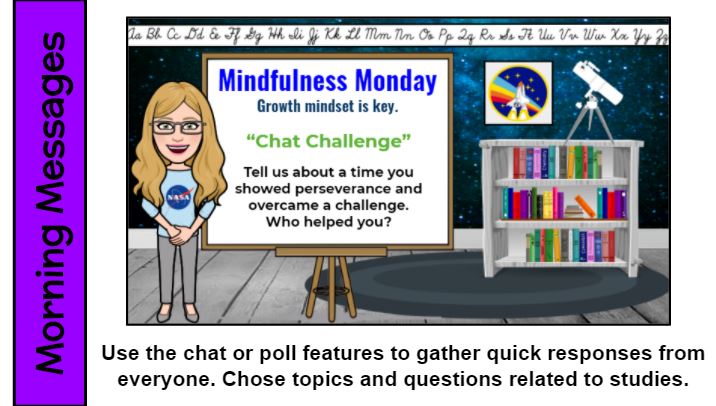

During morning messages, teachers want every student to think/reflect and share out. Try a “Chat Challenge,” Zoom poll, or breakout room to encourage participation. Then open the door for deeper class conversations. Check out these daily morning message themes that cover a variety of topics and include alliteration. Consider prompts related to studies or a recent book.
Remote Learning – Slidesmania!
Don’t be limited to the templates that your presentation software provides. Check out http://SlidesMania.com for FREE and awesome starters – presentations, games, choice boards. They are available as PowerPoint or Google Slides. There are many to choose from, so you are bound to find a winner that you can customize to fit your purpose.
Remote Learning – Step-by-Step Guides

Create step-by-step guides to walk students through getting onto and using the features of a new program for the first time. Post it to Google Classroom in a “Resources” section for absent or new students to reference. While it does take time to make these resources, it will save you time repeatly going over the process with students (as well as their special grown-ups) and it is such a wonderful gift to share with colleages!
Remote Learning – Class Chants
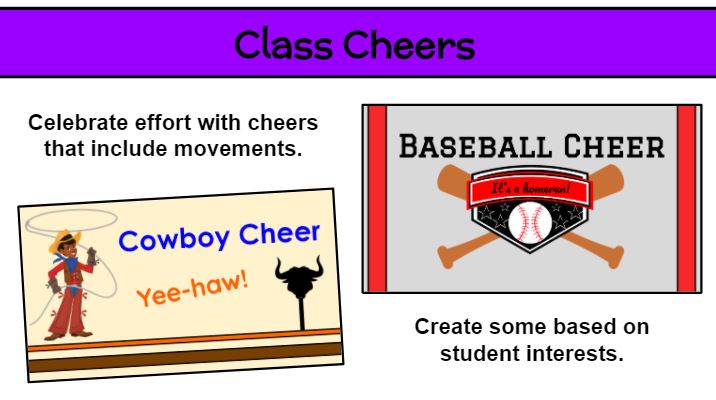
You can use call and response the same as when we are in person, except the kids stay muted. I like to create Google Slides for visuals. Remember to include movements. Take out your imaginary magic wand and give it a wave! The kids will appreciate your enthusiam and the break in traditional school work gives them an opportunity to speak, move, and re-energize.
Remote Learning – Timer

Link the site http://online-stopwatch.com to your presentation pages (or bookmark) for quick access to timers. If you want students to focus on work or step away from the screen to take a break, use the less exciting ones. I have used this resources for many, many years. What a great visual for students to manage their work time. Be sure to check your volume level in advance so you don’t scare the pants off of the kids!
Remote Learning – Breakout Rooms as a Quiet Space
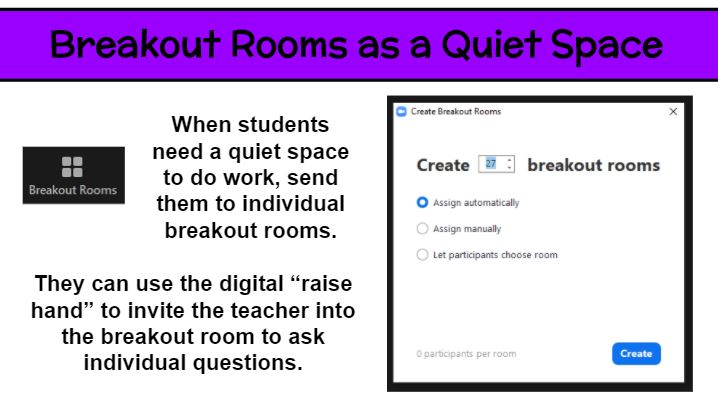
Breakout rooms are great for small group discussions. But what about using them for individual students. A large whole-class virutal meeting is never truly silent and free from distraction. So how can students spend time reading or thinking in that setting? Why not put each student in an individual breakout room for that 5-20 minutes of time? Then everyone can read to self, practice fact fluency, watch a video (hopefully without streaming issues), and the like. Of course, it is important for for students to be supervised at home or generally responsible. As the teacher, you can pop into each breakout room to check in on kids and have individual conferences. Keep them on their toes by not saying ahead of time which kids you will meet with. If a student needs help or has a question while in the solo setting, he/she can use the digital “raise hand” feature to summon the teacher.
One School, One Book – Masterpiece Shadow Puppets
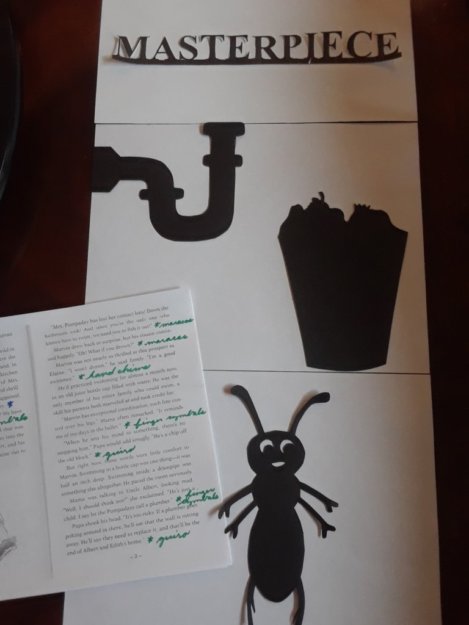
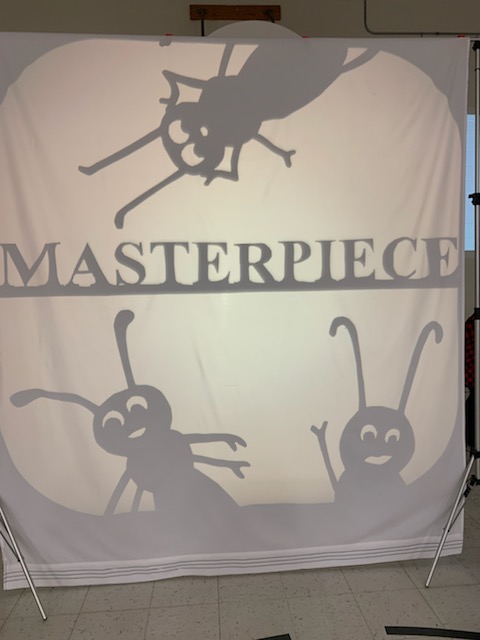
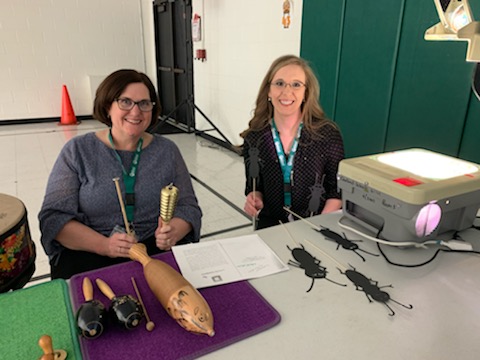
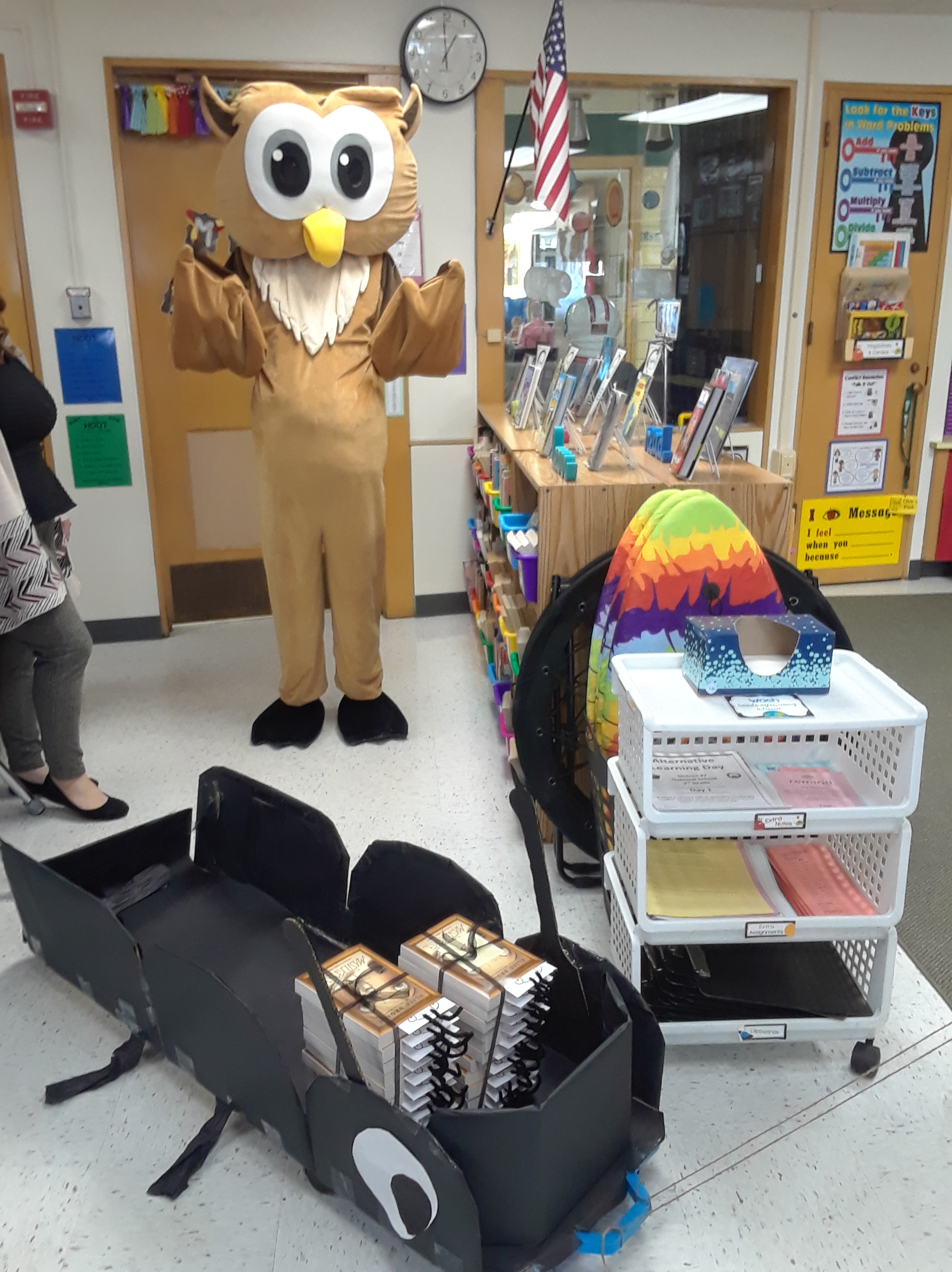


For the third year in a row, our students participated in an all-school novel study. This year’s title was Masterpiece by Elise Broach. For our opening assembly, the student body was introduced to the characters with a shadow puppet show. Yes! We amateurs pulled off a shadow puppet show of chapter 1 for 500 people. How did we do it? An old overhead projector, white sheet, greenscreen frame, and 2-D paper characters. And, of course, I had to add musical instrument sound effects! Another teacher and I hid behind the screen. I managed the puppets and she added the sounds–one for each character and others as needed. Other staff members joined in on the fun. Our librarian narrated the chapter and our art teacher painted an amazing owl (our mascot) in the style of Durer (the focus artist in the book). Following the assembly, Okie and a Marvin-style cart (the beetle in Masterpiece) made the rounds to each classroom to deliver a stack of novels, one for every student. Isn’t the teacher-created bookmark also adorable! Our team when all out again this year to get kids excited for the “One School, One Book” 5-week adventure.
LittleBits

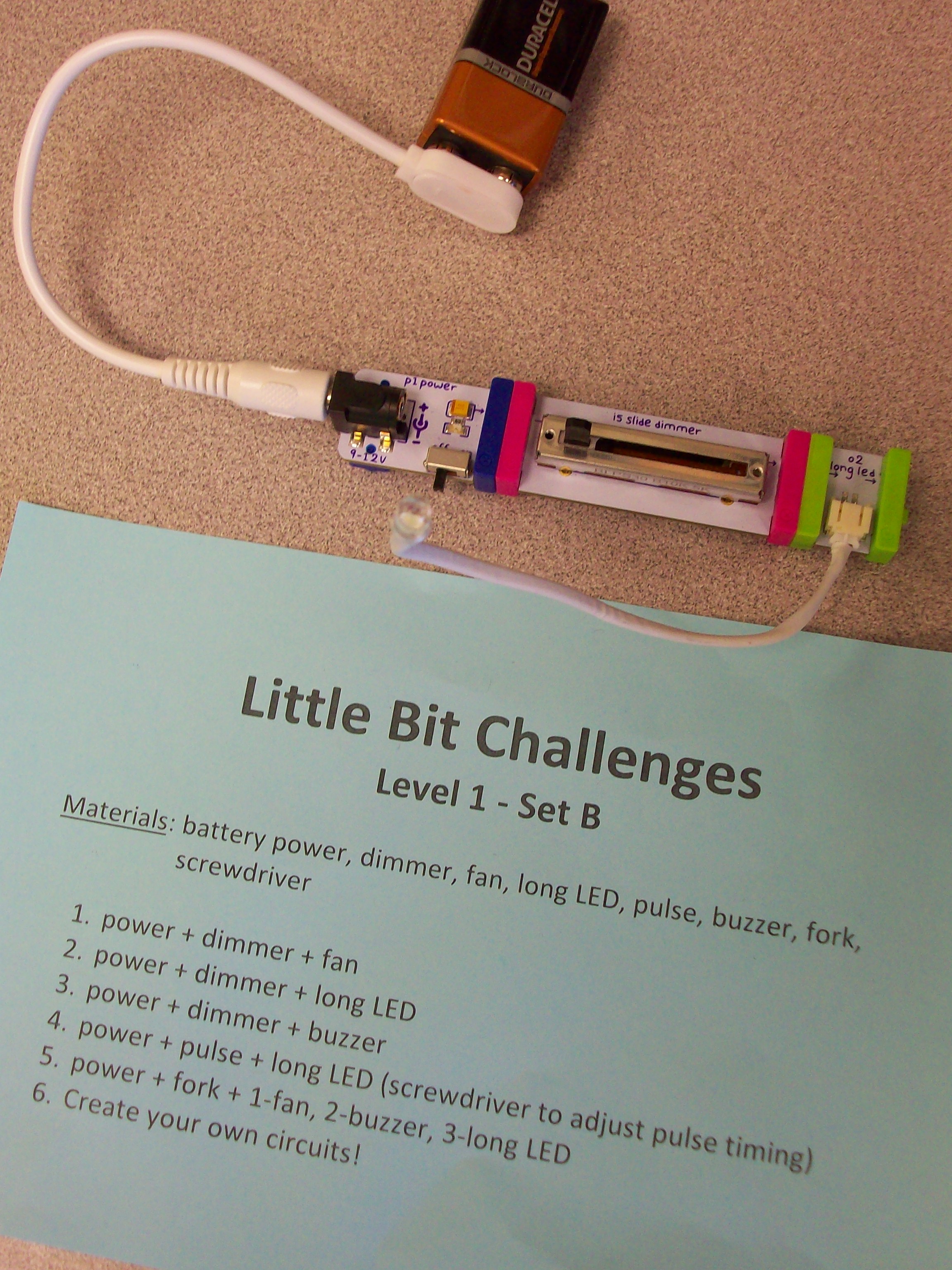
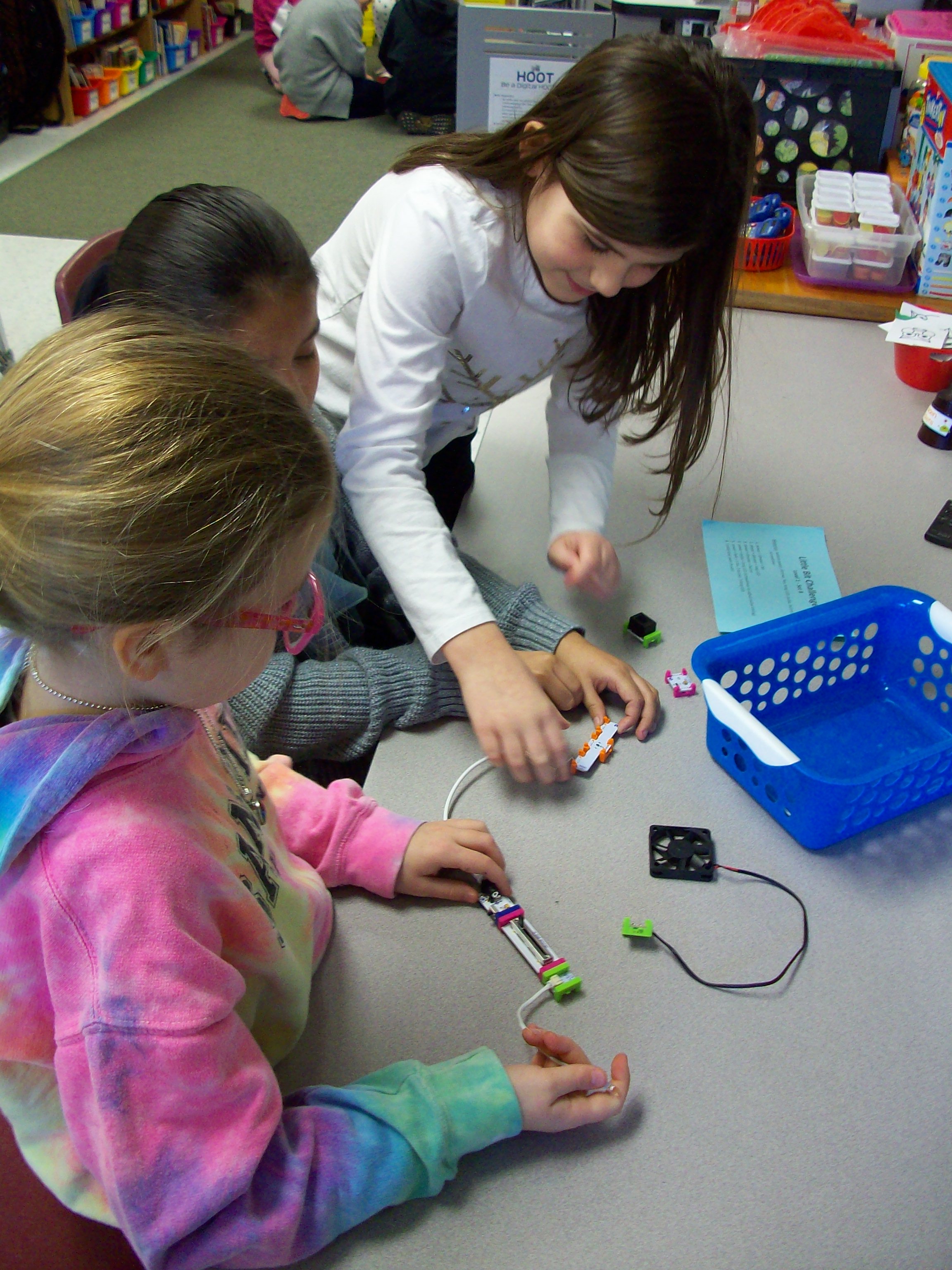
Little Bit kits are amazing for teaching electrical circuits and engineering, but also provide students with opportunities to wonder and explore. The miniature pieces snap together with a magnetic system. Students start with a power source (electrical cord in an outlet or 9-volt battery) and add on switch (dimmer, pulse, etc.) and mechanical device (fan, buzzer, light, etc.) Once they learn the basics of how the circuit works, kids can take on Little Bit challenges to build all kinds of inventions! I had 4 Little Bits kits to work with 26 students, so I prepped baskets with the materials my groups of 3-4 kids would need along with a direction card I created. Every group needed a power source, and since I had 4 kits that each have a wall outlet or battery, I was able to make 8 baskets. Half of them were Level 1 – Set A challenges with the wall outlet and half of them were Level 1 – Set B challenges with the 9-volt battery. Since it was their first time using these materials, the tasks where outlined for them with simple circuits building up to more intricate ones. When done with the 5 challenges I had set, groups were given time to explore with their pieces. The next time we swapped A and B baskets and investigated more with the new blocks. And for our third experience with Little Bits, teams were given invention challenges. We used the instruction booklets that came with the kits, but the Little Bits website has many resources and project ideas. Get ready for fun!
SMART Monster Lab
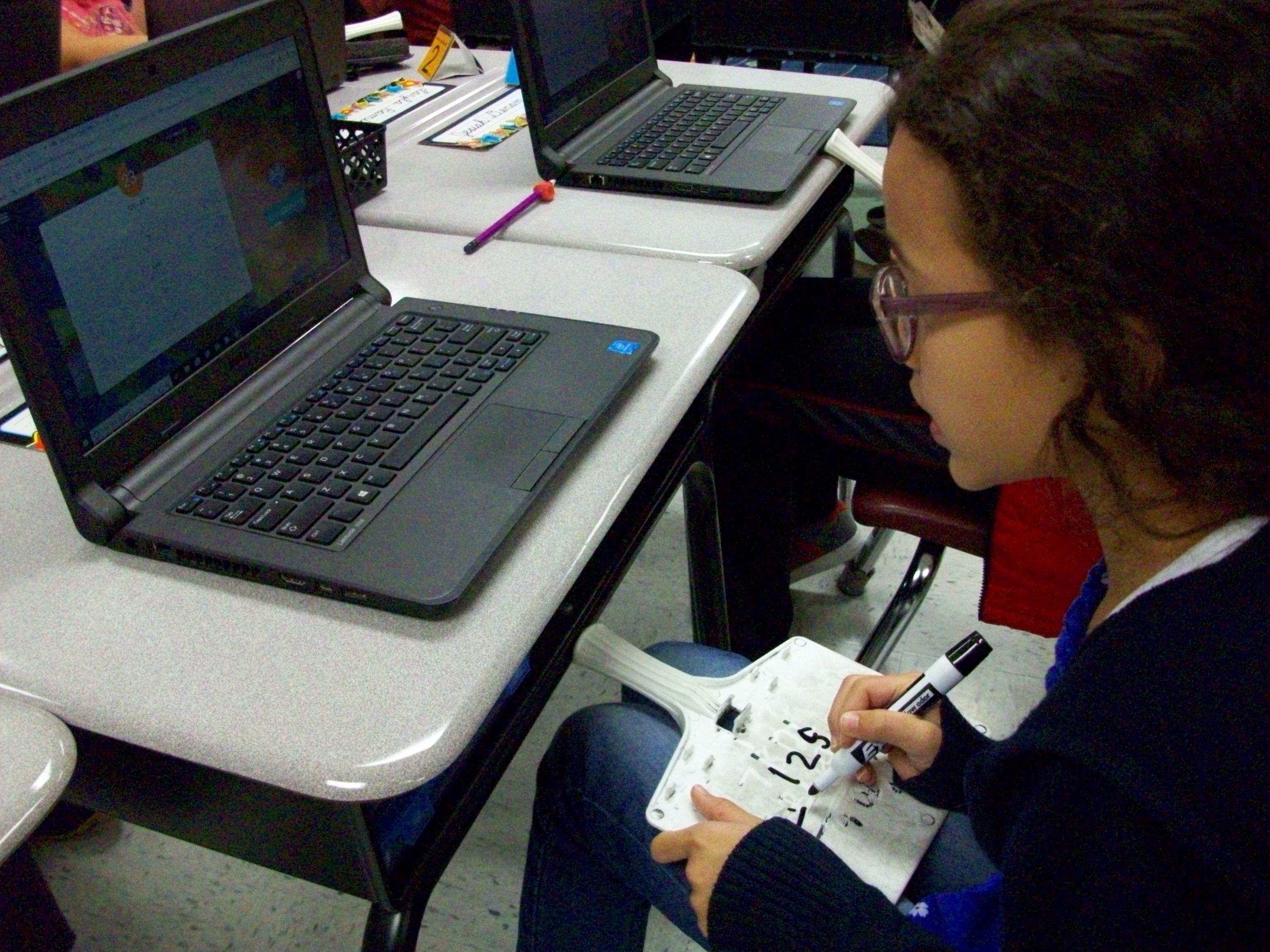
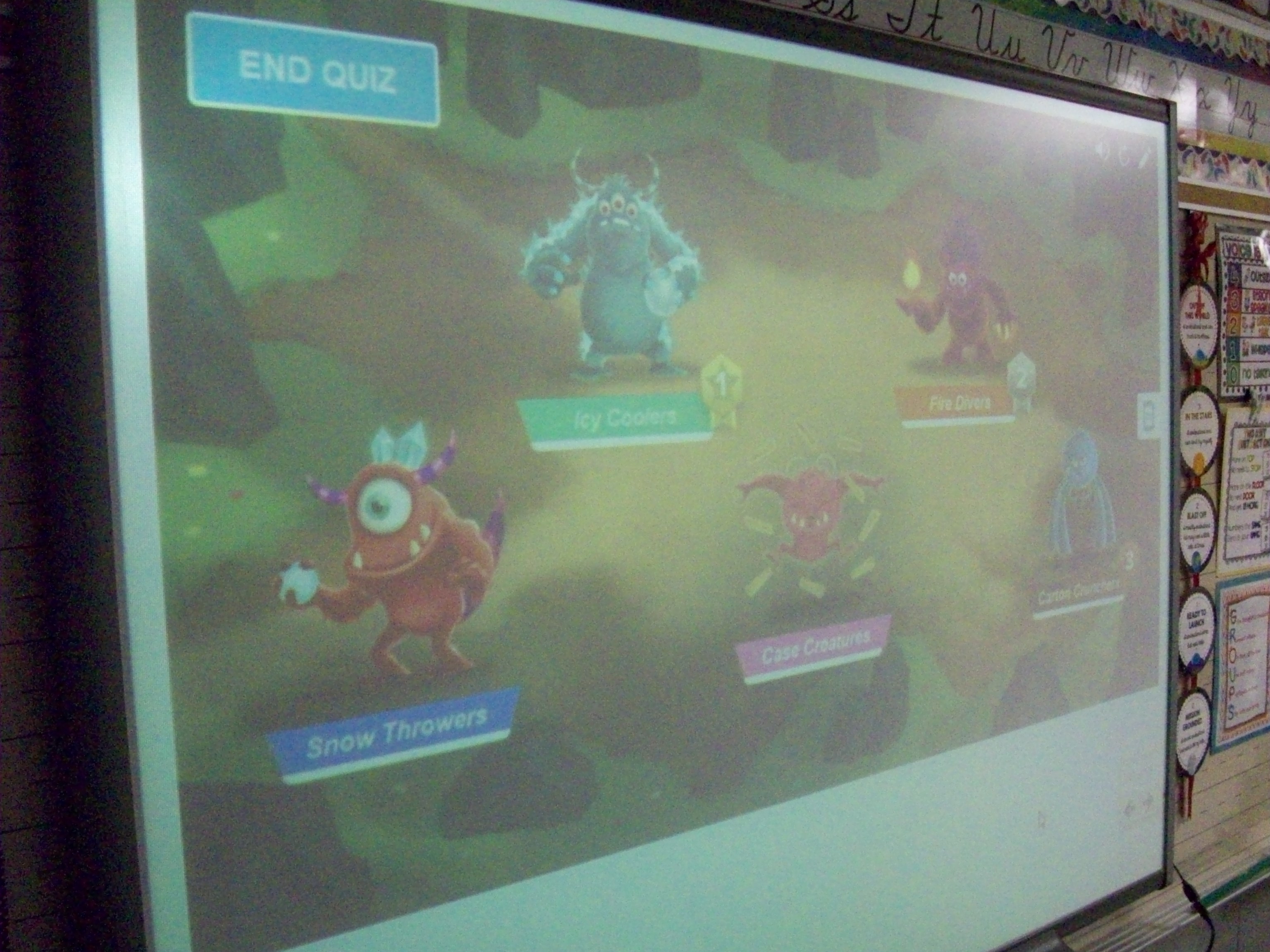
SMART Lab has several great game templates (shout out, match, sort, etc.). One that is perfect as a team review game is Monster Lab. I created 10 multiple choice questions for three-digit addition and subtraction. Each student logged onto hellosmart.com and entered his/her name. I had the program randomly sort them into 5 teams. (Teachers have the option of rearranging the members if they want better balance before the challenge starts.) Every student also had a dry-erase board and marker to work out the sums and differences. The kids were so focused during this 15 minutes that you could hear a pin drop! Though there were several quiet bursts of joy when students and saw their team monster begin to burst from the shell with every correct answer. I know they enjoyed this activity a lot because many asked to do it again. So it looks like Monster Lab review games are a winner!
 Kristen Foley