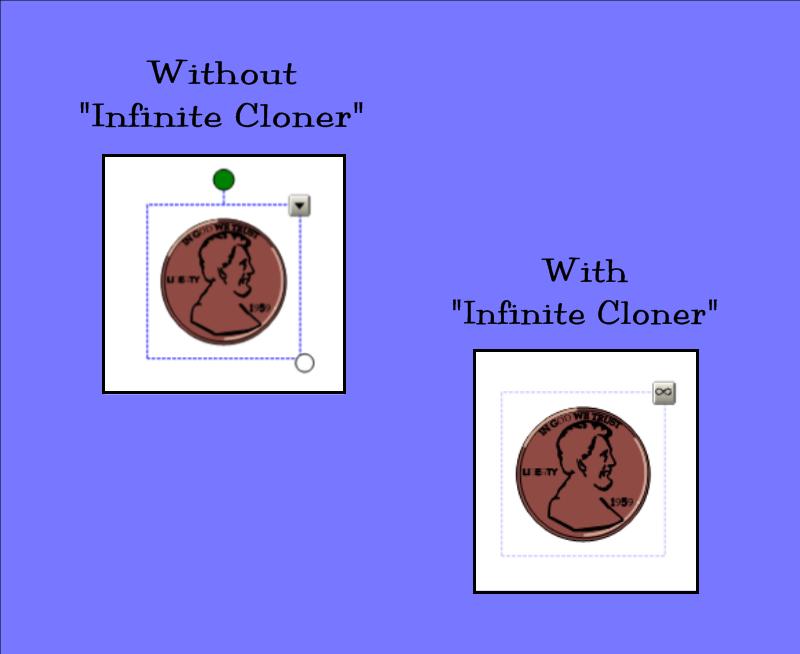
Do you want students to have an infinite bank of coins to use in a SMART™ Board activity? Do you need many textboxes to create and manipulate individual student names? Save yourself time and/or space on SMART™ pages by using the “Infinite Cloner” function.
- Click on your image or text. A dotted blue line will appear around it to signify it was selected to have an action performed.
- Using the drop-down arrow in the upper right corner of the selected text or image, choose “Infinite Cloner.”
- Now you can create duplicates by simply dragging the image or text to a new area of the page.
- To remove, click on the image or text and a dotted, blue line will appear. Click on the infinity symbol in the upper right corner of the image or text. Then click on the words “Infinite Cloner” to uncheck and stop the infinite cloner function.
 Kristen Foley