
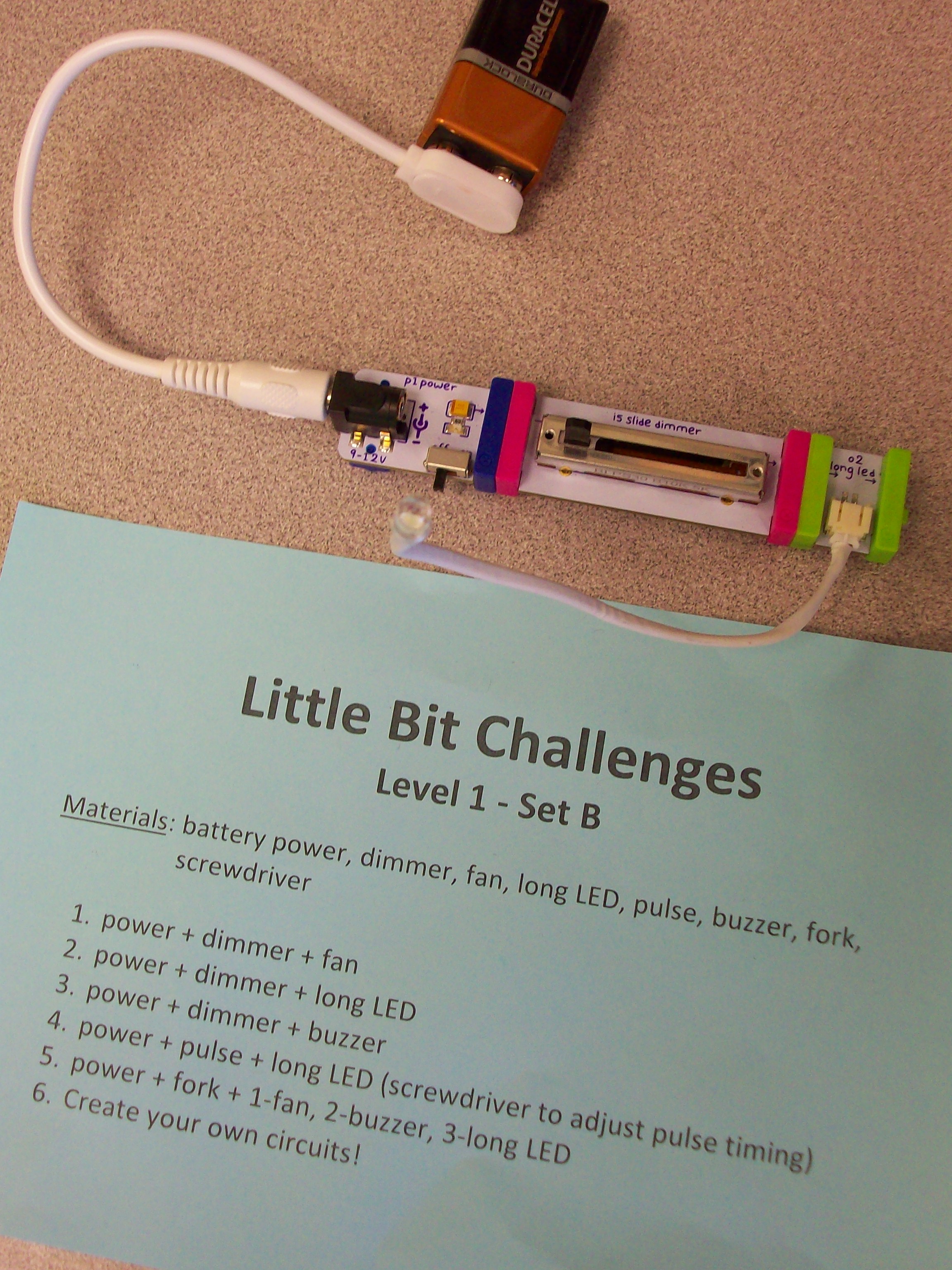
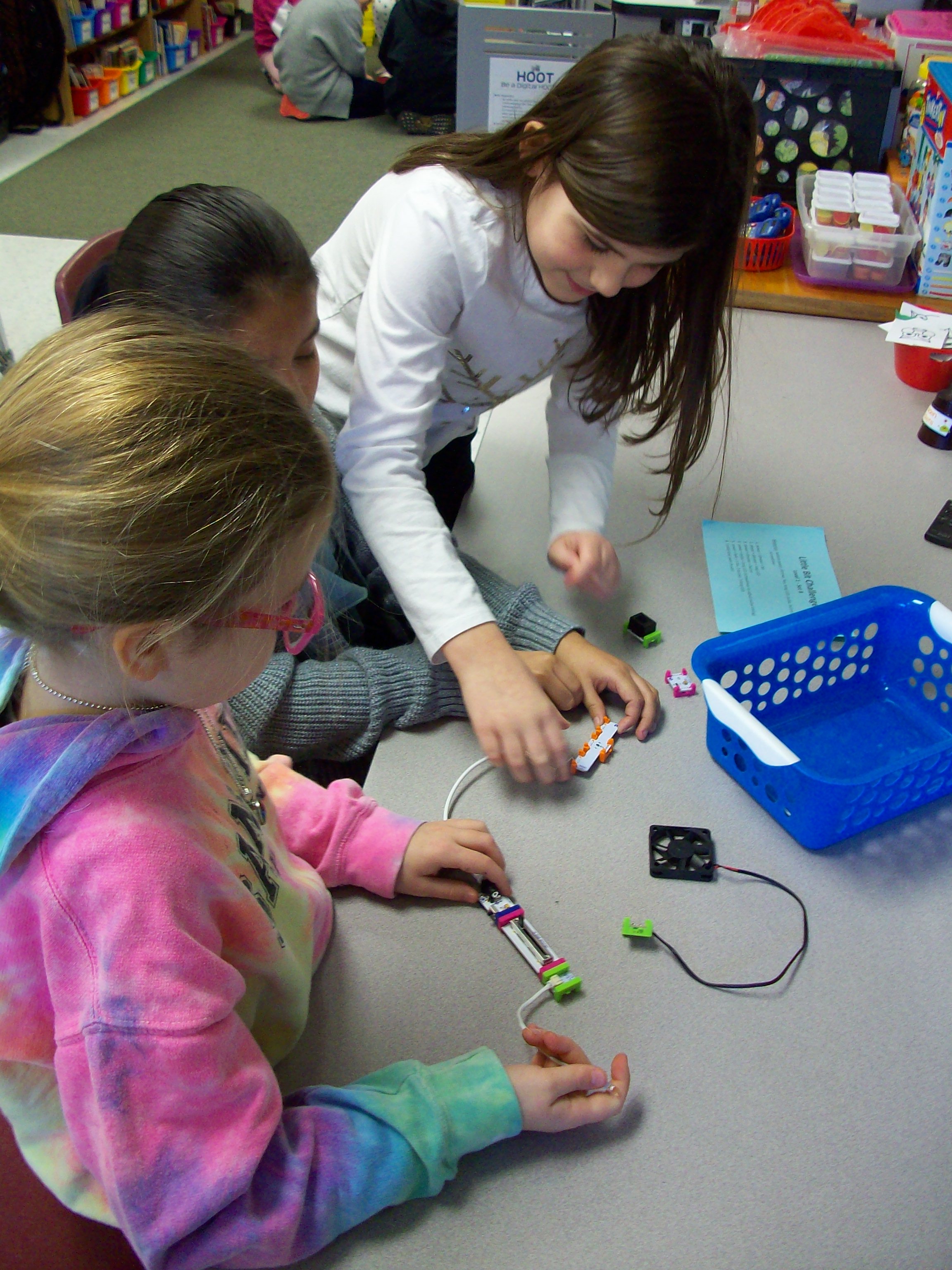
Little Bit kits are amazing for teaching electrical circuits and engineering, but also provide students with opportunities to wonder and explore. The miniature pieces snap together with a magnetic system. Students start with a power source (electrical cord in an outlet or 9-volt battery) and add on switch (dimmer, pulse, etc.) and mechanical device (fan, buzzer, light, etc.) Once they learn the basics of how the circuit works, kids can take on Little Bit challenges to build all kinds of inventions! I had 4 Little Bits kits to work with 26 students, so I prepped baskets with the materials my groups of 3-4 kids would need along with a direction card I created. Every group needed a power source, and since I had 4 kits that each have a wall outlet or battery, I was able to make 8 baskets. Half of them were Level 1 – Set A challenges with the wall outlet and half of them were Level 1 – Set B challenges with the 9-volt battery. Since it was their first time using these materials, the tasks where outlined for them with simple circuits building up to more intricate ones. When done with the 5 challenges I had set, groups were given time to explore with their pieces. The next time we swapped A and B baskets and investigated more with the new blocks. And for our third experience with Little Bits, teams were given invention challenges. We used the instruction booklets that came with the kits, but the Little Bits website has many resources and project ideas. Get ready for fun!
edtech
Coding!

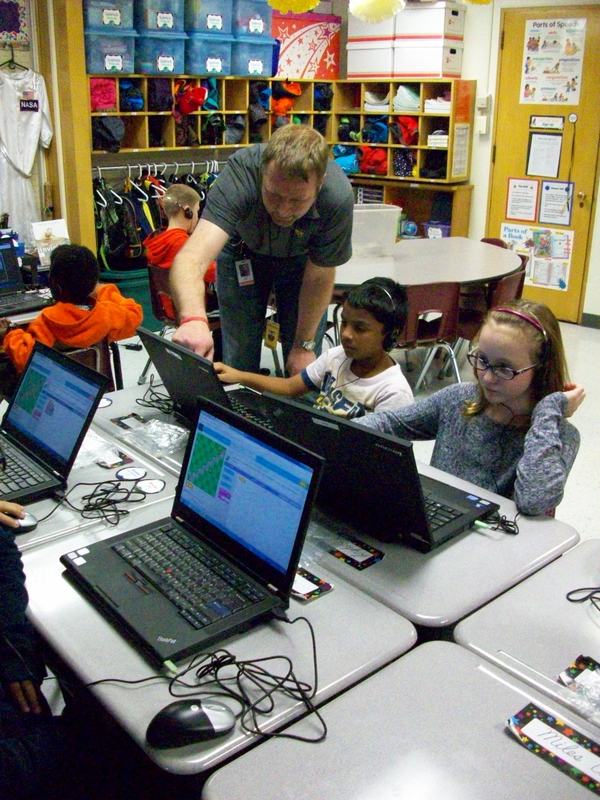
Don’t be afraid of coding! I was. So I enlisted the help of a co-worker’s husband who does it for a living. He was great at helping us ALL get our feet wet! During “Hour of Code” week, Mr. H came to our classroom and explained what coding is and how we use it every day. The www.hourofcode.com website was perfect for the kids to explore coding in a video-game style format. The coding blocks and trials allowed the kids to take chances and learn from any mistakes. They took on each leveled challenge and persevered through any obstacles by trying again or asking for help. No one gave up, pouted, or cried . . . not even me! It was a great experience for everyone. And we don’t need to wait until next December’s “Hour of Code” week to do it again. We can explore coding anytime, because we know it’s nothing to be afraid about!
Tech Accessories
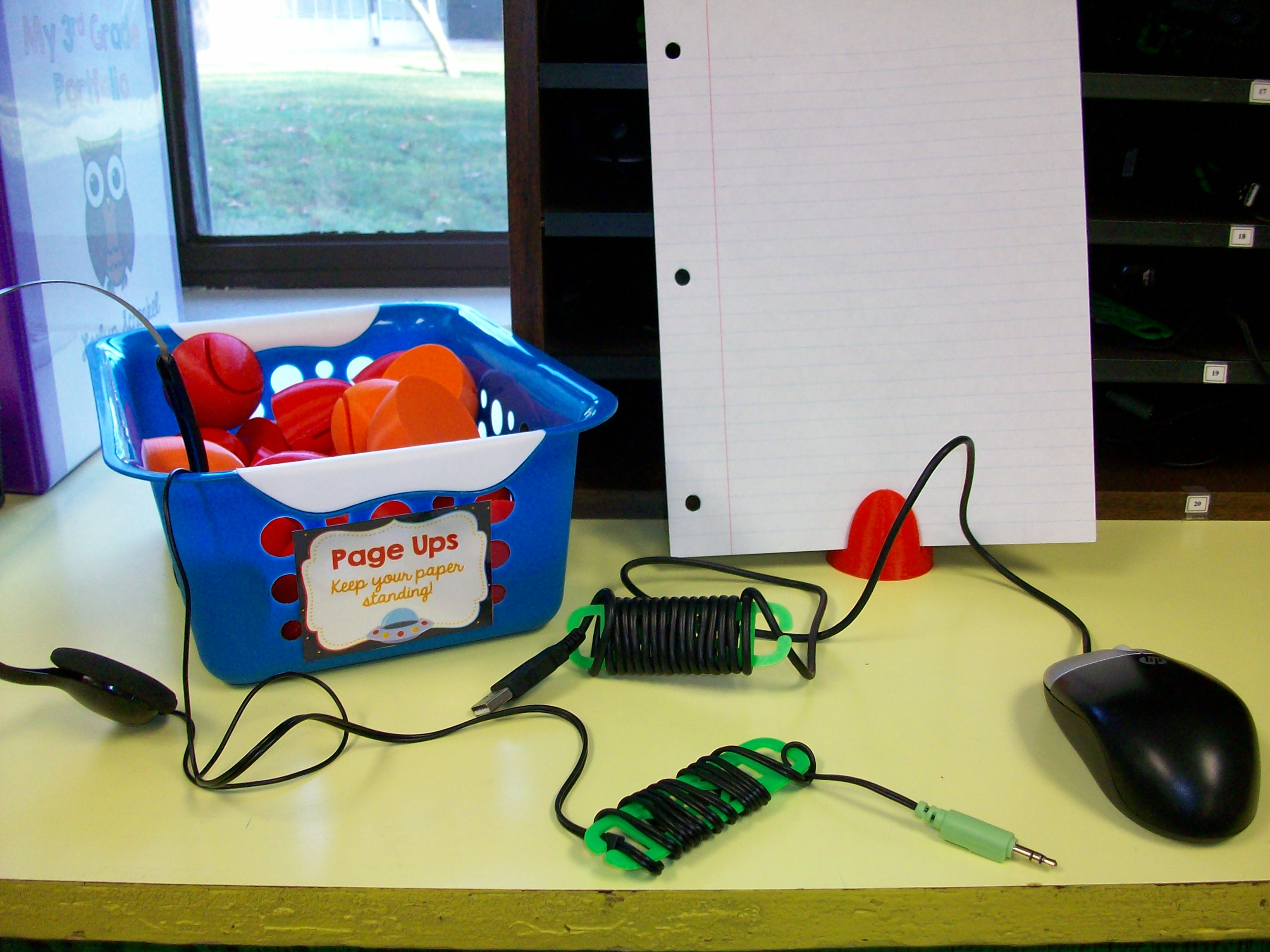

We LOVE a school-based 3D printer, especially when a great friend pops into the library throughout the day and cranks out 30 page ups and 60 cord wraps. Well, it took him a few days overall, but these items were worth the wait. I found templates on Thingiverse.com for a paper holder called a page up and skinny cord organizers called cord wraps. The plastic used for these items cost less than $0.50 a student. (A store-bought page up can be around $7 and cord wraps are $2+ each.) Plus, these tech tools can be reused every year. They are quite durable. I haven’t had any breaks so far. The wraps really help eliminate dangling cords on desktops (taking up space) or over the edges of desks (which can be a hazard as students walk by). Students store their headphones and mice in a our “Tech Bay,” which is a traditional mailbox cubby system labeled with their classroom student numbers (1-30). More organization for the kids to keep our class running smoothly!
 Kristen Foley