
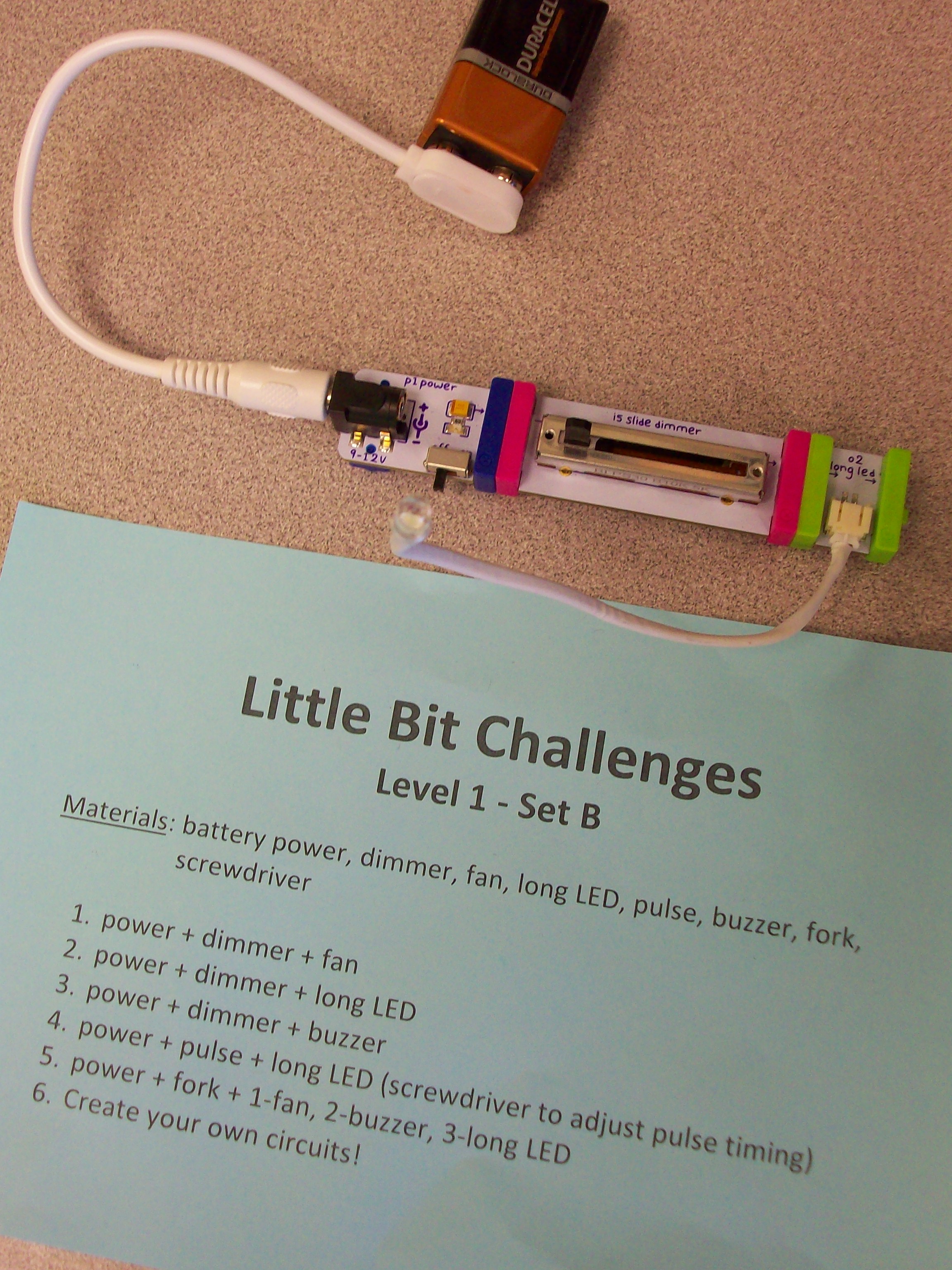
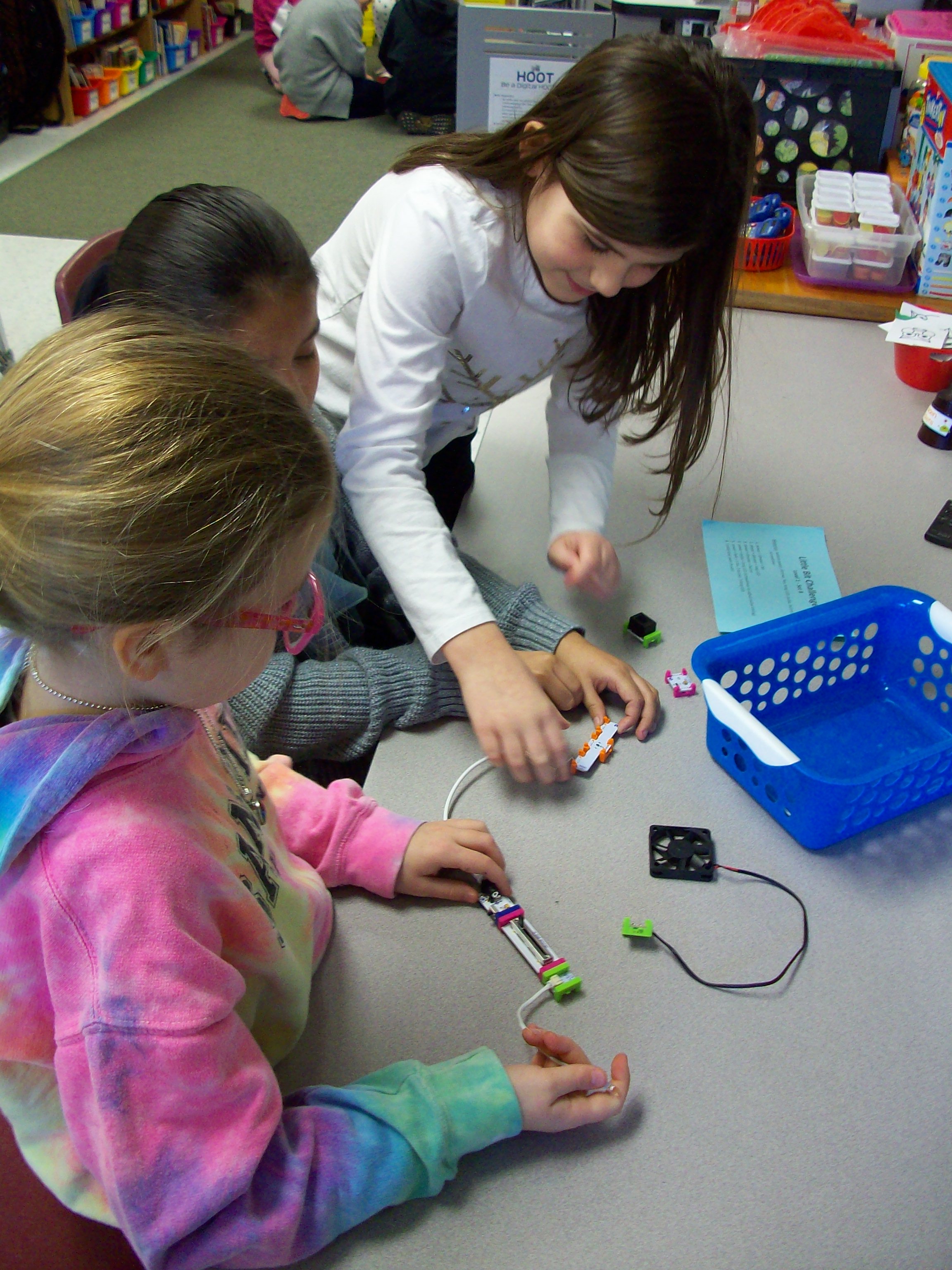
Little Bit kits are amazing for teaching electrical circuits and engineering, but also provide students with opportunities to wonder and explore. The miniature pieces snap together with a magnetic system. Students start with a power source (electrical cord in an outlet or 9-volt battery) and add on switch (dimmer, pulse, etc.) and mechanical device (fan, buzzer, light, etc.) Once they learn the basics of how the circuit works, kids can take on Little Bit challenges to build all kinds of inventions! I had 4 Little Bits kits to work with 26 students, so I prepped baskets with the materials my groups of 3-4 kids would need along with a direction card I created. Every group needed a power source, and since I had 4 kits that each have a wall outlet or battery, I was able to make 8 baskets. Half of them were Level 1 – Set A challenges with the wall outlet and half of them were Level 1 – Set B challenges with the 9-volt battery. Since it was their first time using these materials, the tasks where outlined for them with simple circuits building up to more intricate ones. When done with the 5 challenges I had set, groups were given time to explore with their pieces. The next time we swapped A and B baskets and investigated more with the new blocks. And for our third experience with Little Bits, teams were given invention challenges. We used the instruction booklets that came with the kits, but the Little Bits website has many resources and project ideas. Get ready for fun!
engineering
WeDo 2.0
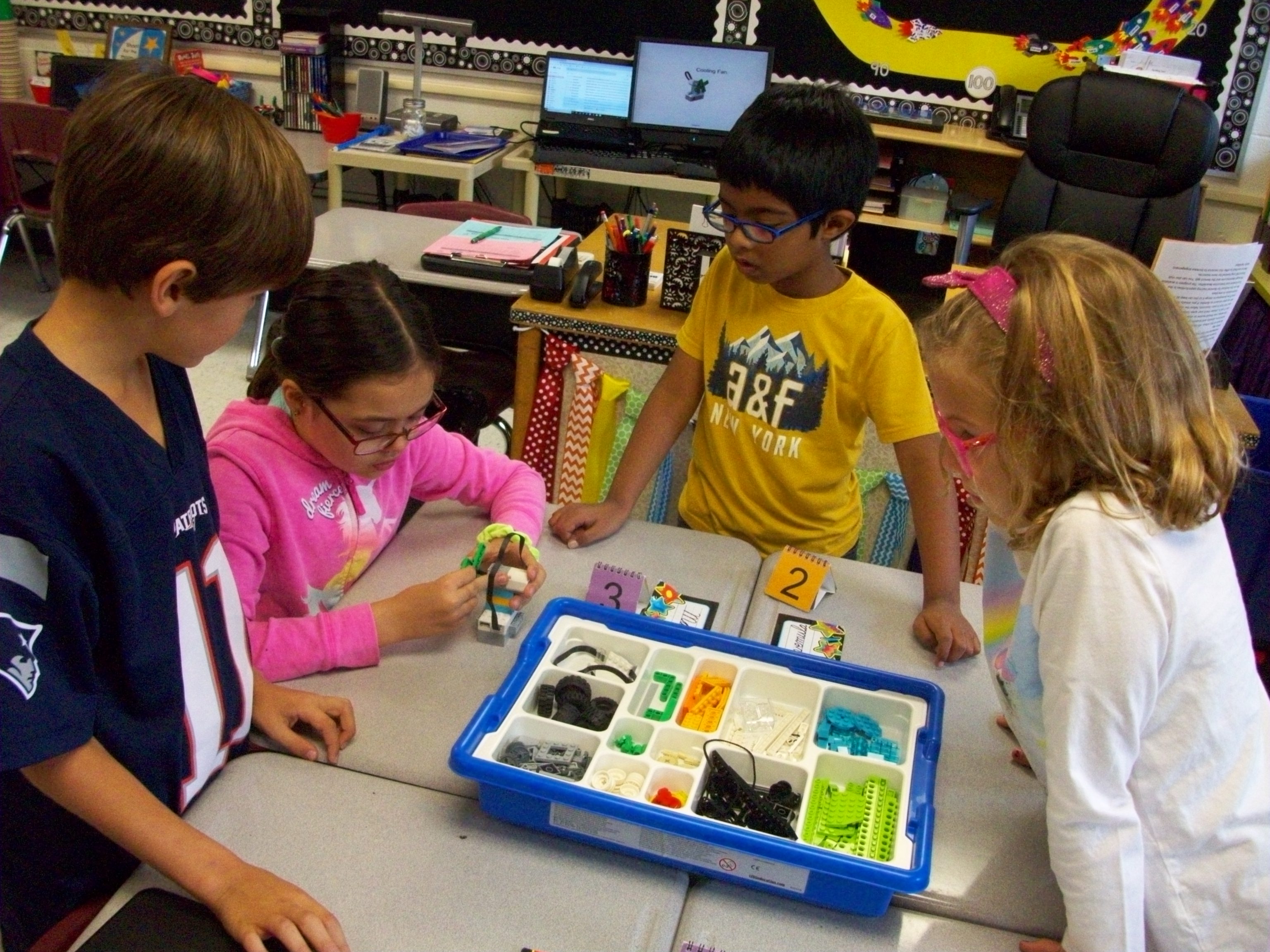
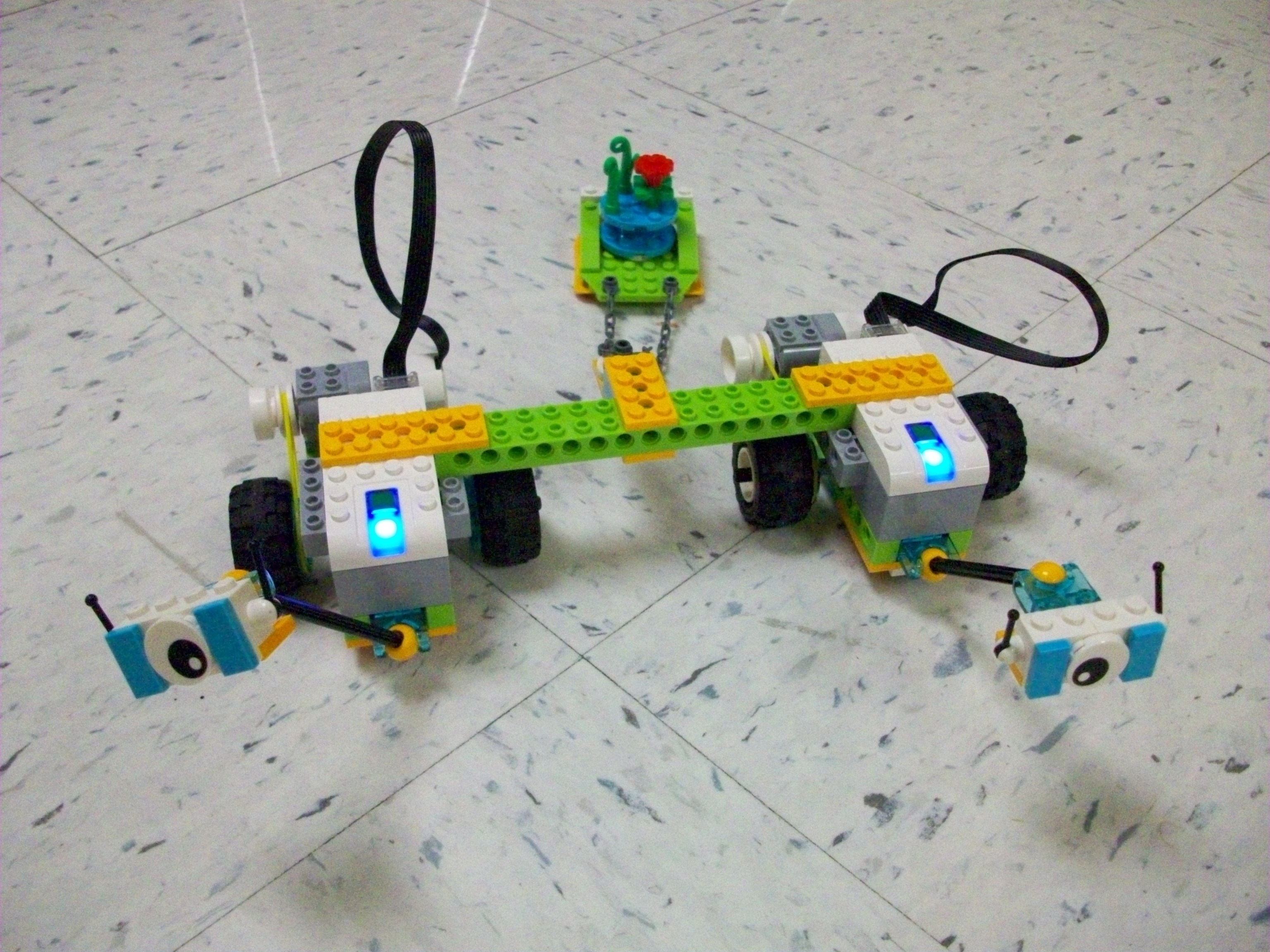
Legos in school are ok by me! Especially when they are the Lego WeDo 2.0 kits that encourage engineering, science, and collaboration. I borrowed 8 sets from our district supply for 6 weeks. Each Thursday the kids were given a task, beginning with introductory ones (fan, snail, satellite, and robot) and eventually leading to Milo and his multitude of variations. There are also more advanced challenges that align with various science learning standards. Max and Mia, two Lego characters, lead students through the steps of exploring, creating, documenting, and sharing.
When planning for the first lesson, take the time to download the Lego WeDo 2.0 software (free) on the laptops you will use (1 per group) from your app store. Or plan to walk your teams through these steps. Then be sure to use the same laptops the next time your class works with the kits. This program provides step-by-step guides and coding software.
My biggest suggestion is to space out the groups so the Bluetooth signals of the Smarthub and laptop can clearly communicate. Sometimes there can be interference between teams. Also, make sure you have a fresh set of 2 AA batteries in the Smarthub (main device with the light). To open the compartment, slide the top. (I had to look it up online because I assumed they would pop apart and wasn’t having success.)
Honestly, learning how to use the kits and deciding how to manage the groups and troubleshoot confusion or tech issues seemed overwhelming for me. However, I watched some videos online and played around with the tasks (along with some help from my school-aged daughters) before introducing them to my class. The issues of interference and weak batteries were lessons I learned in the process with my students. And though I often prefer to not have issues during instruction, I think these obstacles taught us all how to react to problems with perseverance.
 Kristen Foley