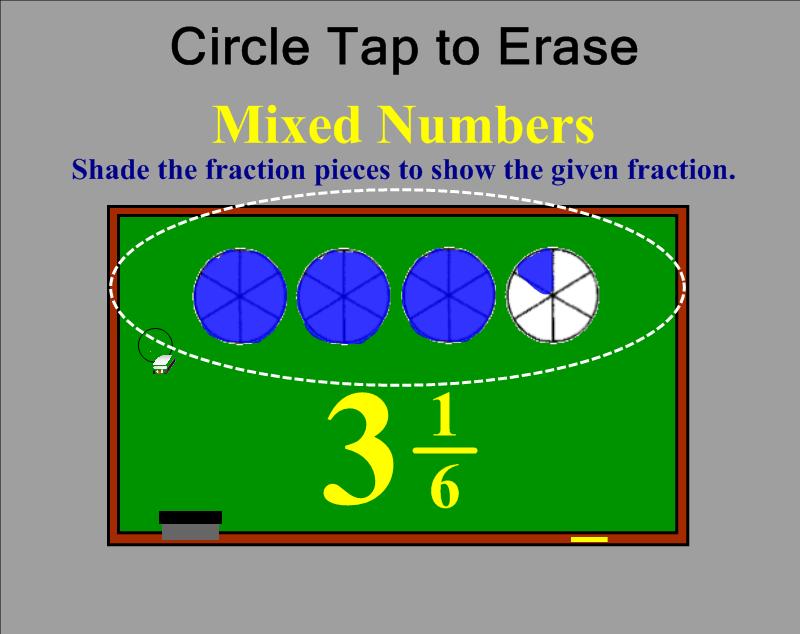
Do you need a shortcut for erasing a large area of writing on your SMART Board™? Try “Circle Tap” to erase words or drawings created with a pen tool.
- Make a complete circle on the board using the eraser around an area with writing. You can use the actual eraser tool in your hand or by clicking on the eraser in your top toolbar. Make sure the circle ends wear you began. And don’t dawdle. If you take too long to draw the circle with your eraser, this will not work.
- Tap firmly in the center of the invisible circle you drew. Your writing within that area will disappear.
- This will only work on words or drawings that were created with a pen tool. Typed text, shape tool objects, graphics, etc. will remain on the page.
- This skill sometimes takes new users a few attempts to master. Remember . . . draw complete circle with the eraser tool and firmly tap in the center.
 Kristen Foley