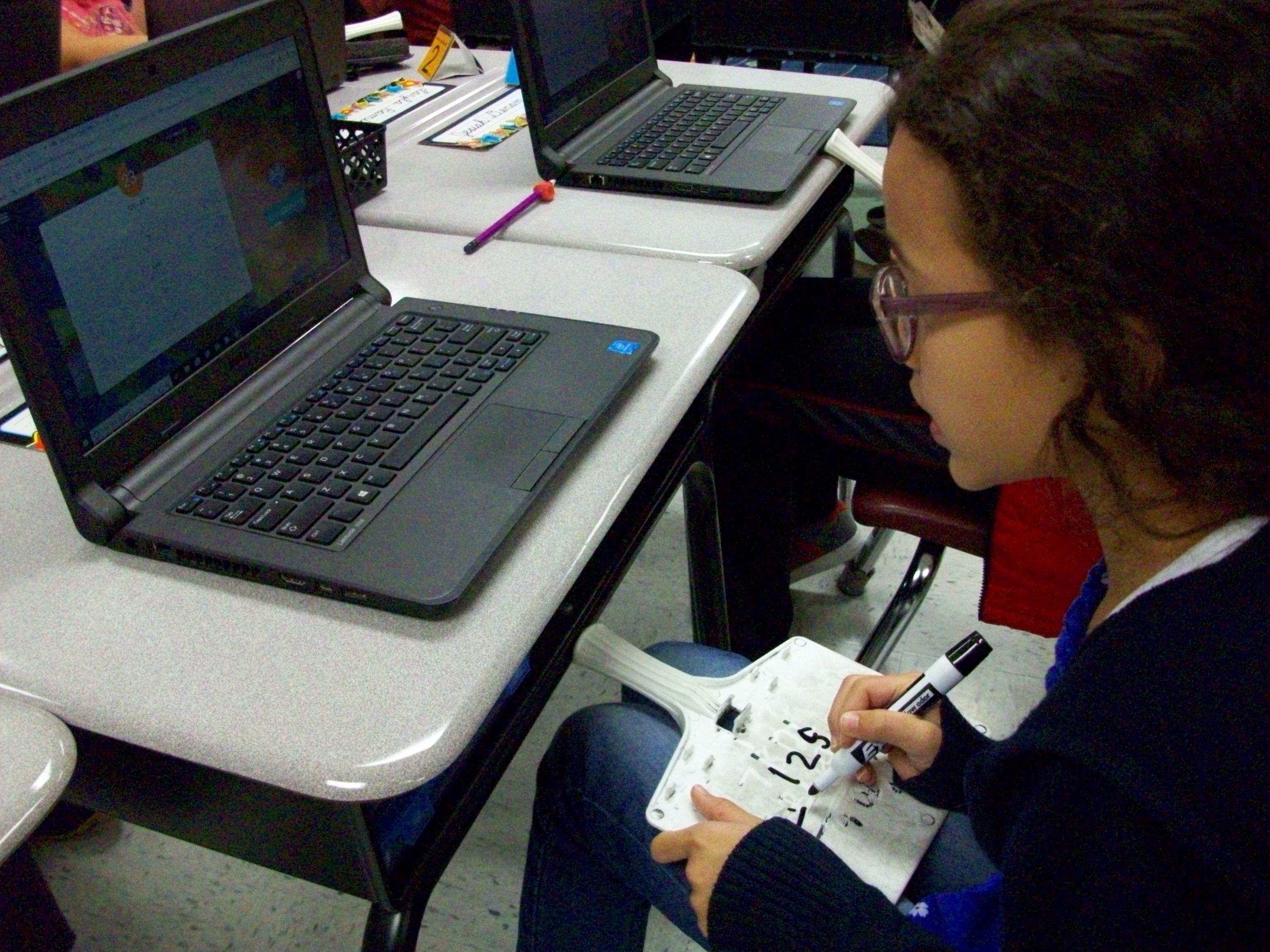
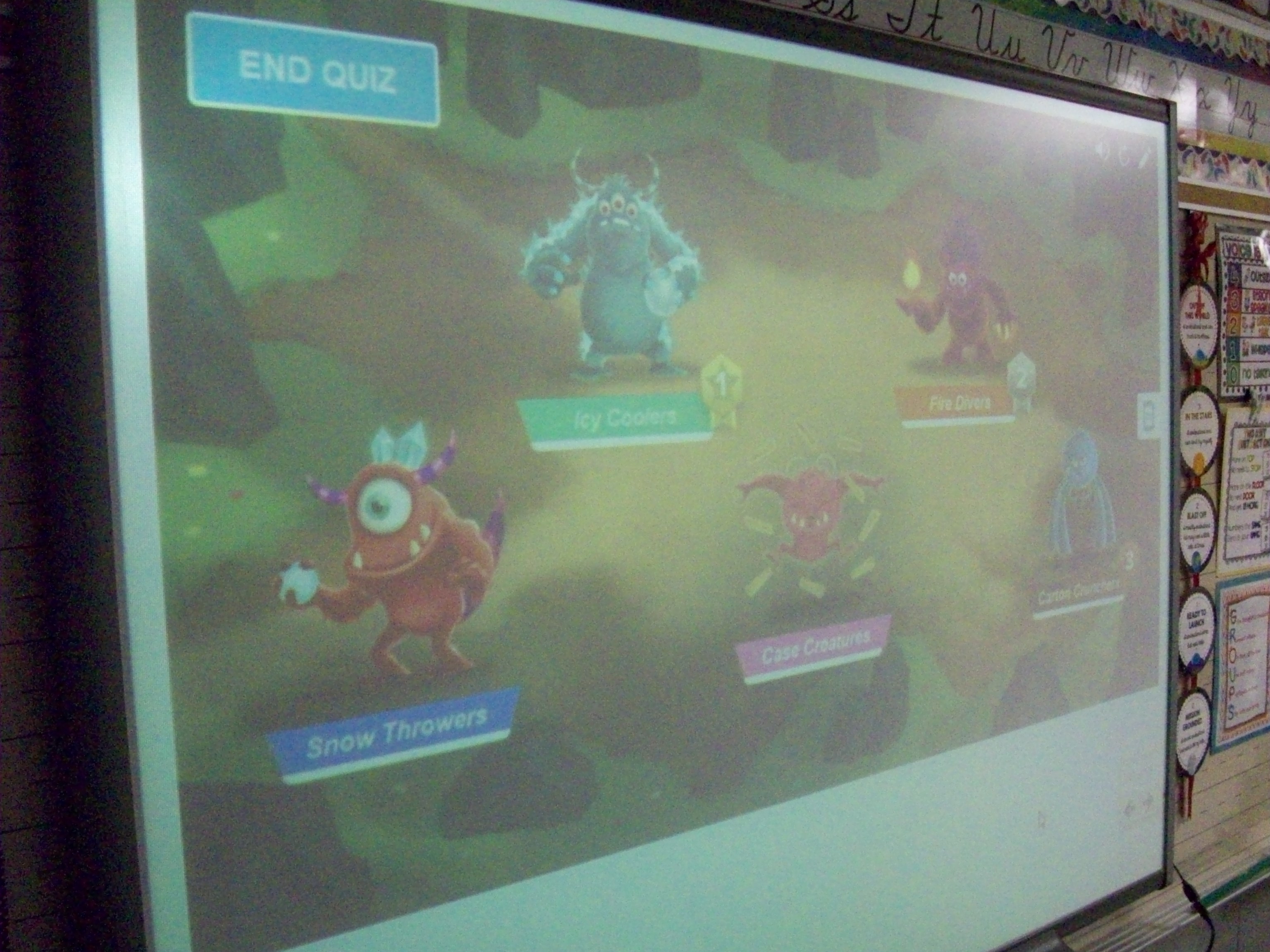
SMART Lab has several great game templates (shout out, match, sort, etc.). One that is perfect as a team review game is Monster Lab. I created 10 multiple choice questions for three-digit addition and subtraction. Each student logged onto hellosmart.com and entered his/her name. I had the program randomly sort them into 5 teams. (Teachers have the option of rearranging the members if they want better balance before the challenge starts.) Every student also had a dry-erase board and marker to work out the sums and differences. The kids were so focused during this 15 minutes that you could hear a pin drop! Though there were several quiet bursts of joy when students and saw their team monster begin to burst from the shell with every correct answer. I know they enjoyed this activity a lot because many asked to do it again. So it looks like Monster Lab review games are a winner!
math
Captain X – Math Review Game
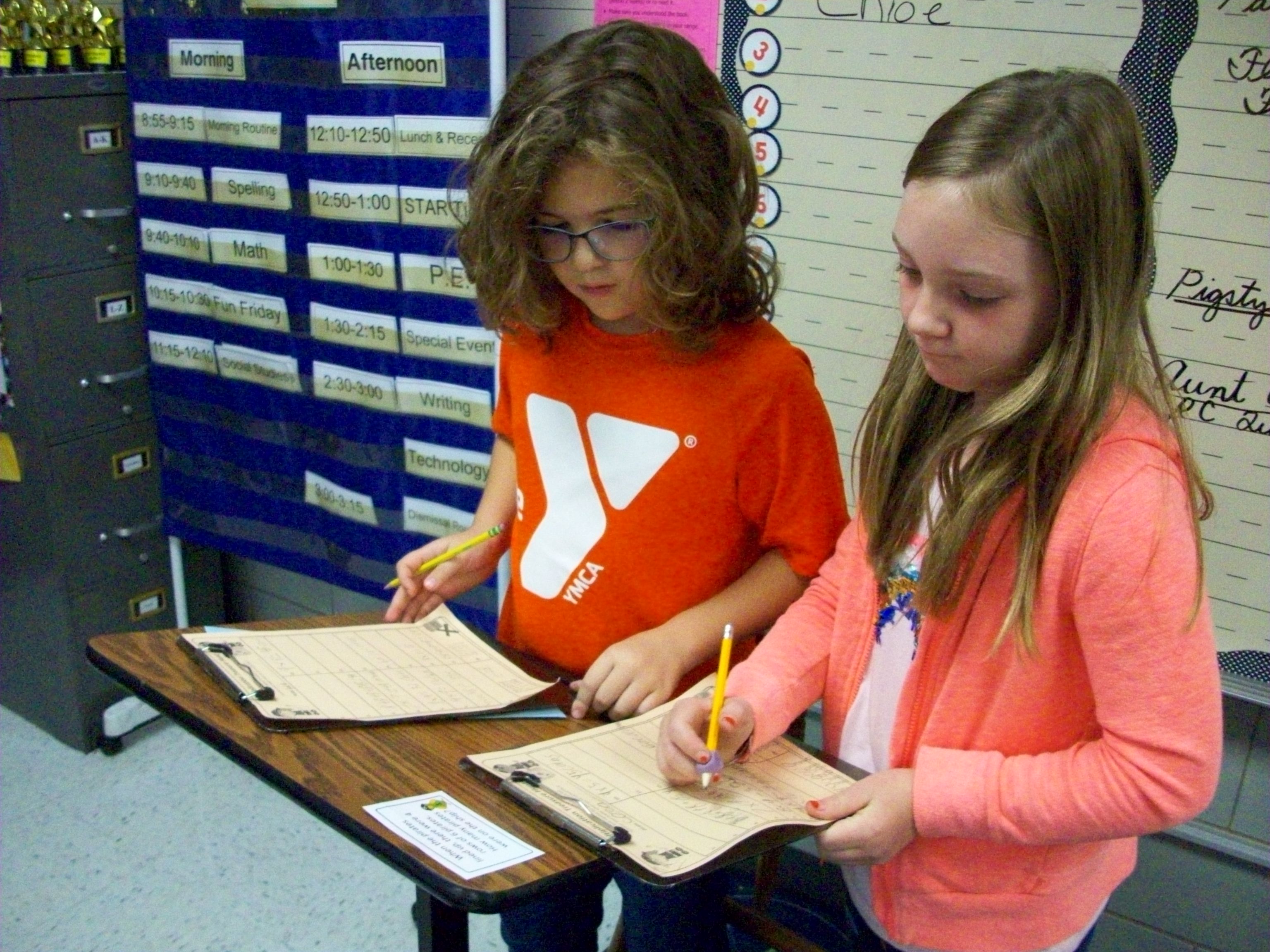

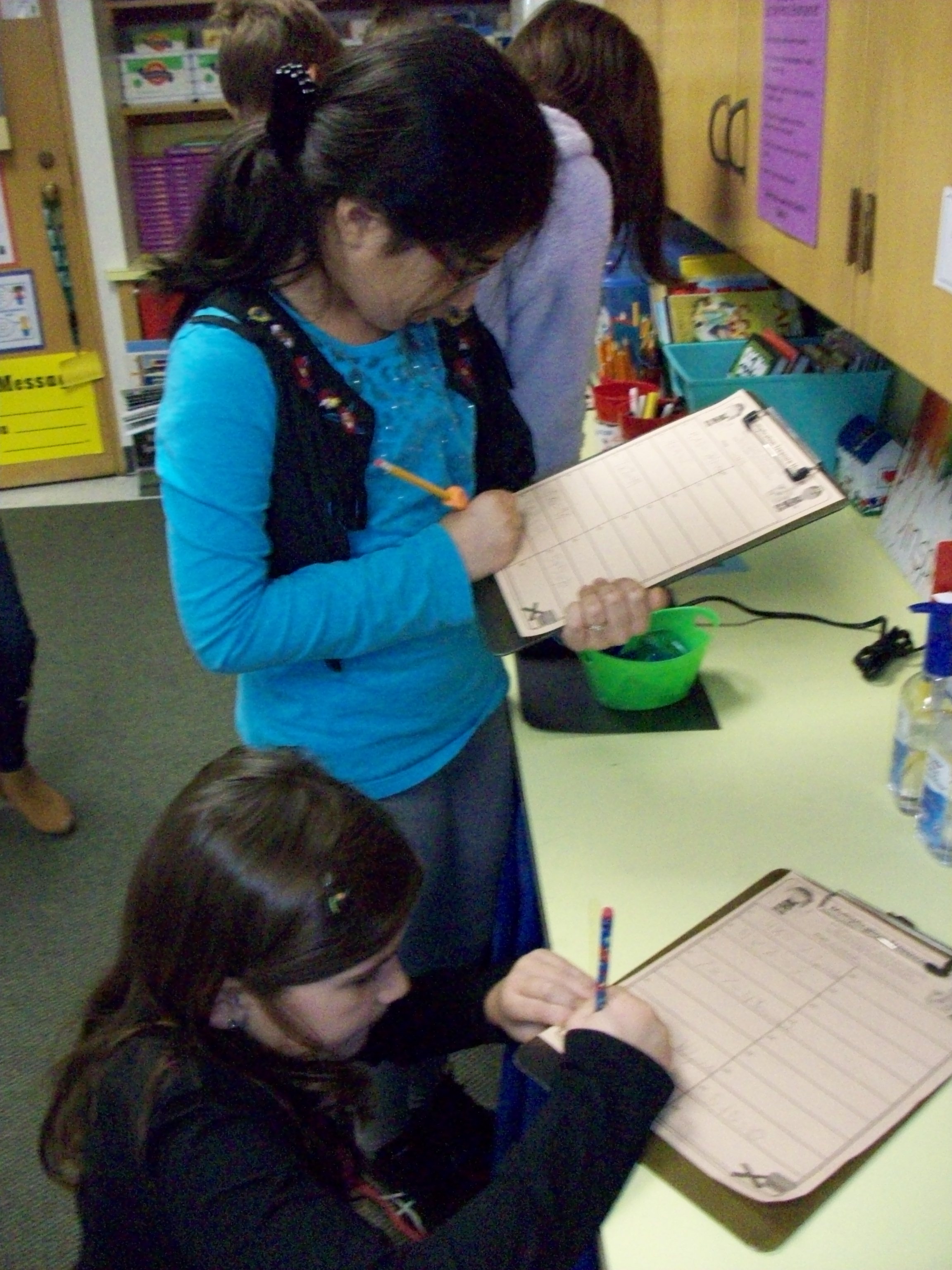
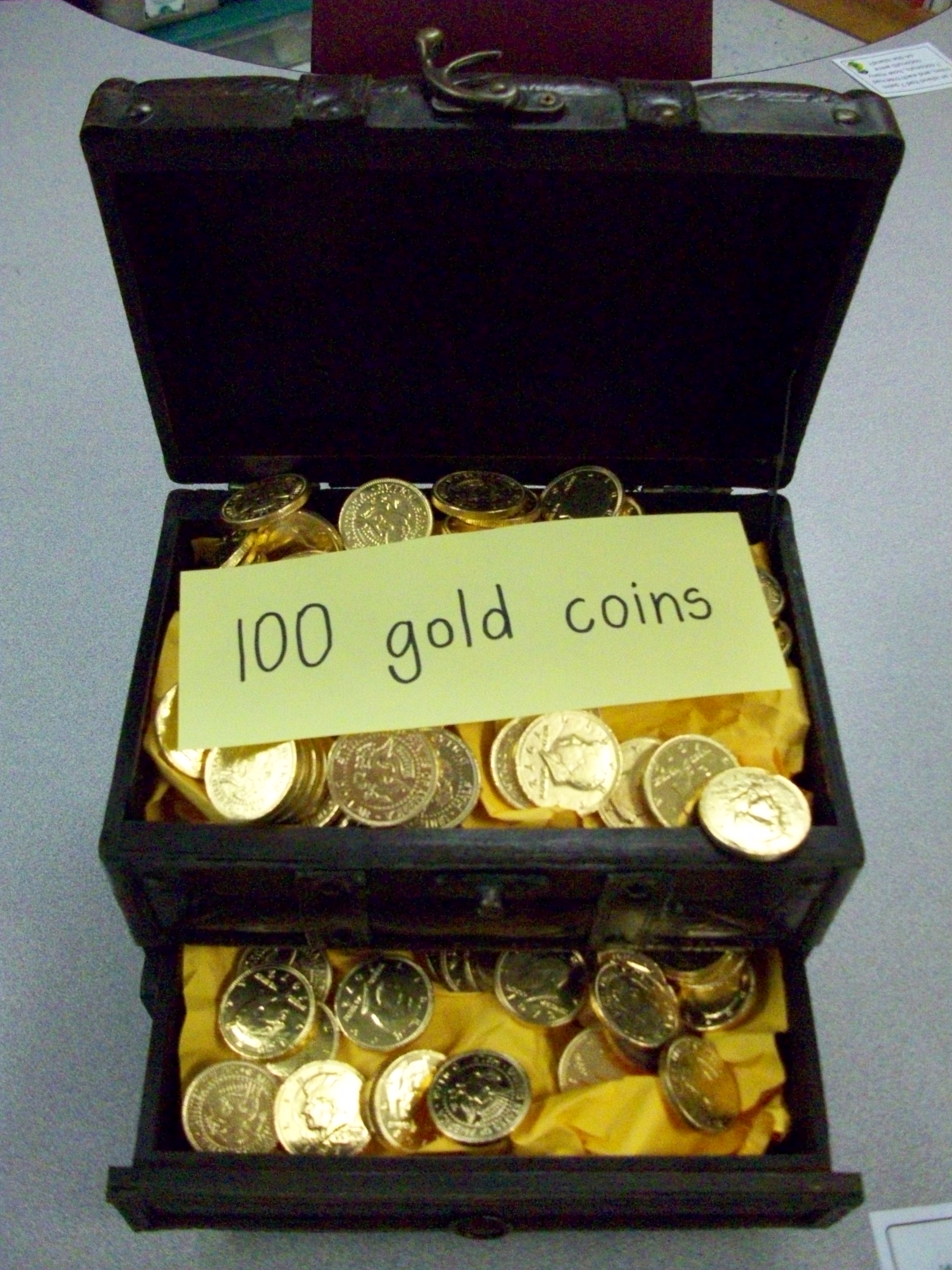
Arrrgh, mateys! Captain Multiply here. Arrr ye ready for a wee math review game? Well, come aboard me ship, The Array, and let the adventure commence! Captain Add has stolen me treasure. He thinks that addin’ is the only way to get the right answer. But we know better, don’t we, mateys! Your mission is to follow the clues on me map and use your amazing multiplication skills to locate me treasure. If we find it, I shall share all of me spoils equally with you.
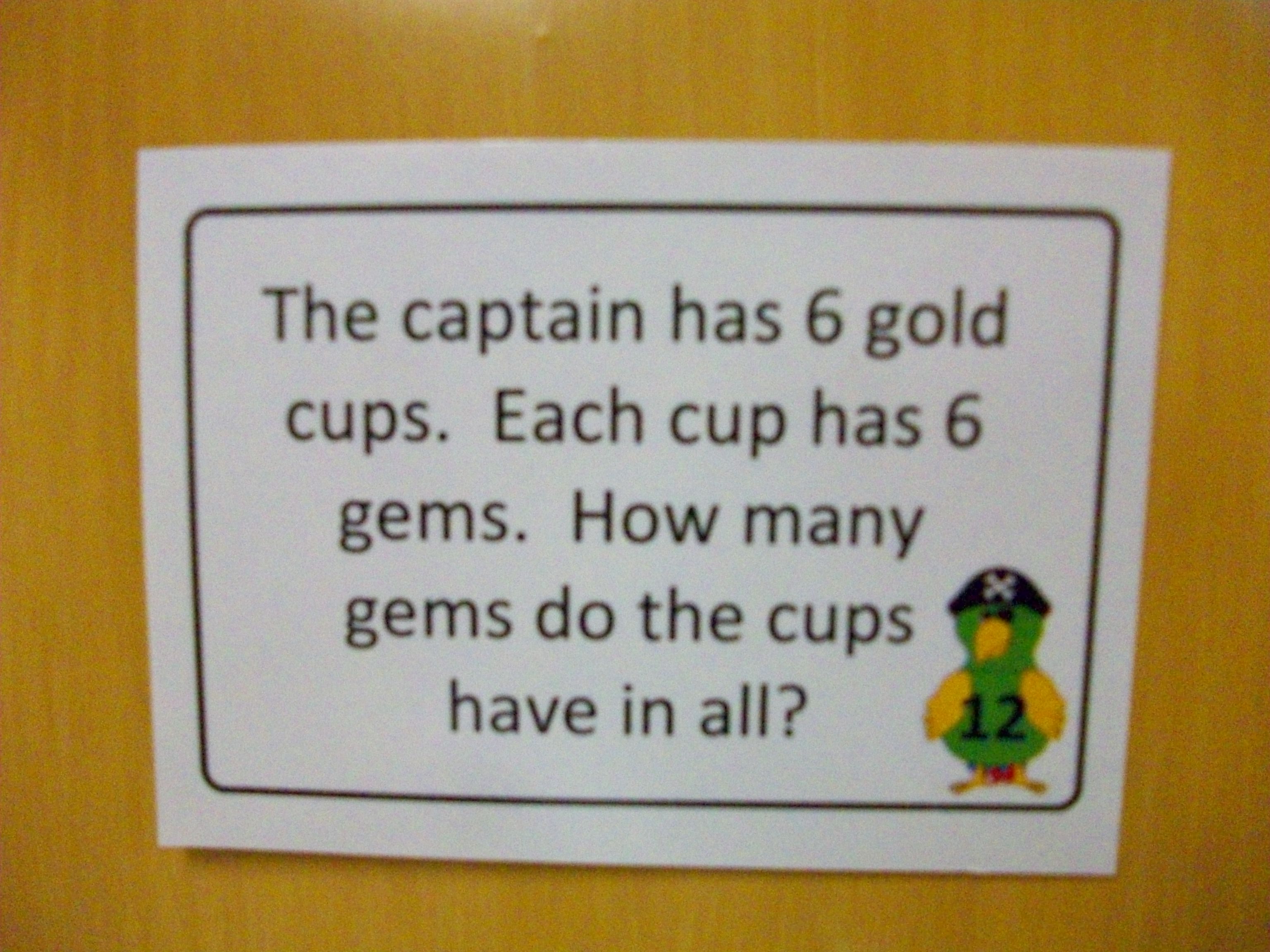
It’s room transformation time–mostly with costume, voice, music, thematic question cards and worksheets, and a REAL treasure. Ok, it’s chocolate covered gold coins. But the kids don’t know that when we set sail during this multiplication review game. After introducing the activity with my Irish pirate character, I show the students their “mates” for the challenge and call each team up to collect their clipboards with the “map” worksheet. Earlier in the day when the class is out (music, PE, or art), I tape up the 18 “clues” (which are multiplication questions) at various locations around the room. The cards include X story problems, repeated addition equations, and drawn arrays. Teams record their responses on the map. When they have completed all 18, they can check with me for verification. Any incorrect answers can be fixed as other teams finish up. Groups that have all correct responses are given the challenge to support another team (not give answers, but suggest strategies). Once everyone is done and returns to the ship (their seats), I ask the crew for information on the location of the stolen treasure. I always place the final #18 card where the chest is buried, usually my lidded ottoman or closet. When I have a team “dig it up” for us, the whole class is surprised to learn that there is an actual chest with gold coins. I have a sign that reveals there are 100 (or another multiple for the number of students that year), so they can have the extra challenge of dividing that number equally. 100 / 25 = 4 gold coins each. The sweet reward at the conclusion of this activity is three-fold: candy, knowledge, and confidence.
Distributive Doctors
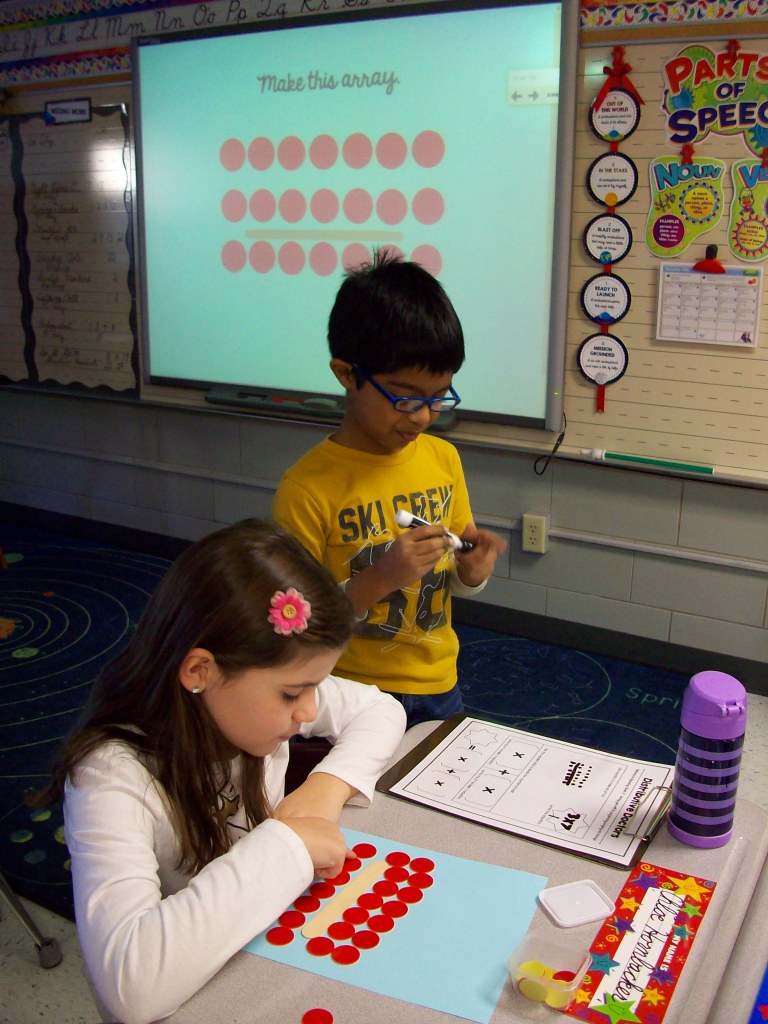
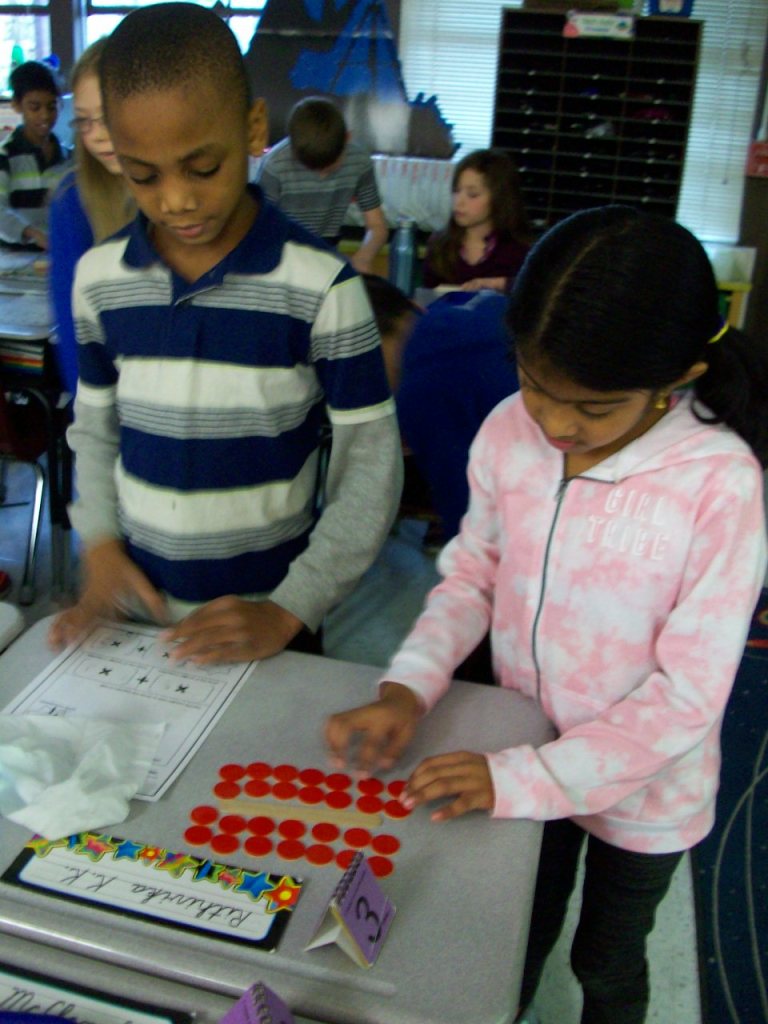
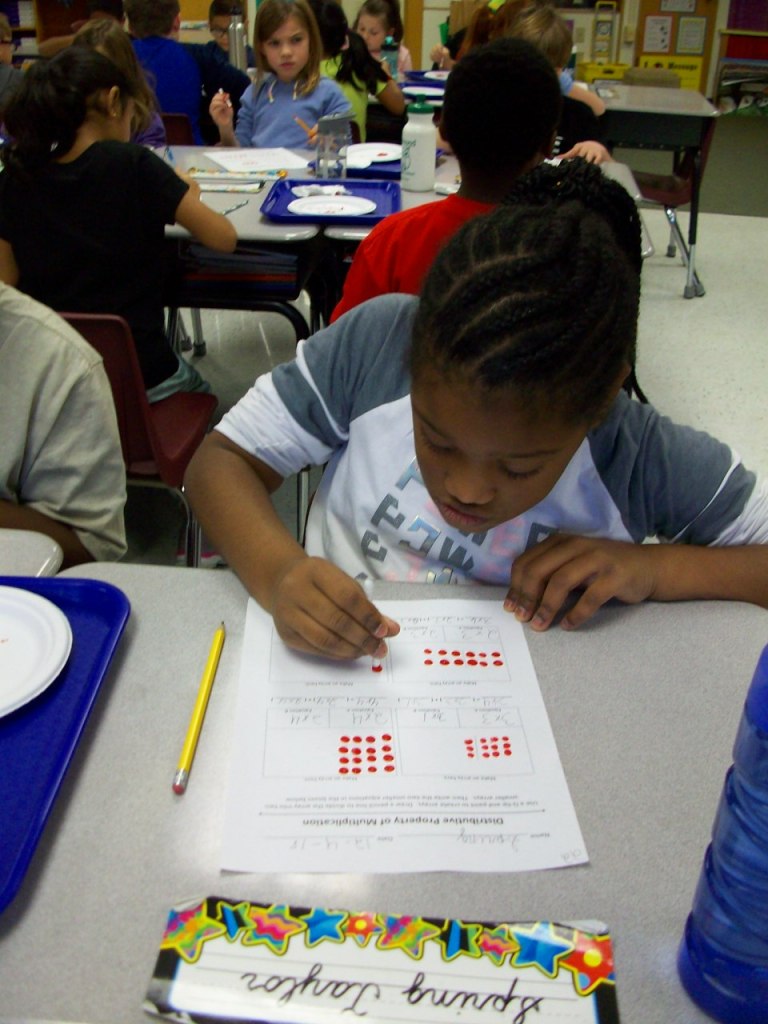
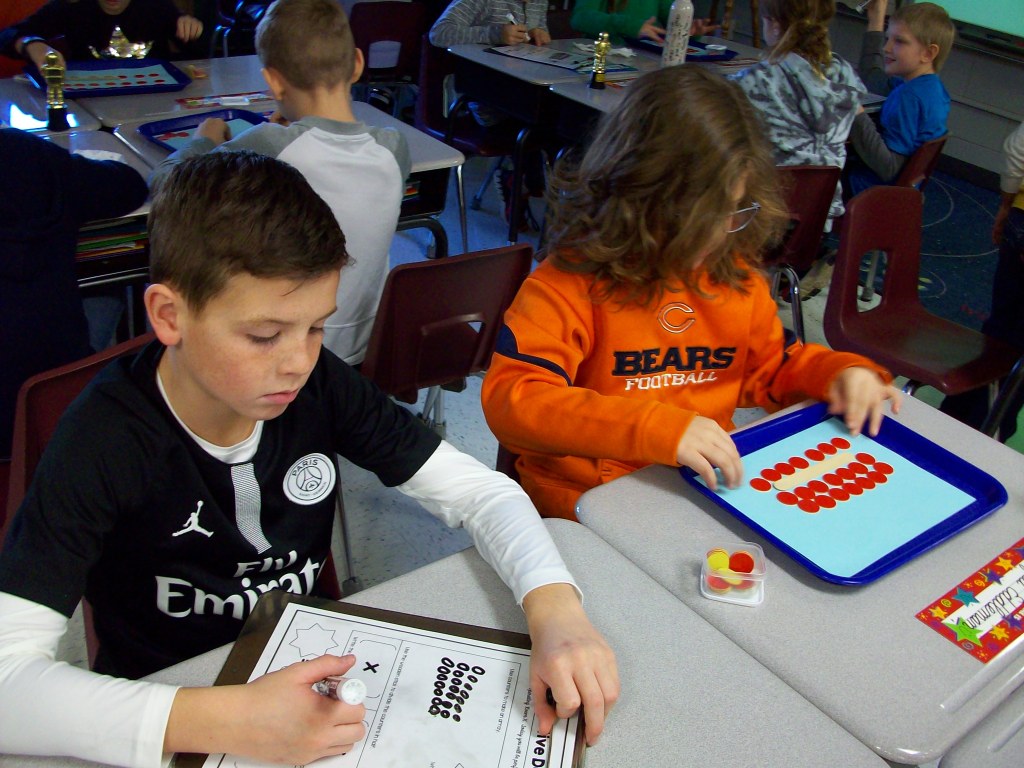

A complex mathematical concept when described, but completely understandable with hands-on, immersive learning. The distributive property of multiplication!
Definition: the property that terms in an expression may be expanded in a particular way to form an equivalent expression (www.dictionary.com)
To third graders (and most adults), that definition is mind boggling. Enter Dr. ________________ (insert your name here). Each year I arrange to have this hour-long activity take place after a classroom break. Often I set it up when the kids are in a special (art, music, PE), because I need about 30 minutes to change the classroom into a hospital operating room and I want it all to be a surprise. The day before I will gather the needed materials (trays, counters, jumbo craft sticks, small paper plates, Q-tips, red tempera paint, tissues, dry erase makers, laminated practice sheets, and copied worksheets . . . plus my white lab coat, stethoscope, Dr. name tag, and “Operating Room X” sign for the classroom door). When the kids are gone, I rearrange their desks into three large OR table groups. The trays are set with the needed supplies for elbow partners (resident buddies) to share as they work together in their training. I pick the class up in my costume, so they are already reeling with curiosity. When we reach the classroom entrance, I stand next to the operating room sign and greet each student with “Good morning, Dr. Kirk” or “Welcome to the OR, Dr. Smith.” I use a prepared SMART Notebook file with “case studies” of patients that have a diagnosis (7 X 8). I ask for their advice on which operation to perform to “cure” the patient. Using the jumbo craft stick as a scalpel, I model how to cut apart the large array into two smaller, more manageable arrays (2 X 8 and 5 X 8) on our document camera. Once we do 3-4 examples on the board, they get the idea and are ready to try it with their partners. Now they can use some of the materials on their trays. I continue using the SMART Notebook file with patient profiles. The teams set up the scenario using the counters and discuss how to operate. The laminated sheet has the template __ X __ = (__ X __) + ( __ X __ ) so they can practice writing the larger array and showing how it can be broken up into two smaller arrays. After a few rounds of guided practice, they graduate to independent work using red tempera paint and Q-tips on the worksheet. This time I provide the “patient diagnosis” (full equations such as 6 X 7), which they dot with paint. Then they must decide where to “cut” (draw a line to separate it into two smaller arrays). Finally, students write the math equations to document their understanding of the property. Any “residents” that finish early and have “cured” all of their patients, are given the challenge of assisting any classmates who need more coaching.
This concept can be quite boring and confusing on its own. But turning the lesson into an experience really helped my students learn it and love it!
Got Wordle?

Wordle, www.wordle.net, is a website for creating word clouds. Simply type in a series of words using commas. The more often the word is included, the larger it will appear in the final word cloud. Then customize the themes, fonts, and colors. Use the SMART camera tool to take a picture and add it to your SMART file. There are a variety of classroom applications. Ask your students to write down five words to describe a character from a story, a scientific concept following the unit of story, or an upcoming holiday. This can be an individual or small group task. Or create a Wordle on a topic of study and use it to preview the chapter. Students can view it and make connections to prior knowledge. Or type each of your student’s names to create a class word cloud that can be an image on your classroom website or your classroom computer’s desktop background. TIP: Type your words in a Word document and paste them into the field on the site. Because if you decide to “go back” and add, delete, or change words, you will be sent back to the home page. Your work is not saved on the site. Also, for two words that you’d like to stay together such as United States, put a ~ between the words (United~States).
Pete’s Presentations

Phillip Martin has outdone himself with his collection of sites offering educators FREE PowerPoint presentations, education websites, and clipart. The main site, Pete’s PowerPoint Station, has links to numerous resources. I’d recommend viewing all of the themes and topics at Pete’s Presentations because you can look at all of the possibilities. Sub-sites include Gretta’s Game Station and Hannah’s Homework Help Station. Don’t miss the clipart link. Mr. Martin’s unique, colorful cartoon style appeals to all children.
As long as you use it for your classroom (newsletters, website, interactive whiteboard lessons, self-made worksheets, etc.), these amazing resources are yours at no cost. He does ask that you tell someone else about the site. I’d say that is the least we can do to thank Mr. Martin for his outstanding artistry and organization. This is a teacher’s jackpot!
Pete’s Presentations
http://www.pppst.com/themes.html
Gretta’s Games
http://games.pppst.com/index.html
Hannah’s Help
http://resources.pppst.com/index.html
www.multiplication.com
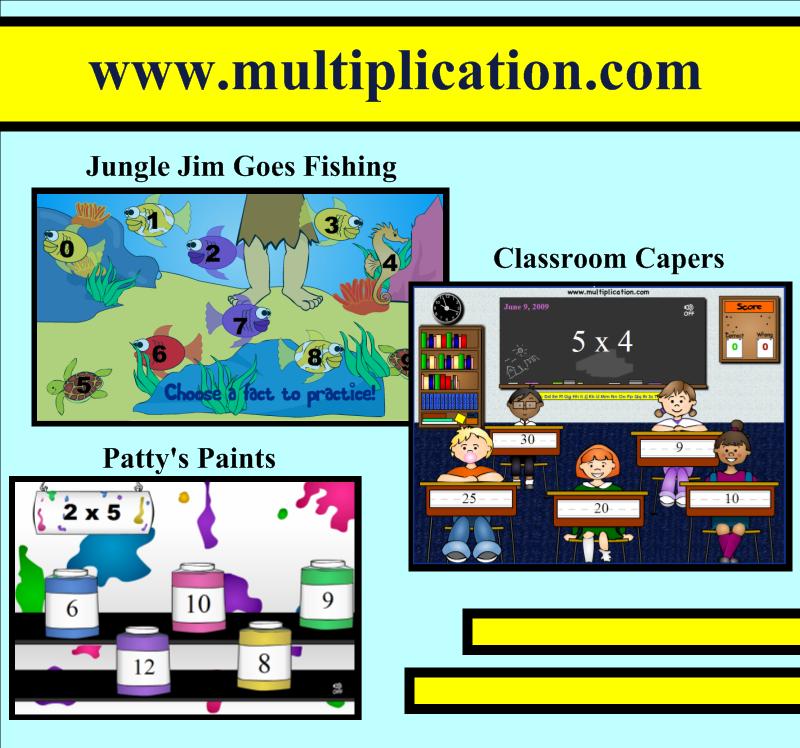
If you are a teacher or parent of a school-age child, www.multiplication.com is the best site I’ve found for practicing the basic X facts. This site includes worksheets, timed tests, hands-on classroom games, and flash cards, but the real treasure is the assortment of interactive computer games for learning individual fact families. While mixed practice is also available, it’s wonderful to focus on just the recently introduced fact family. The plethora of games includes “Classroom Capers,” “Jungle Jim Goes Fishing,” and “Patty’s Paints.”
I like to model a new game for the entire class each week. Then, while the students complete a practice worksheet on the fact family we are currently learning, one student goes to the SMART™ Board to play the game and another watches and waits in the batter’s box. For some games, the student can take the full timed minute to try to answer as many questions correctly and attempt to earn a high score. In these cases, the game becomes a competition amongst the students. Other games may require a limit of 5 problems per student, because the rounds take several minutes to complete. It may also depend on the amount of time you can set aside and the number of students in your classroom. I find that as students finish the independent worksheet, they watch their classmates at the SMART™ Board. This allows the other students to finish their paper assignment at their own pace, and keeps early finishers engaged.
BrainPOP
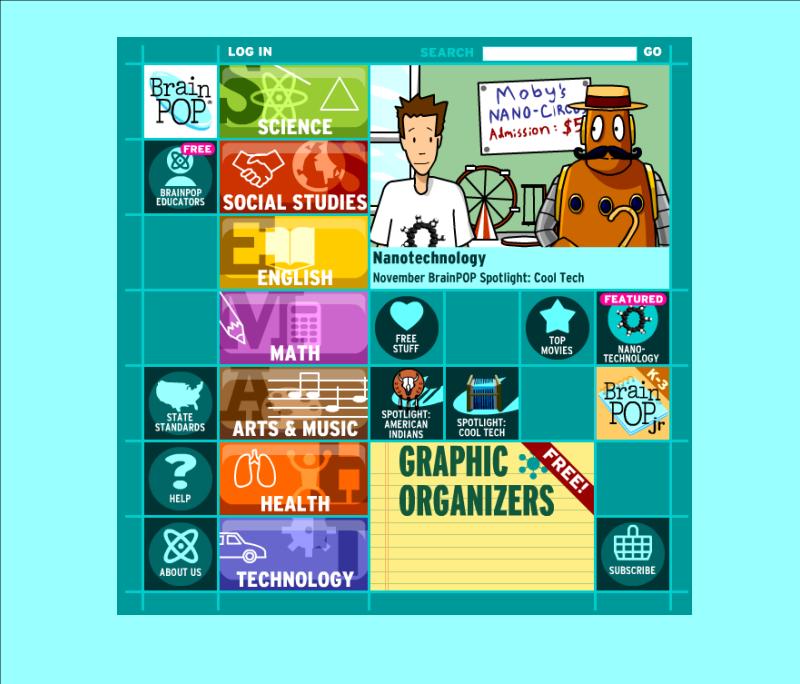
Let Tim and Moby escort you and your students on a topical adventure! Use these approximately two- to five-minute animated videos at BrainPOP to enhance your reading, writing, English, math, science, social studies, art, music, technology, etc. lessons. The best feature is the ten-question multiple-choice quiz that follows each video. Get all of your students involved in responding to these comprehension checks! Activity ideas and worksheets accompany each topic as well. This is one of my favorite sites to support the skills and topics of study I teach. While you’ll need to purchase a subscriptions to fully take advantage of this site (and its partner sites BrainPOP, Jr. and BrainPOP, Espanol), there are several free videos. Click on “Free Stuff” to see it all. BrainPOP, Jr. is intended for K-3 grades and BP is geared toward 3-12 grades. Preview the video you think you’d like to show before airing it. Sometimes the vocabulary and content is too challenging for my third graders, so not all videos are appropriate to show. You’ll also want to register for the free “BrainPOP Educators.” Gain access to all of the activity pages, various graphic organizers, ideas for using BrainPOP in your classroom, and a lot more!
 Kristen Foley
